First Look: A Hybrid Keyboard Concept

The Turtle Beach Command Series KB5 arrives with a distinct proposition: merging the familiar functionality of a full-size keyboard with the novelty of a programmable touchscreen. This isn't just another peripheral; it's an attempt to bridge the gap between traditional input devices and more dynamic, customizable interfaces. At its core, the KB5 is a wired, low-profile, full-size keyboard. Its design prioritizes a slim aesthetic, which can be appealing for users seeking a cleaner desk setup or a more ergonomic typing experience. The inclusion of a dedicated number pad immediately positions it beyond the realm of compact or tenkeyless boards, targeting users who frequently engage in data entry, financial calculations, or any task that benefits from quick numerical input. However, the real differentiator is the small, integrated touchscreen situated above the numpad. This isn't a full-blown display; it's a compact, 3.5-inch LCD panel designed for quick access to programmable shortcuts and macros. The keyboard itself sports a matte black finish, which is understated and professional, likely fitting into a variety of desk environments, from gaming setups to office workstations. The keycaps are standard ABS, and the low-profile nature means shorter key travel, which can lead to faster actuation for some users and a quieter typing experience compared to mechanical keyboards. The build quality feels solid, as expected from a brand like Turtle Beach, which has a reputation for gaming peripherals. The keyboard connects via USB-C, offering a modern and reliable connection.
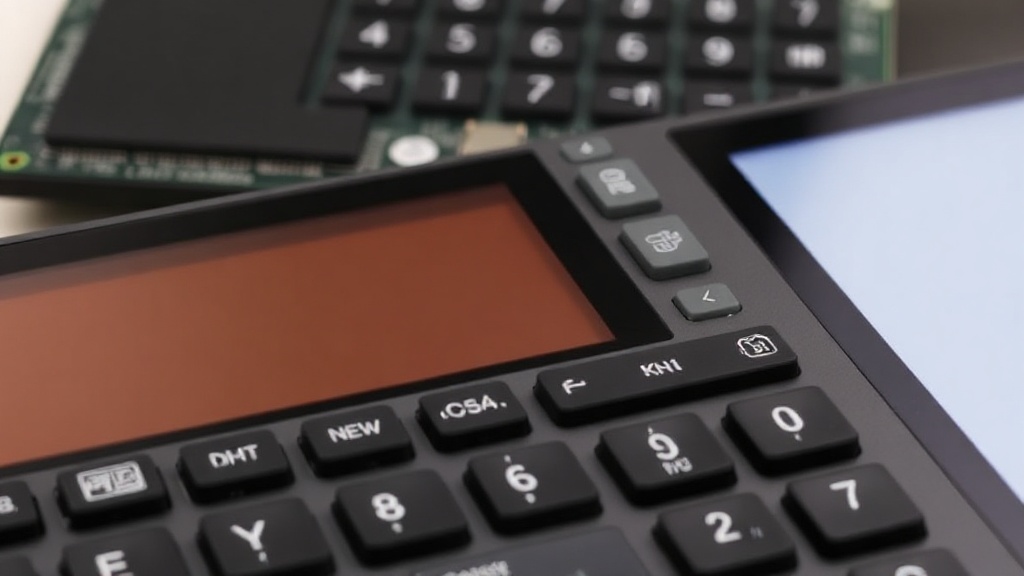
Turtle Beach Command Series KB5 keyboard showing its low-profile design and integrated touchscreen

The Programmable Touchscreen: Utility or Gimmick?

The standout feature of the KB5 is undoubtedly its 3.5-inch touchscreen. This isn't a capacitive display like you'd find on a smartphone; it's a resistive touchscreen, meaning it requires a bit more pressure and is best operated with a stylus (included) or a fingernail, though it can be used with a fingertip with some effort. The resolution is modest, 480x320 pixels, which is sufficient for displaying icons and basic text. Turtle Beach provides software for customizing the touchscreen. Users can assign macros, shortcuts, and specific application commands to different on-screen buttons. This allows for quick access to frequently used functions, whether it's launching an application, executing a complex macro for a game, or controlling media playback. The potential here is significant for productivity. Imagine having one-touch access to your favorite design software tools, a set of pre-written email responses, or even custom shortcuts for video editing. For gamers, it could mean instant access to in-game commands, voice chat toggles, or even streaming controls. However, the resistive nature and the small size of the screen present practical limitations. It's not ideal for rapid, precise touch interactions. It feels more like a set of programmable buttons that happen to be on a screen rather than a true touch interface. The included stylus helps, but it adds another item to manage and can feel less integrated than a capacitive touch experience. The software, while functional, could be more intuitive. Setting up macros requires a bit of a learning curve, and the visual customization options are somewhat basic. The question remains: does the utility of this touchscreen outweigh the added complexity and the potential for it to become a dust-collecting novelty?

Typing Experience and Numpad Functionality

Beyond the touchscreen, the KB5 performs as a competent low-profile keyboard. The keys have a short actuation distance, which contributes to a snappy feel. The typing experience is quiet, making it suitable for shared office spaces or late-night work sessions where noise is a concern. The stability of the keys is good, with minimal wobble. For extended typing sessions, the low profile can reduce wrist strain. The dedicated number pad is a welcome addition for anyone who frequently works with numbers. Its layout is standard, making the transition from other keyboards seamless. Functionally, it performs exactly as expected, offering efficient numerical input. The inclusion of a full numpad on a low-profile keyboard is a relatively uncommon combination, and it serves a specific user base well. The keyboard also includes media control keys located in the function row, which are accessible via a function modifier. These are tactile and responsive, providing convenient control over music and video playback without needing to interact with the touchscreen or navigate menus.

Software and Customization

The Turtle Beach Command Center software is the hub for customizing both the keyboard's lighting (though the KB5 is not RGB, it does have some backlighting options) and, more importantly, the touchscreen. The software allows users to create profiles, assign macros, and manage the layout of the touchscreen. You can drag and drop icons, assign key presses, launch applications, and even create multi-step macros. The software supports application-specific profiles, meaning the touchscreen can change its layout and functions based on the active application. This is where the KB5's potential truly shines. For instance, you could have a profile for Photoshop with tools like brush size and layer selection, and another for a gaming application with combat macros. The process involves a bit of trial and error, but the flexibility is there. The software also handles firmware updates for the keyboard. While the software is functional, it's worth noting that it is not as deeply integrated or as polished as some of the more mature customization suites from competitors. However, for its intended purpose of providing programmable shortcut access, it gets the job done.

Who is the Turtle Beach KB5 For?

The Turtle Beach Command Series KB5 is not a keyboard for everyone. Its unique feature set targets a specific niche. Users who would benefit most are those who: * Frequently use a number pad for data entry or calculations. * Want a low-profile, quiet typing experience. * Are interested in programmable macro keys for productivity or gaming. * Appreciate the idea of quick-access shortcuts via a touchscreen, even with its limitations. It's less suited for users who prefer the tactile feedback of mechanical switches, those who want extensive RGB lighting customization, or individuals who expect a high-definition, fluid touch interface. The resistive touchscreen, while functional for its purpose, is a compromise. It’s a tool for macro execution and shortcut access, not a secondary display or a gaming controller in itself. The question for potential buyers is whether this specific combination of features justifies the price and the learning curve associated with mastering the touchscreen customization.

Conclusion: A Niche Keyboard with Ambitious Features

The Turtle Beach Command Series KB5 is an ambitious product that tries to pack a lot of functionality into a relatively compact, low-profile design. The inclusion of a dedicated numpad and a programmable touchscreen offers a unique proposition. For users who can leverage the touchscreen for their specific workflows, it can be a powerful productivity tool. However, the resistive nature of the screen and the learning curve for customization mean it's not a plug-and-play solution for everyone. It’s a keyboard that demands a certain level of engagement from the user to unlock its full potential. If you’re looking for a quiet, low-profile keyboard with a numpad and are intrigued by the idea of customizable shortcut buttons, the KB5 is worth considering. Just be prepared to invest some time in setting it up to suit your needs.