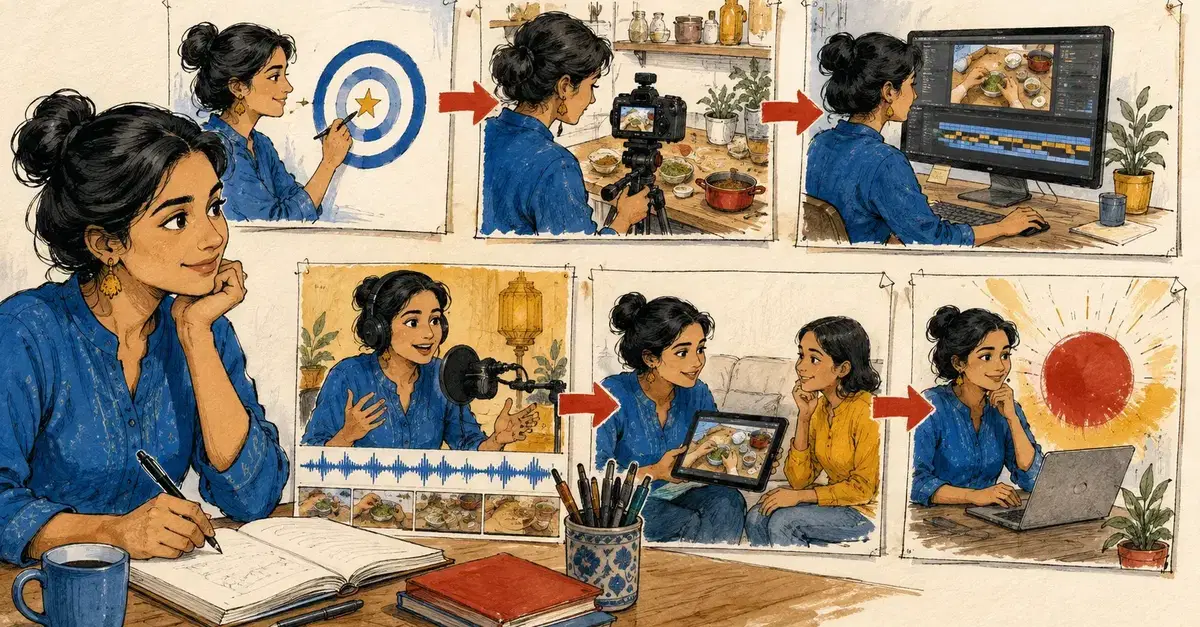
Mastering Tutorial Video Production in 2026
Creating engaging and effective tutorial videos in 2026 demands a strategic approach that sidesteps the time-consuming editing process. The key lies in meticulous planning, precise recording, and leveraging emerging AI tools for post-production. This method transforms tutorial creation from a laborious task into an efficient workflow, focusing on delivering a single, clear lesson per video without unnecessary complexity.
The Power of a Narrow Scope
The foundational principle for creating a successful tutorial video is its scope. Instead of aiming for a comprehensive overview of a broad topic, focus on teaching one specific, granular task. This tight focus is the critical differentiator between a valuable tutorial and a mere product tour. A video that attempts to cover too much risks overwhelming the viewer and dilutes the core message. By concentrating on a single action, such as how to reset a password in a specific application or how to implement a particular code snippet, you ensure clarity and directness. This precision allows viewers to find exactly what they need quickly and leaves them with a tangible skill or solution.
Rehearsal: The Unsung Hero of Efficient Recording
Before you even think about hitting the record button, a thorough rehearsal is paramount. The goal is to map out and practice the exact sequence of clicks, keystrokes, and actions required to complete the task. This dry run is not about memorizing a script, but about internalizing the workflow. Identifying and smoothing out any potential points of confusion or errors during rehearsal prevents the vast majority of retakes. A well-rehearsed session minimizes mistakes, reduces the need for cuts, and ensures a fluid, professional presentation. This proactive step directly combats the editing bottleneck by producing cleaner, more complete footage from the outset.
Crafting a Clean Recording Environment
Expensive gear is secondary to a clean setup when recording screen-based tutorials. The objective is to eliminate distractions and ensure the viewer's focus remains solely on the content. This means disabling all notifications on your computer, hiding sensitive bookmarks and browser history, and using a consistent, uncluttered window size for your application. A clean desktop and a focused browser window contribute significantly to a professional appearance and prevent viewers from being pulled away by irrelevant pop-ups or visual clutter. Think of your recording environment like a stage; everything should be set to highlight the performance, not detract from it.
Editing: From Bottleneck to Automated Workflow
While editing traditionally consumes the most time, modern tools and techniques drastically reduce this burden. The heavy lifting in post-production involves several key areas: cutting out any mistakes identified during recording, removing dead air or long pauses, and strategically zooming in on every control or element being clicked. This zoom-in technique is crucial for guiding the viewer's eye and ensuring they can clearly see the exact action being performed. It transforms a static screen recording into a dynamic, instructive experience. Beyond these basic cuts and zooms, AI-powered tools are emerging that can automate much of this process. These tools can intelligently detect silences, hesitations, or errors, offering to trim them with a single click. They can also automatically identify and highlight cursor movements and clicks, applying zoom effects where necessary. This automation shifts editing from a manual, time-intensive task to a more guided, efficient process.
Enhancing Clarity with AI Voiceover and Captions
To further enhance the tutorial experience and bypass manual captioning, AI voiceover technology is becoming indispensable. High-quality AI voice generators can produce clear, natural-sounding narration that syncs perfectly with the on-screen actions. This not only saves the time and effort of recording your own voiceover but also ensures consistent audio quality. Crucially, these AI tools can often generate word-by-word captions that are precisely synchronized with the voiceover and on-screen actions. This provides a dual layer of comprehension for viewers, catering to those who prefer to read along or who are watching in noisy environments. The combination of AI voice and precise captions ensures that the lesson is accessible and easy to follow, regardless of the viewer's preferred learning style.
Strategic Publishing for Maximum Impact
The final step in the workflow is publishing the video where your target audience is actively seeking solutions. This often means embedding videos within relevant documentation, posting them on platforms like YouTube or specialized developer communities, and linking to them from forums or Q&A sites where users are asking questions related to the task you've just taught. By publishing directly where the need arises, you ensure your tutorial reaches the people who will benefit most from it, maximizing its impact and utility.