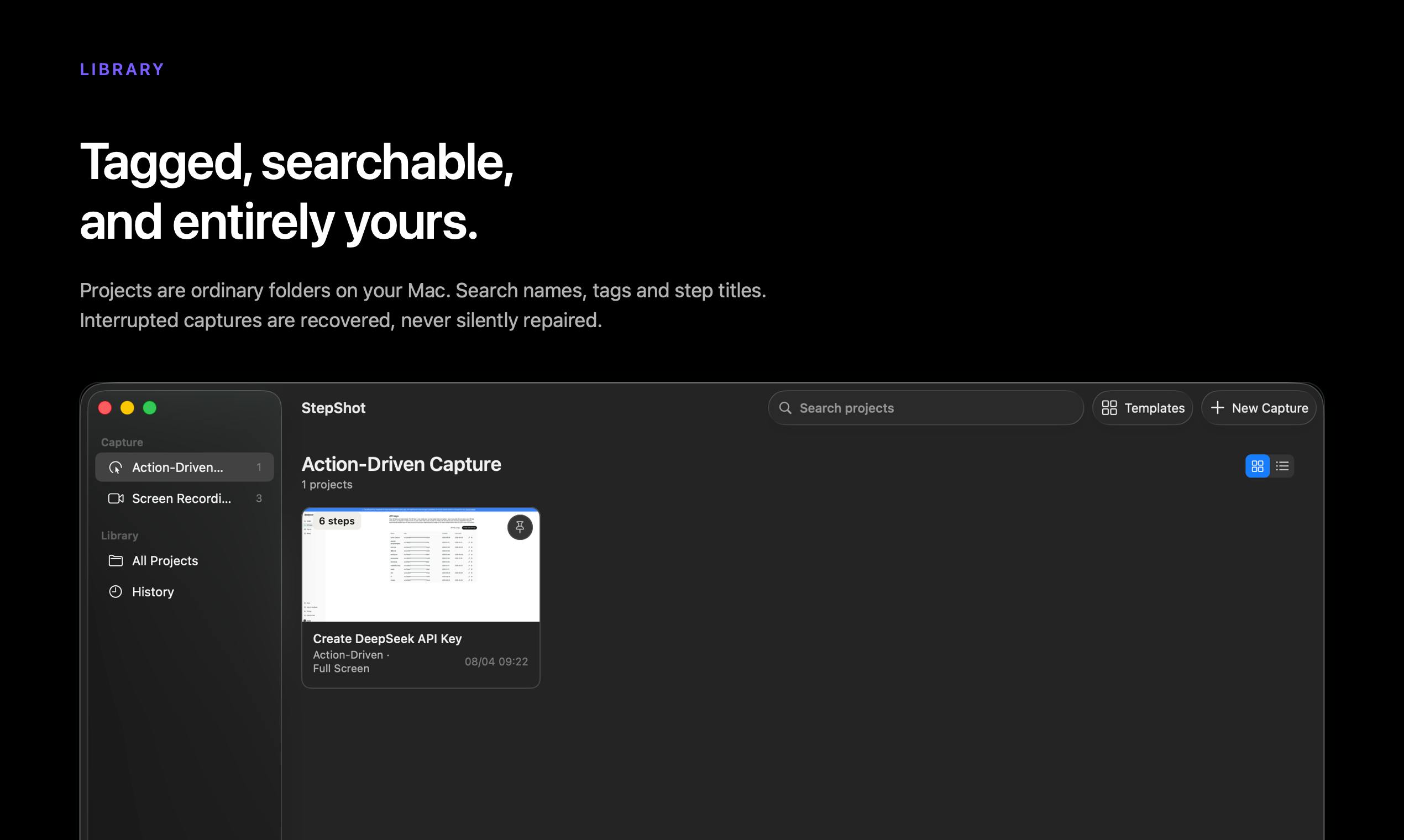
From Chaos to Clarity: The StepShot Promise
Creating clear, actionable documentation for complex workflows is a persistent challenge across industries. Whether it’s onboarding new hires, detailing intricate software processes, or standardizing operational procedures, the manual effort involved is substantial. This often leads to outdated guides, inconsistent information, and significant time investment from subject matter experts. StepShot emerges with a bold proposition: to leverage artificial intelligence to transform real-world workflows into structured, step-by-step guides, thereby significantly reducing the burden of documentation.
The core idea behind StepShot is deceptively simple yet powerful. Instead of relying on individuals to meticulously record each action, take screenshots, and then painstakingly assemble them into a coherent manual, StepShot aims to observe and interpret the workflow as it happens. The tool is designed to capture user interactions, identify distinct steps, and generate the corresponding textual and visual instructions. This approach promises to democratize the creation of documentation, making it more accessible and efficient for businesses of all sizes.
Consider the common scenario of training a new customer support agent. This typically involves shadowing experienced staff, attending lengthy training sessions, and poring over extensive manuals. With StepShot, the aim is to streamline this by having the AI observe an expert performing a common support task—say, resolving a specific type of customer query. The AI would then automatically generate a guide that a new agent could follow, complete with screenshots of the interface at each critical juncture and concise instructions for each action. This not only accelerates the onboarding process but also ensures consistency in how tasks are performed.

How StepShot Captures and Converts Workflows
The technical underpinnings of StepShot likely involve a combination of screen recording, optical character recognition (OCR), and natural language processing (NLP). When a user initiates a workflow capture, the tool begins recording their screen activity. As the user navigates through applications, clicks buttons, and enters data, StepShot logs these actions. The AI component then analyzes this raw data to distinguish individual steps. For instance, a sequence of clicks and typing within a specific application window would be recognized as a single, coherent step in the overall process.
Crucially, StepShot appears to go beyond mere screen recording. It aims to interpret the *intent* behind the actions. By analyzing the elements on the screen (text, buttons, menus) and the sequence of interactions, the AI can infer what the user is trying to achieve at each stage. This interpretation allows it to generate descriptive text for each step, rather than just a raw log of mouse movements and keystrokes. For example, if a user navigates through a series of menus to access a particular feature, StepShot would identify the menu items clicked and translate this into a phrase like "Navigate to Settings > Account > Security."
The visual component is equally important. StepShot automatically captures screenshots at key moments within the workflow. These screenshots serve as visual anchors, helping users quickly identify the context for each instruction. The AI can also be trained to identify and crop relevant portions of the screen, ensuring that the generated guides are clean and focused on the essential elements. This automated visual capture is a significant departure from manual documentation, where taking and organizing screenshots can be a time-consuming bottleneck.
The AI Engine: Interpreting User Actions
The real innovation here lies in the AI’s ability to interpret user actions and translate them into understandable documentation. This isn't just about recognizing what button was clicked, but understanding *why* it was clicked in the context of the workflow. This requires a sophisticated understanding of common software interfaces and user interaction patterns. For instance, if a user enters data into a form field, the AI needs to recognize that this is an input step and potentially capture the type of data entered (e.g., an email address, a password).
One of the most surprising aspects of this technology is its potential to handle complex, multi-application workflows. Many real-world business processes involve switching between different software tools – moving from a CRM to an email client, then to a project management tool, and back again. For an AI to track and document such cross-application sequences accurately is a significant technical feat. StepShot's promise suggests it can stitch together these disparate actions into a single, cohesive guide, treating the entire sequence as one continuous workflow. This is akin to a human expert being able to explain a complex project lifecycle that spans multiple departments and software platforms, but done automatically.
What remains to be seen is the AI's proficiency in handling edge cases and non-standard workflows. Will it correctly interpret custom-built software or highly specialized enterprise applications? How will it manage situations where user actions are not perfectly linear, or involve significant trial-and-error? The effectiveness of StepShot will hinge on the robustness and adaptability of its AI models in diverse operational environments.
Applications and Implications
The potential applications for StepShot are broad. In the realm of sales and marketing, it could be used to document lead qualification processes, CRM data entry standards, or campaign setup procedures. For customer support, it can create instant knowledge base articles for common issues, troubleshooting guides, and agent training materials. In operations and IT, StepShot could document software deployment steps, system administration tasks, or compliance procedures.
For founders, this tool offers a way to quickly create internal documentation that supports scaling operations. As teams grow, clear processes become critical for maintaining efficiency and consistency. StepShot could provide a low-friction way to capture tribal knowledge and operational best practices before they are lost or become inconsistent. For product managers and UX designers, it could serve as a valuable tool for understanding how users actually interact with their products, identifying points of friction, and generating user-friendly onboarding materials.
The competitive landscape for documentation tools is crowded, but StepShot’s AI-driven, automated approach sets it apart. Traditional tools often require significant manual input or template-based structures. StepShot’s ability to infer and generate documentation from live activity positions it as a potentially disruptive force, reducing the time and expertise required to create high-quality process documentation. If the AI performs as advertised, it could fundamentally change how organizations approach knowledge management and operational standardization.
If you manage a team responsible for complex, repeatable tasks, StepShot offers a compelling vision for simplifying how you document and train. The ability to turn observed actions into actionable guides could free up valuable expert time and ensure that best practices are consistently followed, regardless of team size or experience level.