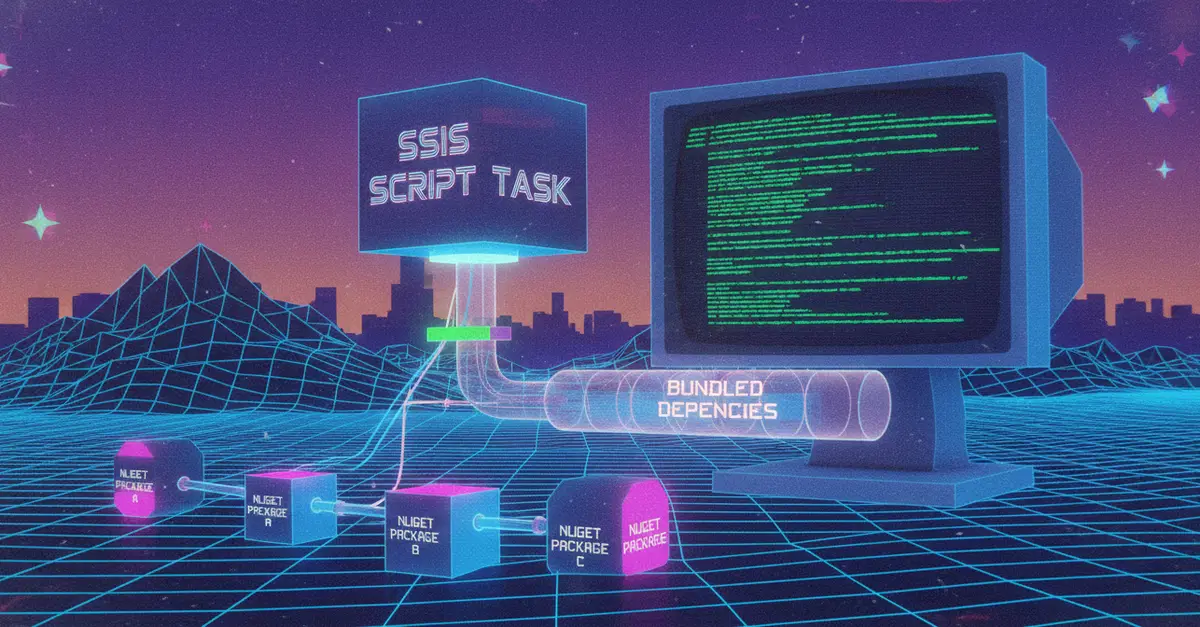
The Problem: NuGet Dependencies and SSIS Script Tasks
Developing SQL Server Integration Services (SSIS) packages often involves custom logic implemented within Script Tasks. When these tasks require functionality from external libraries, developers typically turn to NuGet packages. However, a common and frustrating issue arises: a Script Task that works perfectly fine within Visual Studio will fail to execute when deployed to a server environment, especially when run from the command line. This failure stems from how SSIS handles external assembly references for its Script Tasks. By default, SSIS tries to load assemblies from the Global Assembly Cache (GAC) or the task's own output directory. NuGet packages, with their own dependency trees, complicate this process significantly, leading to runtime errors like `FileNotFoundException` or `TypeLoadException`.
The root cause is that Visual Studio's development environment has a more permissive assembly loading mechanism. It can often resolve dependencies from local package caches or project-specific locations. Once deployed to a server, where these development-time conveniences are absent, the SSIS runtime struggles to locate the necessary DLLs. Simply copying the dependent DLLs to the SSIS package's directory is not a robust solution, as it can lead to version conflicts, deployment complexity, and maintenance headaches, especially when dealing with transitive dependencies – libraries that your direct dependency relies upon.
A Robust Solution: Costura.Fody for Assembly Embedding
The most reliable approach to resolve this is to embed the required NuGet package assemblies directly into the SSIS Script Task's primary DLL. This effectively turns your single script assembly into a self-contained unit, carrying all its necessary dependencies within it. The tool that facilitates this is Costura.Fody, a post-build MSBuild task that automatically embeds referenced assemblies into the main executable or DLL.
The process involves a few key steps:
1. Configure NuGet Package Sources
First, ensure that your Visual Studio project is configured to find your NuGet packages. If you are using a private NuGet feed, add it to your Visual Studio NuGet Package Manager settings. For this example, we'll assume a private package named Contoso.SampleLibrary exists.
2. Install Costura.Fody
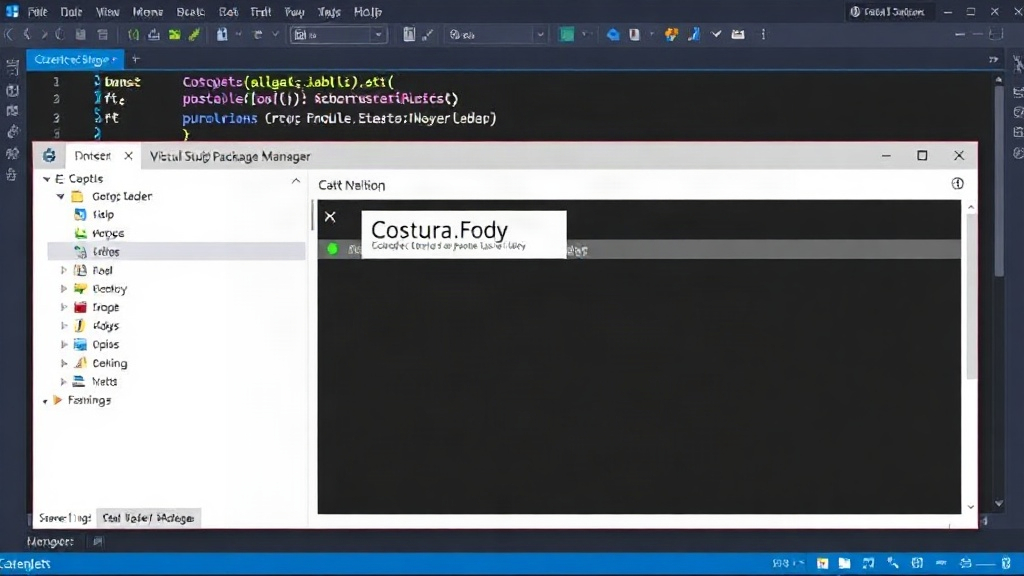
The easiest way to integrate Costura.Fody is by installing it as a NuGet package within your SSIS Script Task project. Open the NuGet Package Manager in Visual Studio, search for Costura.Fody, and install it.
When installed, Costura.Fody adds an MSBuild target to your project file. This target runs after the build process completes. It scans your project's references, identifies the dependent DLLs (including those from your NuGet packages), and embeds them into your primary script assembly (e.g., MyScriptTask.dll).
3. Configure Costura.Fody (Optional but Recommended)
Costura.Fody is highly configurable via its FodyWeavers.xml file. You can create this file in your project's root directory. For SSIS Script Tasks, it's often beneficial to configure Costura to avoid embedding assemblies that might already be present on the server or that are part of the .NET Framework. This can prevent potential conflicts and reduce the size of your script assembly.
A common configuration might look like this:
<?xml version="1.0" encoding="utf-8"?>
<Weavers xmlns:xsi="http://www.w3.org/2001/XMLSchema-instance" xsi:noNamespaceSchemaLocation="FodyWeavers.xsd">
  <Costura>
    <ExcludeAssemblies>
      <assembly checksum="YOUR_ASSEMBLY_CHECKSUM" name="System.dll" />
      <assembly checksum="YOUR_ASSEMBLY_CHECKSUM" name="mscorlib.dll" />
      <!-- Add other framework assemblies or known server-present assemblies here -->
    </ExcludeAssemblies>
    <IncludeAssemblies>
      <!-- Explicitly include assemblies if needed, though usually not necessary -->
    </IncludeAssemblies>
  </Costura>
</Weavers>
The ExcludeAssemblies element is crucial. You can exclude assemblies that are expected to be present in the .NET Framework or that are otherwise guaranteed to be available on the target SSIS server. This prevents duplicate embedding and potential conflicts. You can find checksums for assemblies if needed, but often excluding by name is sufficient for framework assemblies.
4. Build and Deploy
After installing Costura.Fody and configuring it (if necessary), rebuild your SSIS Script Task project. Examine the output directory of your project. You will find that your primary script assembly (e.g., MyScriptTask.dll) is now significantly larger. This is because it contains all the embedded dependencies. Copy this single, larger DLL to your SSIS project's Script Task component during deployment.
When the SSIS package runs on the server, the Script Task will load this single DLL. Costura.Fody includes a small runtime loader that intercepts assembly load requests. If the requested assembly (one of your embedded dependencies) is not found in the standard locations, the loader extracts it from within the primary DLL and loads it into the AppDomain. This process is transparent to the SSIS runtime and your script code.
Why This Approach Works Better Than Alternatives
Historically, developers might have considered using the 'Embedded DLLs' option within the Script Task component properties. However, this feature has several drawbacks. It's less robust, can lead to unexpected loading order issues, and doesn't handle complex dependency chains as gracefully as Costura.Fody. Furthermore, managing those embedded DLLs manually or through deployment scripts can become cumbersome. Costura.Fody offers a cleaner, more automated, and more reliable solution by creating a single, self-sufficient assembly.
Another alternative is to install NuGet packages directly onto the SSIS server. This requires administrative privileges, careful version management across servers, and adds complexity to the server environment. It also violates the principle of self-contained deployments. Bundling with Costura.Fody ensures that your SSIS package is portable and its dependencies are managed within the package itself, not on the server infrastructure.
The surprising detail here is not the funding amount (as there is none), but the directness of the solution. Many developers struggle with this problem for years, resorting to brittle workarounds. Costura.Fody provides a mature, well-tested solution that integrates seamlessly into the build pipeline. If you run SSIS packages with custom code, this is a pattern you should adopt immediately.