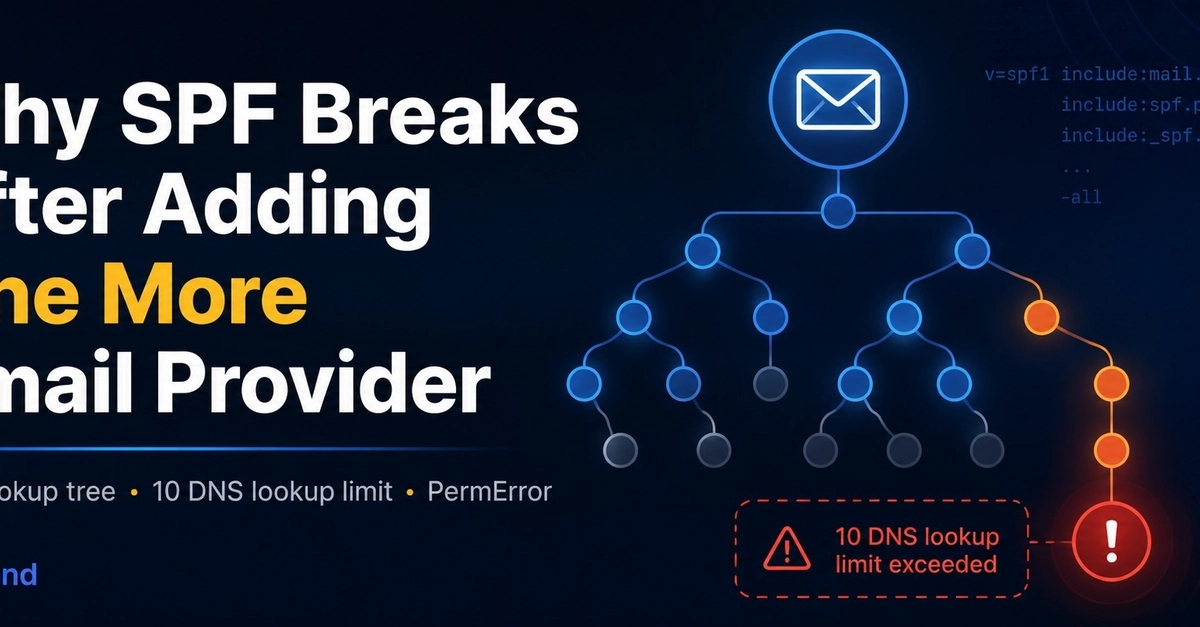
Why SPF Breaks After Adding One More Email Provider
Your SPF record may look perfectly valid, yet it can still trigger a PermError, especially after you connect another email service. This common pitfall arises not from syntax errors, but from exceeding the DNS lookup limit imposed by the Sender Policy Framework (SPF) standard.
Services like Google Workspace, Microsoft 365, Mailchimp, Zendesk, CRMs, and support platforms often require you to add an include: mechanism to your SPF record. While these additions seem straightforward, each include:, redirect, a, mx, or ptr mechanism can trigger additional DNS lookups. SPF evaluations are strictly limited to a maximum of 10 DNS-triggering mechanisms.
The Hidden Complexity of SPF Includes
Consider a seemingly simple SPF record:
v=spf1 include:_spf.google.com include:servers.mcsv.net include:mail.zendesk.com -all
At first glance, this record only shows three include: mechanisms. However, the problem escalates because each of these included records can, in turn, contain further DNS-triggering mechanisms. For instance, _spf.google.com might itself include other records, and servers.mcsv.net (used by Mailchimp) is known to have a complex structure that can easily consume multiple lookups.
Understanding DNS Lookups in SPF
The SPF specification (RFC 7208) defines specific mechanisms that trigger DNS queries. These include:
include:domain.com: Instructs the receiver to look up the SPF record fordomain.comand treat its mechanisms as if they were part of the original record.redirect=domain.com: Similar toinclude, but it replaces the current SPF record evaluation with the one found atdomain.com.a: Checks if the A record of a specified domain matches the connecting IP address.mx: Checks if the MX record of a specified domain matches the connecting IP address.ptr: A deprecated mechanism that checks if the PTR record of the connecting IP address matches a specified domain.
Each of these mechanisms counts as one DNS lookup. When you chain multiple include statements, the number of lookups can quickly multiply. The SPF checker performs these lookups sequentially. If the total count exceeds 10 during the evaluation of a single email, the SPF check fails with a PermError, indicating a permanent error in the record's configuration.
How to Diagnose and Fix SPF PermErrors
Diagnosing an SPF PermError requires looking beyond the surface of your SPF record. Tools designed to analyze SPF records are invaluable here. These tools can recursively check all included domains and count the total number of DNS lookups.
A common diagnostic approach involves using an online SPF record checker. These checkers typically show the expanded SPF record and the total number of DNS lookups. If the count is 10 or more, you have found the cause of the PermError.
Strategies for Resolution
When faced with an SPF lookup limit, you have several options:
- Consolidate Includes: If multiple services use the same provider (e.g., several internal tools hosted on a common platform), see if they can be consolidated under a single
include:. - Use IP Addresses (with caution): If you know the specific IP addresses used by a service and they are static, you can use the
ip4:orip6:mechanisms instead ofinclude:. This does not count towards the DNS lookup limit. However, this is only feasible for services with stable IP ranges and can become unmanageable if the provider changes its IPs. - Use `redirect=` (carefully): If you have a set of services that are logically grouped, you might create a separate SPF record for them and use a single
redirect=mechanism in your main record. This still counts as one lookup but can simplify the main record. - Remove Redundant/Unused Mechanisms: Audit your SPF record for any includes that are no longer necessary.
- Use SPF Flattening Services: Some third-party services specialize in