The Illusion of Green DNS Checks
Setting up SPF, DKIM, and DMARC for email authentication should, in theory, prevent your messages from landing in spam. Yet, many developers find themselves in a frustrating loop: all DNS records appear correct, the consoles glow green, but their emails still get flagged as junk. The short answer to this persistent problem lies not in the DNS configuration itself, but in the alignment between the domains used for authentication and the visible `From:` address in the email header.
A common misconception is that a successful SPF or DKIM lookup, confirmed by a green checkmark in a DNS lookup tool, is the sole determinant of email deliverability. This is fundamentally flawed. While these protocols prove that the sending server is authorized (SPF) and that the email content hasn't been tampered with (DKIM), they don't inherently guarantee that the sender identity presented to the recipient is trustworthy. The critical factor is alignment: ensuring that the domain used to pass SPF or DKIM checks matches the domain in the `From:` header. When these don't align, even with technically correct DNS records, spam filters have grounds to suspect malicious activity.
Consider it like a security guard at a building. The guard (SPF/DKIM) verifies that the person entering has a valid ID (authorized server/signed message). However, if the person claims to be the CEO (the `From:` address) but their ID belongs to a junior intern (a different authentication domain), the guard might let them in, but the building's internal security system (spam filter) might still flag them as suspicious. The system needs to confirm that the ID *and* the claimed identity match.
Debugging the Receiver's Evidence Chain
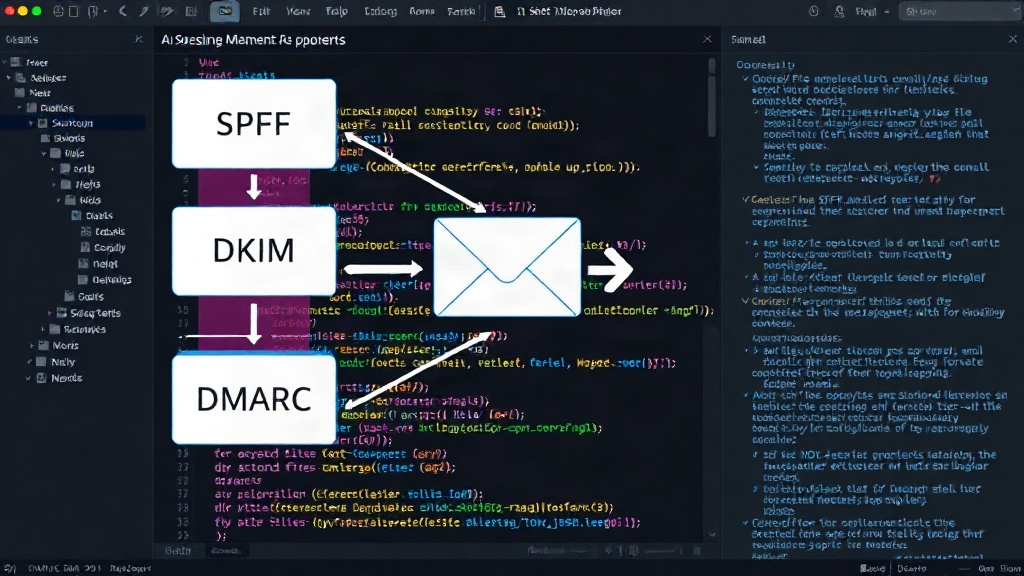
To effectively debug why emails are going to spam despite seemingly correct SPF, DKIM, and DMARC configurations, you must inspect the evidence chain as processed by the receiving mail server. This involves looking beyond your own DNS records and examining the actual email headers of the delivered message. The key elements to scrutinize are:
- The `From:` Header Domain: This is the domain the recipient sees. It's the primary identity the sender is trying to project.
- SPF Verification Results: Check the `Authentication-Results` header for the SPF result. Crucially, note the domain that SPF was checked against. This is often the `MAIL FROM` or `Return-Path` domain, which might differ from the `From:` header domain.
- DKIM Signature (`d=` tag): Examine the DKIM signature in the `Authentication-Results` header. The `d=` tag indicates the domain that signed the email. This is the domain that must align with the `From:` header domain for DKIM alignment.
- Alignment Check: This is the core of the problem. DMARC relies on either SPF or DKIM alignment. For SPF alignment, the domain that passed SPF must be the same as, or a subdomain of, the `From:` header domain. For DKIM alignment, the `d=` tag in the DKIM signature must be the same as the `From:` header domain.
- Reputation and Content Signals: While alignment is critical for authentication, spam filters also heavily weigh the sender's IP address reputation, the domain's reputation, and the content of the email itself. A perfectly aligned email with a poor sender reputation or spammy content will still likely land in spam.
Node.js Specifics and the SMTP Transaction
When sending mail with Node.js, especially using libraries like Nodemailer, it's easy to configure SPF and DKIM correctly from your server's perspective. However, the `From:` header is often set independently of the `MAIL FROM` (envelope sender) address used in the SMTP transaction. SPF checks the `MAIL FROM` domain, while DKIM signs with a specified domain. DMARC then requires one of these authenticated domains to align with the header `From:` domain.
For example, you might configure your Node.js application to send mail using a `Return-Path` (envelope sender) like bounce@mail.yourdomain.com, and your DKIM signature domain might be dkim.yourdomain.com. If your header `From:` address is info@anothercompany.com, DMARC will fail alignment because neither mail.yourdomain.com nor dkim.yourdomain.com aligns with anothercompany.com. Even if your SPF and DKIM records are valid and pass their individual checks, the DMARC policy will likely enforce a 'reject' or 'quarantine' action, sending the email to spam or rejecting it outright.
The practical debugging process in Node.js therefore involves:
- Capturing the SMTP Result: Use your mail sending library or service to log the full SMTP transaction details, including the `Authentication-Results` header provided by the receiving server.
- Analyzing `Authentication-Results`: Parse this header to see the explicit results for SPF, DKIM, and DMARC. Look for the exact domains reported for SPF and DKIM.
- Comparing Domains: Manually compare the header `From:` domain with the SPF and DKIM authenticated domains reported in `Authentication-Results`.
- Adjusting Configuration: If alignment fails, you need to adjust your Node.js mail sending configuration. This might mean:
- Ensuring the DKIM `d=` tag matches your header `From:` domain.
- Configuring your mail transport to use a `MAIL FROM` address that aligns with your header `From:` domain (often achieved through subdomains).
- Verifying that your DMARC record is set to `p=quarantine` or `p=none` during initial setup and testing, before moving to `p=reject`.
Beyond Authentication: Reputation and Content
It's crucial to remember that SPF, DKIM, and DMARC are only part of the deliverability equation. Even with perfect alignment, if your sending IP address or domain has a poor reputation (e.g., it has been used for spam in the past, or is new and un-warmed), your emails may still be filtered. Similarly, the content of your email plays a significant role. Emails containing excessive links, spammy keywords, or poor HTML formatting are more likely to be flagged by content filters.
For Node.js developers, this means that after ensuring proper SPF, DKIM, and DMARC alignment, you should also:
- Warm up your IP address and domain: Gradually increase your sending volume over time, starting with engaged recipients.
- Monitor sender reputation: Use tools provided by major mailbox providers (like Google Postmaster Tools or Microsoft SNDS) to track your sender reputation and identify any issues.
- Scrutinize email content: Test your emails with content analysis tools and ensure they adhere to best practices for deliverability.
The journey to reliable email delivery is a multi-faceted one. While SPF, DKIM, and DMARC provide the foundational authentication layers, achieving consistent inbox placement requires meticulous attention to domain alignment, sender reputation, and content quality. Debugging starts not in your DNS console, but in the `Authentication-Results` header of a delivered email.