The Command Line, Reimagined
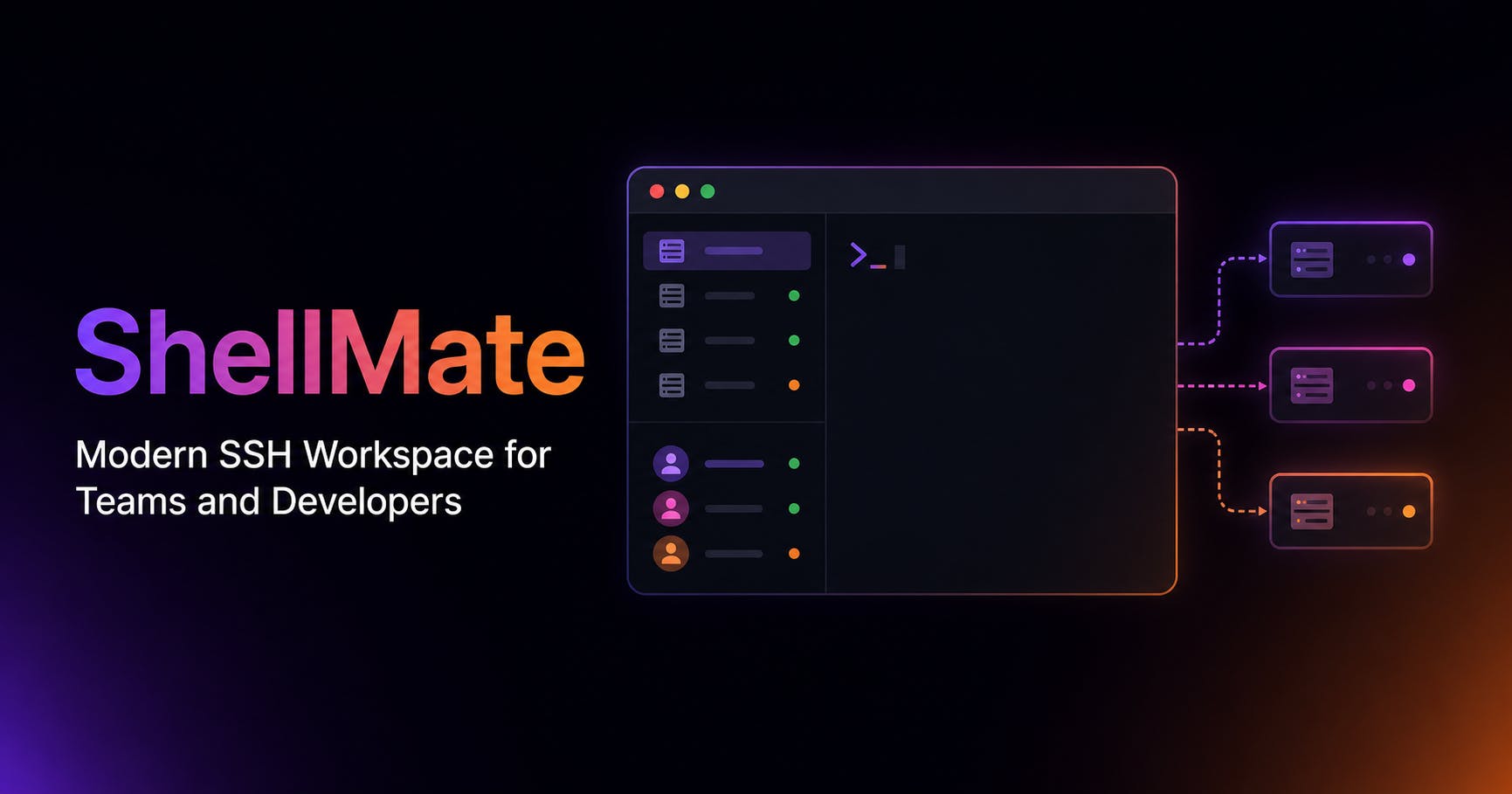
For developers, the command line is often the primary interface to servers, remote machines, and cloud infrastructure. While powerful, the traditional SSH experience can be clunky, fragmented, and frankly, not always enjoyable. Enter ShellMate, a new application aiming to fix that. It's not just another terminal emulator; it's a dedicated SSH workspace designed from the ground up to streamline workflows and improve the developer experience.
ShellMate's core proposition is simple: make managing SSH connections less of a chore and more of a productive, even pleasant, activity. The application focuses on providing a unified environment where users can connect to multiple servers, manage their sessions, and execute commands without the usual context switching and scattered windows that plague traditional SSH usage.
Key Features for Enhanced Productivity
ShellMate introduces several features to achieve its goal of a superior SSH workspace. One of the most significant is its multi-tabbed interface, which allows users to keep numerous SSH sessions open simultaneously, each in its own tab. This is a fundamental improvement over managing multiple separate terminal windows, which can quickly become overwhelming.
Beyond simple tab management, ShellMate offers intelligent session handling. When a connection is lost or a server reboots, ShellMate attempts to automatically reconnect, minimizing disruption. This auto-reconnect functionality is a critical time-saver, especially for those working with unstable networks or frequently updated infrastructure.
Organization is another key focus. ShellMate allows users to group their SSH connections, assign custom icons and colors, and even add notes to each connection. This level of personalization helps developers quickly identify and access the servers they need, reducing the cognitive load associated with managing a large number of remote hosts.
The application also boasts a powerful search function that spans across all open sessions. This means if you're looking for a specific command output or a file path across multiple servers, ShellMate can help you find it quickly, saving valuable debugging and troubleshooting time.
Streamlining the Developer Workflow
The impact of ShellMate on a developer's daily workflow could be substantial. Instead of juggling multiple terminal windows, each with its own SSH session, developers can consolidate their work within a single, organized application. This centralizes the command-line interaction, making it easier to keep track of ongoing tasks and monitor server status.
Consider the common scenario of deploying an application. This might involve SSHing into a staging server, running build commands, connecting to a production server to check logs, and then perhaps accessing a database server. With ShellMate, all these distinct connections and commands can be managed within the same interface, with tabs clearly labeled and color-coded for easy differentiation. This reduces the mental overhead required to switch between these tasks, allowing developers to focus more on the actual work rather than managing their tools.
The auto-reconnect feature is particularly valuable. Developers often work on remote servers that undergo maintenance or reboots. Having to manually re-establish every SSH connection after such an event is tedious. ShellMate's ability to automatically resume these sessions means less downtime and less frustration, allowing developers to get back to their tasks almost instantly.
Who is ShellMate For?
ShellMate is primarily targeted at developers, system administrators, DevOps engineers, and anyone who frequently interacts with remote servers via SSH. If your work involves managing multiple servers, deploying applications, debugging issues on remote machines, or simply executing commands on different environments, ShellMate aims to provide a more efficient and pleasant experience.
The application's emphasis on organization and ease of use makes it particularly appealing for those who manage a significant number of servers. For individuals or teams with complex infrastructure, the ability to categorize, color-code, and quickly search through connections can be a game-changer. It brings a level of user-friendliness to a tool that has historically been utilitarian and often intimidating for newcomers.
While the core functionality revolves around SSH, the underlying principles of organized session management and a unified workspace could extend to other command-line tools in the future, though ShellMate's current focus is squarely on SSH.
The Future of SSH Workspaces
ShellMate enters a space with existing terminal emulators and SSH clients, but its dedicated focus on the SSH workspace experience sets it apart. By prioritizing features like intelligent session management, robust organization, and a seamless user interface, it aims to address the specific pain points that developers encounter daily. The success of ShellMate will likely hinge on its ability to deliver on this promise of a more enjoyable and productive command-line experience, proving that even the most fundamental developer tools can be reimagined.