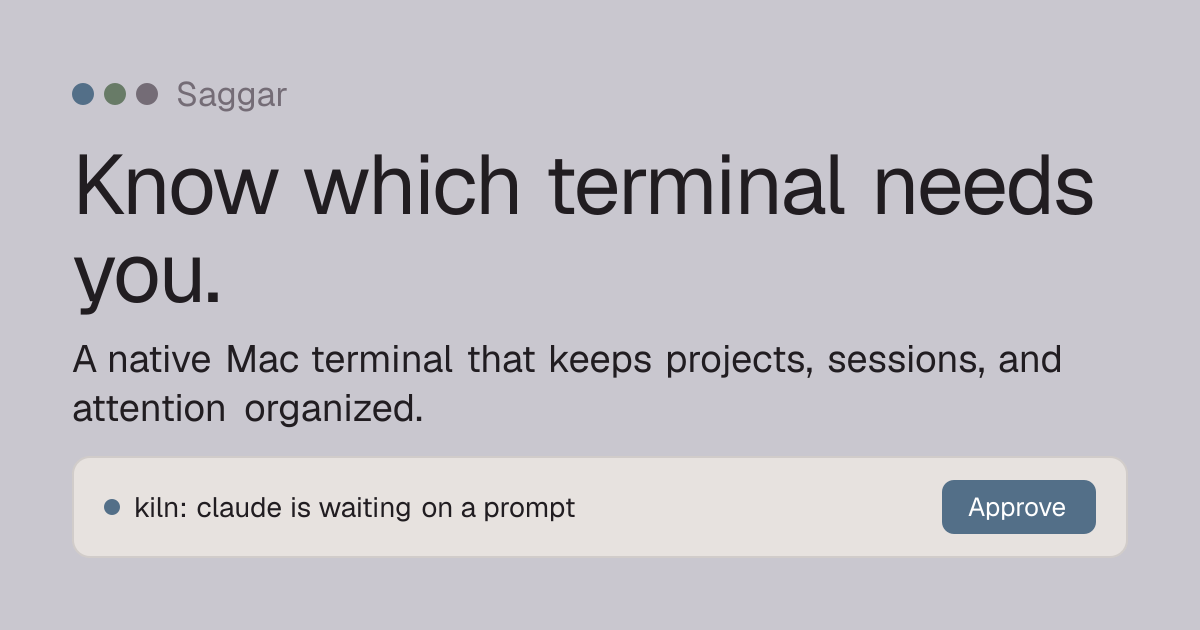
Saggar: A New Approach to Terminal Management
The macOS terminal landscape has a new contender: Saggar. Developed by Marginal Utility, Saggar aims to solve a persistent problem for developers and power users: the constant churn of terminal sessions and the resulting cognitive load. Unlike traditional terminals that close and lose state upon quitting, Saggar is designed to keep your sessions alive and your focus intact. The core promise is simple: start work, close your laptop, reopen it, and find your terminal exactly as you left it, with all your running processes and command history preserved.
This level of session persistence is not merely about convenience; it directly addresses the productivity drain caused by repetitive setup and the mental overhead of recalling where you left off. For developers juggling multiple projects, each with its own set of background processes, build commands, and active debugging sessions, this can be a significant time saver. Saggar positions itself as a tool to reduce context switching fatigue, allowing users to dive back into their work with minimal friction.
Key Features and Functionality
Saggar's design philosophy centers on intelligently managing your terminal environment. At its heart is robust session persistence. When you close the Saggar application or shut down your Mac, your active sessions are saved. Upon relaunching Saggar, these sessions are restored, including the state of any running commands. This means no more manually restarting servers, re-running build scripts, or losing track of long-running jobs.
Beyond simple persistence, Saggar introduces features aimed at helping users maintain focus. While the specific mechanisms for 'attention organization' are not detailed in the initial announcement, the implication is a system that helps users prioritize and manage the various tasks running within their terminal. This could manifest in features like intelligent grouping of related sessions, visual cues for active or idle processes, or even a streamlined workflow for switching between different project contexts. The goal is to make the terminal a more organized and less overwhelming workspace.
The application is built for macOS, leveraging the native capabilities of the operating system. This suggests a smooth integration with the macOS user experience, potentially including features like Spotlight search integration for sessions or standard macOS window management. For developers accustomed to tools like iTerm2 or the default Terminal.app, Saggar offers a compelling alternative that prioritizes state management and user attention.
The Problem Saggar Solves: Terminal State Management
The default behavior of most terminal emulators on macOS, and indeed other operating systems, is to terminate all running processes when the application is closed. While some offer rudimentary session saving (e.g., saving window layout), true state preservation of running commands is rare. This forces users into a cycle of setup and teardown. Imagine starting a local development server, compiling a large project, or running a lengthy data processing script. If you need to close your laptop or restart your machine, you lose that progress and must manually re-initiate everything. This is akin to unplugging a complex experiment mid-run and expecting to pick up exactly where you left off without any loss of data or process state.
This problem is exacerbated by the modern development workflow, which often involves multiple concurrent tasks. A typical developer might have:
- A backend server running
- A frontend development server
- A database client connection
- Several SSH sessions to remote servers
- Background compilation or testing processes
- Log tailing for various services
Each of these requires setup and monitoring. Losing them all when closing a terminal application means significant ramp-up time each day. Saggar's approach of preserving this state aims to eliminate that friction.
Comparison to Existing Tools
Tools like tmux and screen have long been the de facto standard for managing terminal sessions and providing persistence. These are powerful multiplexers that allow users to create multiple virtual terminals within a single physical terminal window, detach from sessions, and reattach later. They offer a high degree of control and are widely adopted by experienced users. However, they come with a steep learning curve and require active management. Users must learn specific key bindings and commands to create, manage, and detach sessions.
Saggar appears to abstract away much of this complexity. By focusing on automatic session saving and restoring upon application launch, it offers a more integrated and perhaps more user-friendly experience for those who may not want to invest the time in mastering tmux or screen. Think of it less like a command-line tool you configure and more like a smart application that remembers your work for you. The