The Problem with SSH Tunnel Syntax
Remembering the exact syntax for SSH tunnels can be a significant hurdle, especially when managing multiple connections across different environments. A common scenario involves jump boxes, database access, or accessing staging environments. The typical command, like ssh -N -L 5432:db.internal:5432 -i ~/.ssh/jump_key jumpbox.example.com, becomes unwieldy when you need to manage a dozen such tunnels. Forgetting which tunnel was killed last Tuesday, or which port maps to which internal service, is a frequent pain point. This complexity led to the development of more user-friendly solutions, such as menu bar applications that abstract away the need to interact directly with the terminal.
The desire for this convenience, without being tethered to a specific operating system like macOS, prompted a dual implementation in Rust. The goal was not to declare one approach superior, but to understand the concrete trade-offs involved in building both a Command Line Interface (CLI) version and a native Graphical User Interface (GUI) version.
Rust CLI SSH Tunnel Manager: TOML Registry and Process Management
The CLI approach leverages a TOML file for its tunnel registry. This configuration-driven method offers a clear, human-readable way to define and manage tunnels. Each entry in the TOML file can specify parameters like local port, remote host, remote port, identity file, and jump host, making it easy to version control and share configurations. The CLI application then reads this configuration and spawns the necessary SSH processes.
Process management in the CLI context typically involves spawning background SSH processes. The application needs to track these processes, monitor their status, and provide mechanisms to start, stop, or restart them. This often involves interacting with the operating system's process management capabilities, such as using libraries that abstract away the complexities of child process creation and signal handling. The benefit here is direct control and the ability to integrate with existing shell workflows and scripting.
Distribution for a CLI tool is generally straightforward. Binaries can be compiled for various operating systems and architectures and distributed through package managers (like Cargo for Rust projects, or system-level package managers like apt, brew, or winget) or simply as downloadable executables. Updates are also relatively simple, allowing users to replace the binary or use an update mechanism provided by the package manager.
Rust Native GUI SSH Tunnel Manager: Tauri and User Experience
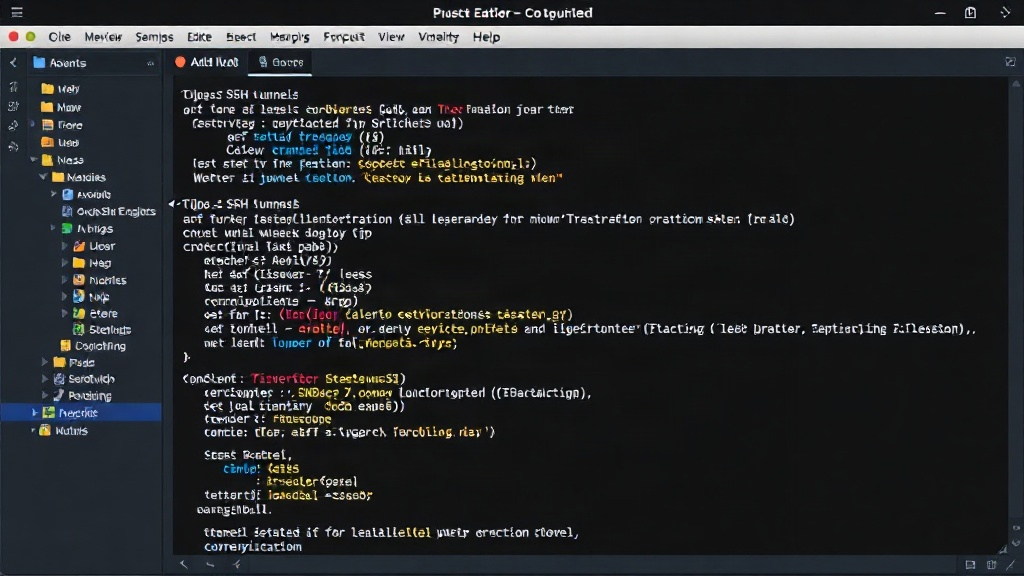
The native GUI implementation utilizes Tauri, a framework that allows building cross-platform desktop applications using web technologies (HTML, CSS, JavaScript) while compiling to native binaries. This approach offers a visually richer user experience, abstracting away the terminal entirely. Users interact with buttons, input fields, and status indicators, which can be more intuitive for those less comfortable with the command line.
The core challenge in the GUI version lies in bridging the gap between the web frontend and the backend Rust logic that manages the SSH tunnels. Tauri provides mechanisms for this inter-process communication (IPC). The Rust backend would handle the actual spawning and management of SSH processes, similar to the CLI version, but the frontend would present this functionality through a graphical interface. This includes features like a list of configured tunnels, buttons to start/stop them, and visual feedback on their status (e.g., green for active, red for inactive).
A significant trade-off with GUI applications is their distribution and installation process. While Tauri compiles to native binaries, the resulting application bundles are typically larger than a single CLI executable. Users expect a familiar installation experience, such as drag-and-drop or an installer package. Updates also require a more robust distribution mechanism, often involving auto-update features built into the application or relying on app stores.
The user experience is a primary driver for the GUI approach. For users who frequently manage complex tunnel configurations, a well-designed GUI can significantly reduce cognitive load. It allows for better visualization of all active tunnels, easier modification of settings, and clearer error reporting. However, this comes at the cost of increased development complexity, particularly in managing the frontend-backend communication and ensuring a consistent look and feel across different operating systems.
Key Trade-offs: Distribution, Process Management, and UX
The fundamental differences between the CLI and GUI implementations boil down to several key areas:
Distribution and Installation
CLI: Lightweight binaries, easy distribution via package managers or direct download. Simple updates. Highly compatible with scripting and automation.
GUI: Larger application bundles, requires more involved installation (installers, app stores). Updates need more sophisticated handling. Less conducive to direct scripting without additional layers.
Process Management
CLI: Direct interaction with OS process management. `ssh` processes are spawned and managed by the CLI application. Clearer control over individual processes.
GUI: Backend Rust code still manages `ssh` processes, but the frontend provides an abstraction. IPC between frontend and backend adds complexity. Error reporting and status updates need careful handling to be presented effectively.
User Experience (UX)
CLI: Favored by power users comfortable with terminals and configuration files. Offers speed and efficiency for those who know what they're doing. Less intuitive for beginners.
GUI: More accessible to a broader audience. Provides visual feedback and simplifies complex operations. Development effort is higher to achieve a polished, intuitive interface.
The Unanswered Question: Cross-Platform GUI Development
While Tauri aims for cross-platform compatibility, the reality of native GUI development often involves subtle platform-specific behaviors and styling. What nobody has fully addressed yet is the true cost of achieving a truly native-feeling experience across Windows, macOS, and Linux using frameworks like Tauri. While the code compiles, ensuring that the application behaves and looks consistent with platform conventions across all three major operating systems requires significant ongoing effort and testing, often beyond initial development.
Conclusion: Choosing the Right Tool for the Job
Building an SSH tunnel manager in Rust as both a CLI and a GUI highlights that neither approach is universally superior. The CLI offers simplicity, efficiency, and ease of distribution for technical users who value speed and automation. The GUI, conversely, provides a more accessible and visually informative experience, albeit with increased development and distribution overhead. The choice between them depends heavily on the target audience and the desired user experience. For developers and system administrators who live in the terminal, the TOML-driven CLI is likely sufficient and more practical. For a broader audience or for integration into desktop workflows, a GUI built with tools like Tauri becomes a compelling, though more resource-intensive, option.