The Silent De-Indexing Threat: Disallow: /
A single, simple line in a website's robots.txt file can cause its entire presence to vanish from Google search results. The directive Disallow: / instructs all compliant web crawlers, including Googlebot, to ignore every URL on the site. This isn't a theoretical risk; it's a surprisingly common oversight, often stemming from staging configurations that are mistakenly copied to live production environments. The immediate consequence is a quiet disappearance from search rankings, leaving site owners unaware until they notice a drastic drop in organic traffic.
The robots.txt file, located at the root of a domain (e.g., your-site.com/robots.txt), is a standard protocol for communicating with web crawlers. It's intended to help manage crawl budgets and prevent indexing of specific sections or pages. However, a misconfiguration like Disallow: /, while seemingly straightforward, has catastrophic implications for a site's visibility. Unlike an error that might return a 404 or 500, a correctly implemented Disallow: / simply tells crawlers, "nothing to see here," and they comply, moving on without indexing or further interaction.
How the Mistake Spreads
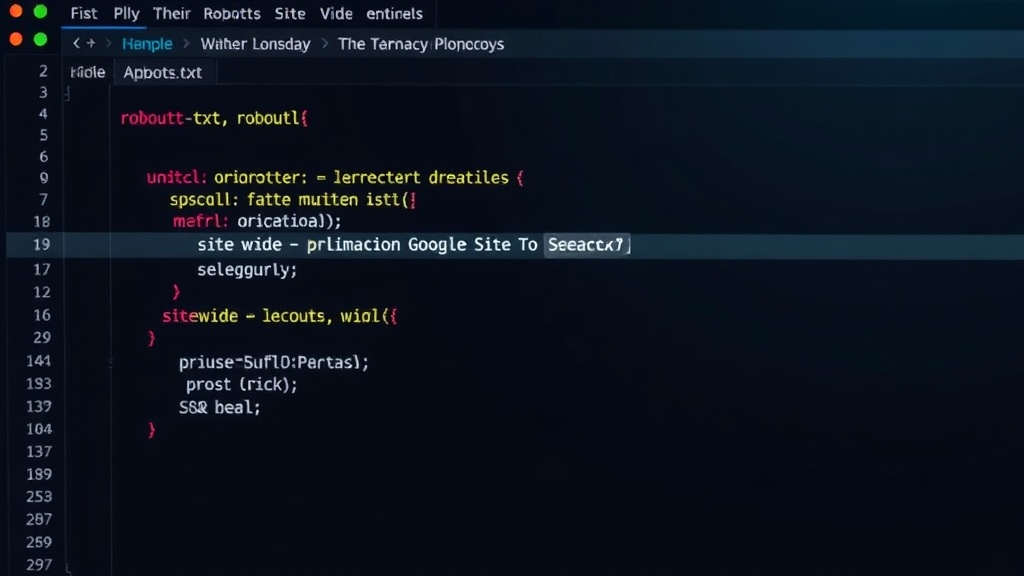
The most frequent culprit is the leftover configuration from a development or staging server. When a site is under development, developers often use robots.txt to prevent search engines from indexing unfinished pages or sensitive internal data. This might look like:
User-agent: *
Disallow: /

User-agent: Googlebot
Disallow: /
This configuration effectively locks down the entire site. The problem arises when the site is deployed to production. If the development team forgets to remove or modify this robots.txt file, the live site immediately inherits this blocking directive. Because robots.txt is one of the first files crawlers check, they see the broad block and cease all crawling and indexing activities for that domain. The site doesn't get a penalty; it simply becomes invisible.
The Invisible Impact
The insidious nature of this error lies in its silence. Search engines don't issue warnings or notifications when they stop indexing a site due to robots.txt. Pages don't return errors. Instead, they gradually fall out of search results. For site owners relying on organic search traffic, this can manifest as a sudden and unexplained decline in visitors. Analytics dashboards will show traffic plummeting, but without a clear error message, diagnosing the cause can be a time-consuming process. It's a form of digital vanishing act, orchestrated by a single file.
The lack of immediate feedback makes this a particularly frustrating issue. Imagine launching a new product or a major content push, only to find that none of the new pages are appearing in search results. The effort and resources invested are effectively wasted because the target audience cannot find the content. The site exists, it's technically online, but for search engines, it's as good as non-existent.
Detection and Mitigation
Identifying this issue requires proactive monitoring. Tools that check robots.txt for common errors are invaluable. For example, a simple check using curl can reveal the content of the file:
curl "https://your-site.com/robots.txt"
This command will fetch the robots.txt file. If it contains Disallow: /, especially without a specific Allow directive that overrides it for certain bots or paths, the site is likely blocked. More sophisticated checks, like those offered by services such as OGCheck, can automate this process, confirming reachability, parseability, and flagging site-wide blocks.
The fix itself is straightforward: remove or comment out the offending line and re-upload the corrected robots.txt file to the server. The process typically looks like this:
- Locate the
robots.txtfile on your web server. - Edit the file using a text editor.
- Remove or comment out the line
Disallow: /. A commented-out line starts with a '#', e.g.,# Disallow: /. - Save the changes and re-upload the file to the root directory of your website.
After correcting the file, it's crucial to inform search engines. While Google will eventually recrawl the site and discover the corrected robots.txt, manually requesting re-indexing through Google Search Console can expedite the process. This involves submitting a new sitemap or requesting a crawl of the homepage.
The Broader Implications
This mistake highlights a critical gap in many deployment workflows: the lack of rigorous checks for essential SEO configuration files before pushing to production. While robots.txt is a simple text file, its impact on discoverability is profound. It underscores the need for automated pre-deployment checks that validate not just code functionality but also critical SEO elements like robots.txt and sitemap.xml.
For developers, it’s a stark reminder that configurations designed for development environments rarely translate directly to production without review. Staging environments should ideally mirror production configurations as closely as possible, with specific, documented exceptions for elements like robots.txt that are intentionally different.
For site owners and marketers, this situation emphasizes the importance of understanding the basic SEO infrastructure of a website. Relying solely on SEO tools and agencies without a foundational knowledge of how search engines interact with a site can leave one vulnerable to such basic, yet devastating, errors. The silence of de-indexing is a powerful lesson in the necessity of proactive monitoring and configuration validation.