The Clock Problem in Telemetry Replay
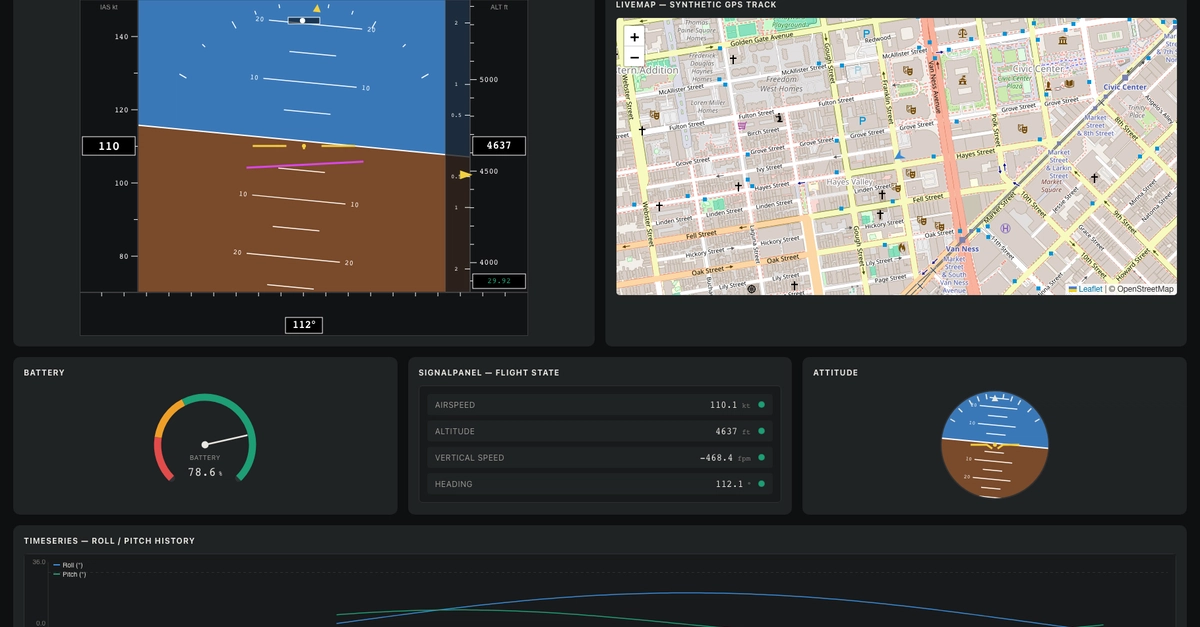
Rendering live telemetry data is straightforward. Components subscribe to a data source and update their visualizations as new numbers arrive. This works perfectly for real-time feeds, displaying everything from aircraft attitude indicators and moving maps to gauges and event logs. The natural next step is to enable replay: load a recorded session, scrub through a timeline, and watch the same instruments play back the historical data.
However, the naive approach to replay—simply loading recorded samples and pushing them into the components in order—is a trap. Many developers, like the author of the original post, run into a subtle but critical issue: their components don't just display data; they are also implicitly tied to the passage of real time. When you attempt to replay data, the components that rely on a notion of time greater than just data sequence can fail, often by displaying empty charts rather than errors.
The instruments that show a single current value, like a speed or altitude reading, often work fine during replay. This is because they only care about the latest data point. The problem emerges with time-series charts and other visualizations that inherently depend on the duration and rate at which data points were received. When replaying, the data might be flowing, but the component's internal clock, expecting real-world time progression, sees no time passing. This mismatch leads to blank charts, not because the data is missing or corrupt, but because the component's temporal context is fundamentally broken.
Think of it like a video player. If you just feed it frames sequentially without a timestamp or a playback speed, it might show you something, but it won't be a smooth, time-accurate playback. It needs to know how much time elapsed between each frame in the original recording. Telemetry components are similar; they don't just need a sequence of values, they need to understand the temporal relationship between those values.
Decoupling Components from Real-Time Clocks
The core issue is that live components are often designed with an implicit dependency on a real-time clock. They might use `Date.now()`, `performance.now()`, or request animation frames (`requestAnimationFrame`) to manage updates and animations. During live operation, this is fine. The system clock ticks, `requestAnimationFrame` fires at roughly 60Hz, and the component updates accordingly. But during replay, this real-time clock continues to tick independently of the recorded data's timestamps. If the replay mechanism only injects data points without simulating the passage of time, the component's internal temporal logic will not advance, even though data is being supplied.
To solve this, components must be refactored to decouple their rendering logic from the system's real-time clock. Instead of relying on `requestAnimationFrame` to drive updates based on the system's clock, they should be driven by the playback time itself. This means the replay mechanism needs to control the component's update cycle.
One effective strategy is to introduce a playback time variable that is advanced by the replay controller. This variable should be passed into the components or made accessible to them. Components that previously relied on `Date.now()` or `performance.now()` for temporal calculations or animations should instead use this playback time. For instance, a time-series chart component might calculate its visible time window based on the current playback time and a predefined duration. An event log might scroll based on the simulated time elapsed since the last event was displayed, rather than on a fixed interval driven by `requestAnimationFrame`.
This refactoring can be challenging, especially for complex components or legacy codebases. It often involves abstracting away time-dependent operations. Instead of directly calling time-related functions, components might accept a `timeProvider` or `clock` object as a prop or dependency. In live mode, this provider would use the system clock. In replay mode, it would use the simulated playback time managed by the replay controller.
Referenced Sources
- verified