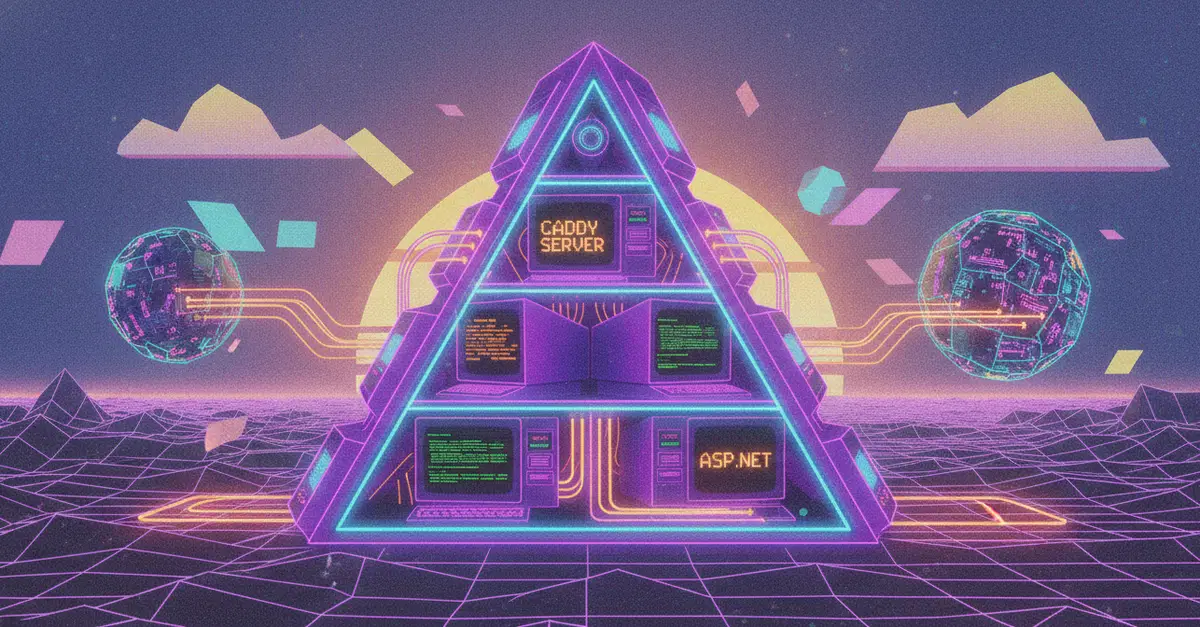
Introducing AxonASP: Server-Side JavaScript Inside Your Web Server
Web development is constantly evolving, and sometimes the best way to move forward is to rethink how we serve our applications. If you are looking for a lightning-fast, zero-friction way to render server-side JavaScript pages natively within your web server, it is time to look at AxonASP integrated with the Caddy web server.
We are rewriting the future of server-side page rendering. By embedding the AxonASP runtime directly into Caddy, you get a powerful environment that executes server-side JavaScript right inside your HTTP handlers. Add Caddy's automatic HTTPS, and you can launch secure, dynamic services in seconds. This approach eliminates the overhead of separate Node.js processes, spinning up faster and consuming fewer resources. It's a paradigm shift for developers who want the dynamic capabilities of JavaScript without the typical complexities of managing separate application servers.
Step 1: Obtain the Custom Caddy Build
AxonASP provides a custom Caddy module that handles everything internally. This Zero-Process Architecture means you don't need to manage separate Node.js or Deno processes. Instead, the JavaScript execution environment is compiled directly into the Caddy binary. This simplifies deployment significantly, as you only need to distribute a single executable. To get started, you'll need to build Caddy with the AxonASP module. This typically involves cloning the AxonASP repository and using Go's build tools to compile a custom Caddy binary that includes the AxonASP functionality.
Step 2: Configure Your Caddyfile
Once you have your custom Caddy binary, the next step is to configure your Caddyfile to use AxonASP. The configuration involves defining a site block and specifying the handler for your JavaScript pages. You will point Caddy to your JavaScript files, which will be executed on the server. This configuration is straightforward, leveraging Caddy's familiar directive-based syntax. You can specify which routes should be handled by AxonASP, allowing you to mix dynamic JavaScript-rendered pages with static assets or other backend services served by the same Caddy instance.
A typical configuration might look like this:
{
    # Global options
}

localhost:8080 {
    # Enable AxonASP for .js files
    axonasp "*.js"

    # Serve static files from the 'static' directory
    root * ./static
    file_server
}
This simple configuration tells Caddy to serve files from the ./static directory as usual, but any request ending in .js will be intercepted and processed by the AxonASP runtime embedded within Caddy. This allows for dynamic content generation directly from your JavaScript files.
Step 3: Write Your Server-Side JavaScript
Now you can write your server-side JavaScript. AxonASP provides a runtime environment that exposes specific APIs for server-side rendering. You'll write standard JavaScript, but with access to request details, headers, and the ability to generate HTML output. The runtime environment is designed to be lightweight and efficient, suitable for direct integration into a web server. You can import modules, use asynchronous operations, and construct your HTML responses dynamically.
Consider a simple example that generates an HTML page:
// my-page.js

function renderPage(name) {
  return `


        Hello, ${name}!


        Hello, ${name}!
        This page was rendered by AxonASP on the server.


  `;
}

// Assuming AxonASP provides access to query parameters or path variables
// For simplicity, let's hardcode a name or fetch from a hypothetical request object
const userName = "World"; // In a real scenario, this would come from the request

module.exports = renderPage(userName);
When Caddy receives a request for a page that maps to my-page.js (based on your Caddyfile configuration), it will execute this script. The script's return value, in this case, a string containing the full HTML document, will be sent back to the client as the HTTP response. This eliminates the need for a separate backend process to handle such requests.
Step 4: Run Caddy and Test
With Caddy built and configured, and your JavaScript file ready, you can now launch your web server. Simply run the custom Caddy binary from your terminal in the directory containing your Caddyfile and JavaScript files.
./caddy run
Caddy will start, automatically obtain an HTTPS certificate if you're using a public domain (or default to HTTP for localhost), and begin serving your application. You can then navigate to the configured address (e.g., https://localhost:8080) in your web browser. You should see the dynamically generated HTML page rendered by your server-side JavaScript. The performance benefit is immediate, as the response time is reduced due to the elimination of inter-process communication.
Benefits of AxonASP with Caddy
The primary advantage of this setup is its Zero-Process Architecture. Traditional server-side rendering often involves a web server (like Nginx or Caddy) proxying requests to a separate application server (like a Node.js process). This introduces complexity in deployment, scaling, and monitoring, as well as latency due to inter-process communication. AxonASP integrates the JavaScript runtime directly into Caddy, meaning JavaScript code executes within the same process as the HTTP server. This leads to significantly faster response times and a simplified deployment model. You get the power of server-side JavaScript with the ease of a single binary deployment, combined with Caddy's robust features like automatic HTTPS, built-in load balancing, and extensibility.
Furthermore, this approach is ideal for microservices or edge computing scenarios where minimizing process overhead and startup time is critical. Developers can leverage familiar JavaScript skills to build dynamic web applications that are served efficiently and securely directly from the edge or a single server instance. The tight integration means that Caddy's powerful request manipulation features can be easily combined with dynamic JavaScript content generation, offering a flexible and performant solution for modern web applications.
Conclusion: A New Paradigm for Server-Side Rendering
AxonASP integrated with Caddy offers a compelling alternative to traditional server-side rendering architectures. By embedding the JavaScript runtime directly into the web server, it achieves remarkable performance gains and simplifies deployment through a zero-process approach. Developers can now build dynamic, JavaScript-powered web pages that are served with the speed and efficiency previously only achievable with compiled languages or highly optimized C/C++ backends, all while leveraging the familiar ecosystem of JavaScript. This integration represents a significant step forward for developers seeking to streamline their web application delivery pipeline.