The Limitations of Browser Audio Recording
Recording audio in a web browser typically brings the MediaRecorder API to mind. It’s straightforward to implement, requiring minimal code to initiate recording. However, its output formats, often webm/opus, are compressed and lossy. This is a significant hurdle for applications like machine learning preprocessing, where audio details are crucial for tasks such as voice conversion or feature extraction. The compression inherently discards fine audio nuances, making the recorded data less suitable for rigorous analysis and feature engineering.
For developers needing raw, uncompressed audio data for these demanding applications, MediaRecorder falls short. The desire is for a format that preserves the original signal integrity, allowing for precise manipulation and analysis without the artifacts introduced by lossy compression. This is where a more direct approach to audio capture and encoding becomes necessary.
Leveraging Web Audio API for Direct PCM Data
The Web Audio API provides a lower-level interface to audio processing, offering access to raw audio data in the form of Pulse-Code Modulation (PCM). This is precisely what’s needed to construct uncompressed WAV files. The process involves capturing audio through a MediaStream, typically from the user's microphone, and then processing this stream within an AudioContext.
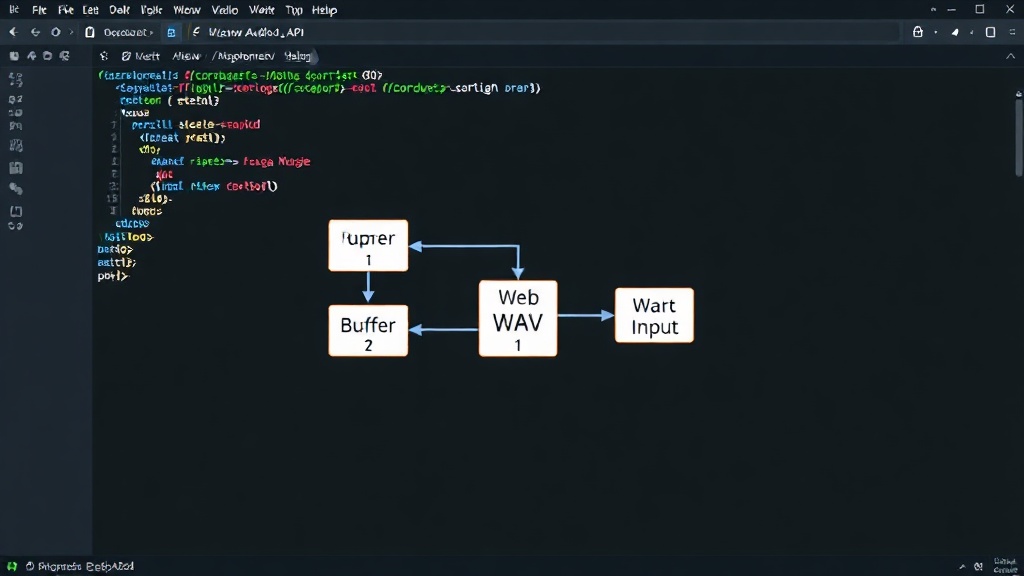
The core idea is to route the incoming audio stream to a script processor or an audio worklet. These components allow JavaScript code to intercept and manipulate the raw audio buffers as they are generated. For recording, we need to accumulate these buffers over time. The AudioContext.createBufferSource() and AudioBufferSourceNode are fundamental here, allowing us to create and manage audio buffers. When audio data arrives from the microphone, it is written into these buffers. The key is to capture these buffers in real-time and prepare them for WAV encoding.
Constructing the WAV File Header
A WAV file is not just raw audio data; it includes a header that describes the audio's format. For a spec-compliant 16-bit mono uncompressed WAV file, this header must contain specific information. The header is a fixed-size structure that begins with an RIFF chunk descriptor, followed by a format sub-chunk, and then a data sub-chunk.
The RIFF header identifies the file as a Resource Interchange File Format (RIFF) container. It includes the chunk ID ('RIFF'), the total file size (minus 8 bytes for the ID and size), and the format type ('WAVE').
The format sub-chunk (fmt) is critical. It specifies the audio format. For 16-bit mono uncompressed audio, this means:
audioFormat: 1 (for PCM)numChannels: 1 (for mono)sampleRate: The desired sample rate (e.g., 44100 Hz)bitsPerSample: 16blockAlign: Calculated asnumChannels * bitsPerSample / 8, which is 2 for mono 16-bit audio.byteRate: Calculated assampleRate * numChannels * bitsPerSample / 8.
The data sub-chunk starts with the chunk ID 'data' and then contains the actual raw audio samples. The size specified in this chunk must match the total number of bytes of the audio data.
Encoding Raw PCM Data into WAV Format
Once the audio buffers are captured and the WAV header is constructed, the final step is to combine them into a single binary blob that can be saved or downloaded. The raw audio data captured by the Web Audio API is typically in floating-point format (between -1.0 and 1.0). This needs to be converted to 16-bit signed integers (between -32768 and 32767) for the WAV file.
This conversion involves scaling the floating-point samples and then casting them to 16-bit integers. Care must be taken to handle potential clipping if audio levels exceed the representable range. Each 16-bit sample will occupy two bytes. For mono audio, these bytes are arranged sequentially. For stereo, they would be interleaved.
JavaScript's ArrayBuffer and DataView are instrumental here. An ArrayBuffer holds the raw binary data, and a DataView allows reading and writing various numeric types (like 16-bit integers) at specific byte offsets. First, the WAV header is written into an ArrayBuffer using DataView. Then, the processed 16-bit PCM audio samples are appended to this buffer, also written using DataView.
The total size of the WAV file is the size of the header plus the size of the audio data. This total size is then written into the appropriate field in the RIFF header. The resulting ArrayBuffer can then be converted into a Blob with the MIME type audio/wav. This Blob can be used to create a downloadable file, for instance, via an anchor tag with the download attribute.
The Advantage Over MediaRecorder
The primary advantage of this Web Audio API approach over MediaRecorder is the fidelity and control over the audio data. MediaRecorder outputs compressed formats, losing audio information. By using the Web Audio API, developers get direct access to the uncompressed PCM stream. This allows for the creation of WAV files that are precisely 16-bit, mono, and uncompressed, meeting the exact specifications required for many advanced audio processing tasks.
This method bypasses the intermediary compression steps inherent in MediaRecorder, ensuring that the audio data captured is as close to the original analog signal as digital conversion allows. For developers working with audio analysis, machine learning, or any application demanding high-fidelity raw audio, this technique provides a robust and spec-compliant solution directly within the browser environment.
Implications for Browser-Based Audio Workflows
This capability significantly enhances the potential of browser-based audio applications. Previously, developers needing high-quality, uncompressed audio recordings often had to rely on native applications or complex server-side processing. Now, sophisticated audio capture and processing pipelines can be built entirely within the browser.
This opens doors for more advanced web-based audio editors, transcription services that require pristine input, and machine learning models that can be trained or fine-tuned using browser-captured data. The ability to generate spec-compliant WAV files means that the audio recorded in a web application is directly compatible with a vast array of existing audio tools and libraries, without the need for format conversion or dealing with the quality degradation of compressed formats. It democratizes high-fidelity audio recording for web developers, making it accessible for a wider range of applications and user experiences.