What Are Over-The-Air (OTA) Updates?
Shipping a React Native app is only the first step. Once your app is live, the challenge shifts to efficiently delivering fixes and improvements. Traditional methods require users to download a new version from the App Store or Google Play for every minor change. Over-The-Air (OTA) updates offer a solution by allowing developers to push JavaScript code and other supported assets directly to installed applications. This bypasses the lengthy app store review process for many types of updates, such as UI tweaks, business logic adjustments, or content refreshes.
Think of OTA updates less like a full app replacement and more like a live patch for the app's dynamic content and logic. The core native shell of your application remains the same, but the JavaScript bundle and associated assets can be updated independently.
Why OTA Updates Matter
The primary benefit of OTA updates is speed. For common changes like fixing a typo, adjusting a button’s color, updating a list of products, or modifying API endpoints, waiting days or weeks for app store approval is inefficient. OTA updates enable near-instantaneous deployment of these changes, significantly improving the development-to-release cycle and allowing teams to respond rapidly to user feedback or market demands.
This agility is crucial for maintaining a competitive edge and ensuring a smooth user experience. Instead of users encountering bugs or outdated information for extended periods, they receive updated functionality almost immediately after it's ready. This also reduces the pressure on development teams to bundle every conceivable small change into a larger release, allowing for more focused and frequent iterations.
How OTA Updates Work
OTA updates function by separating the application's native code from its JavaScript code and assets. When a user installs the app, they download the native shell, which includes a mechanism to fetch and load the JavaScript bundle. This mechanism checks a remote server for newer versions of the JavaScript bundle and assets.
If a newer version is available and deemed compatible, the app downloads it. Upon the next launch (or sometimes immediately, depending on implementation), the app loads this new JavaScript bundle, effectively running the updated code without requiring a new app store submission. The native parts of the app, such as native modules or UI components written in Swift/Objective-C or Java/Kotlin, are not affected by OTA updates.
OTA Updates with Expo
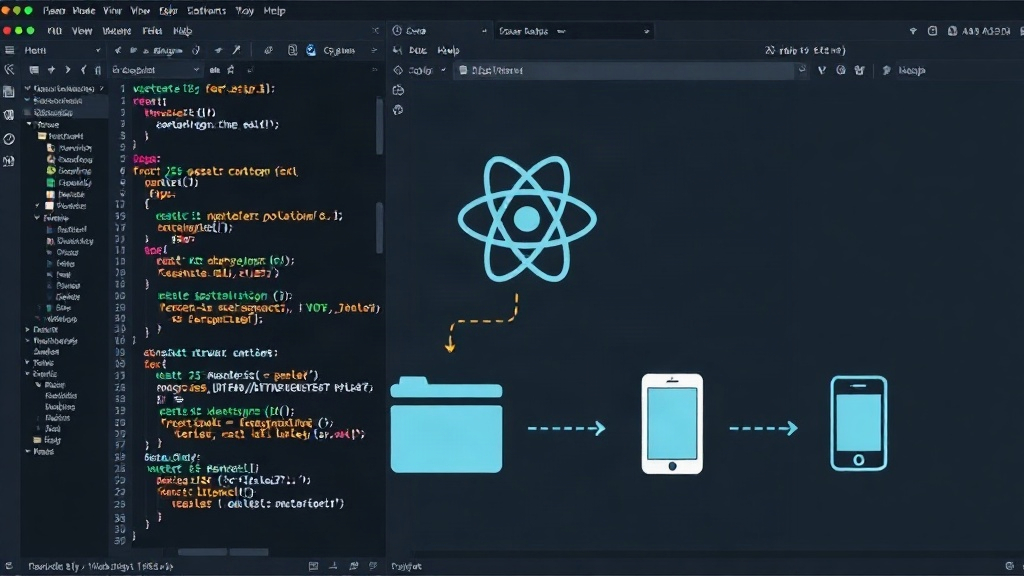
Expo, a popular framework and platform for React Native development, provides built-in support for OTA updates, simplifying their implementation. Expo's managed workflow makes it particularly straightforward. Developers can publish updates directly through the Expo CLI or dashboard.
When you run eas update (or the older expo publish command), Expo builds a new JavaScript bundle and publishes it to its servers. The Expo client app, which is part of your deployed application, is configured to check for these updates. You can also configure channels (e.g., `production`, `staging`, `beta`) to roll out updates to specific user groups before a general release.
Expo's tooling handles the versioning and delivery. For bare React Native projects, you would typically use a third-party service like CodePush from Microsoft App Center to achieve similar functionality. This involves integrating the CodePush SDK into your project and configuring it to fetch updates from App Center.
Key Considerations and Limitations
While powerful, OTA updates have critical limitations developers must understand:
- Native Code Changes Require App Store Updates: OTA updates can only modify JavaScript code and assets. If your update involves adding new native modules, changing native UI components, updating native dependencies, or modifying permissions, you *must* go through the standard app store submission process.
- User Experience: Users should be informed about updates, especially significant ones. Abruptly changing app behavior can be confusing. Many OTA update systems allow for configurable user prompts, offering choices to download immediately, defer, or ignore the update.
- Rollbacks: While possible, rolling back an OTA update can be complex. It's crucial to have a robust strategy for managing versions and potentially reverting to a previous stable bundle if a new one causes critical issues.
- Security: Ensure the update server is secure and uses HTTPS to prevent man-in-the-middle attacks. The integrity of the downloaded code is paramount.
- Testing: Thoroughly test OTA updates in a staging environment before deploying to production. Test on various devices and OS versions to catch potential regressions.
When to Use OTA Updates
OTA updates are ideal for:
- Bug Fixes: Small, non-native bugs in JavaScript logic or UI rendering.
- Content Updates: Refreshing data, articles, product listings, or promotional banners.
- UI Tweaks: Minor adjustments to layout, styling, or user interface elements.
- A/B Testing: Deploying different versions of UI or feature logic to subsets of users.
- Configuration Changes: Updating API endpoints, feature flags, or other configurable parameters.
When NOT to Use OTA Updates
Avoid OTA updates for:
- New Native Features: Adding new screens that rely on native APIs, new native modules.
- Significant UI Overhauls: Changes to core native UI components or structures.
- Dependency Updates: Updating native libraries or SDKs.
- Changes Requiring New Permissions: If the update needs new device permissions (e.g., camera, location).
- Critical Security Patches to Native Code: While JS security patches are fine, native code vulnerabilities require a full app store release.
Source 2 discusses unlisted app distribution on the App Store, which is a separate concept from OTA updates. Unlisted apps allow you to distribute an app privately without public discoverability, using a direct link. This is useful for internal testing, beta programs with a select group, or specialized enterprise apps. While it bypasses public discovery, it still involves an app store submission process for the native binary itself. OTA updates, conversely, are for pushing code changes *after* the app is already installed, without any app store involvement for those specific code changes.