The Abstraction Layer Cracks Under Pressure
React Native promises a unified development experience, letting developers write once and deploy everywhere. For many applications, this holds true. However, when an app needs to perform critical background tasks on Android, especially those involving location tracking, the JavaScript abstraction layer can become a fragile facade. This was the reality for Truxo Tracker, the driver app for truxo.ai. Its core function – reliably tracking truck locations for dispatchers – demands unwavering background process stability. When this process dies, visibility on high-value cargo vanishes. The app, built with React Native and Expo, faced consistent native crashes on Android, particularly when the OS decided to reclaim resources or the device entered a dead zone.
The development team found themselves spending months debugging Java and Kotlin code, poring over stack traces from Crashlytics, and gaining an unwelcome expertise in Android's background execution intricacies, such as JobScheduler. This isn't a typical React Native problem solvable with JavaScript; it requires understanding the underlying native platform's constraints and behaviors.
Android's Background Execution Limits
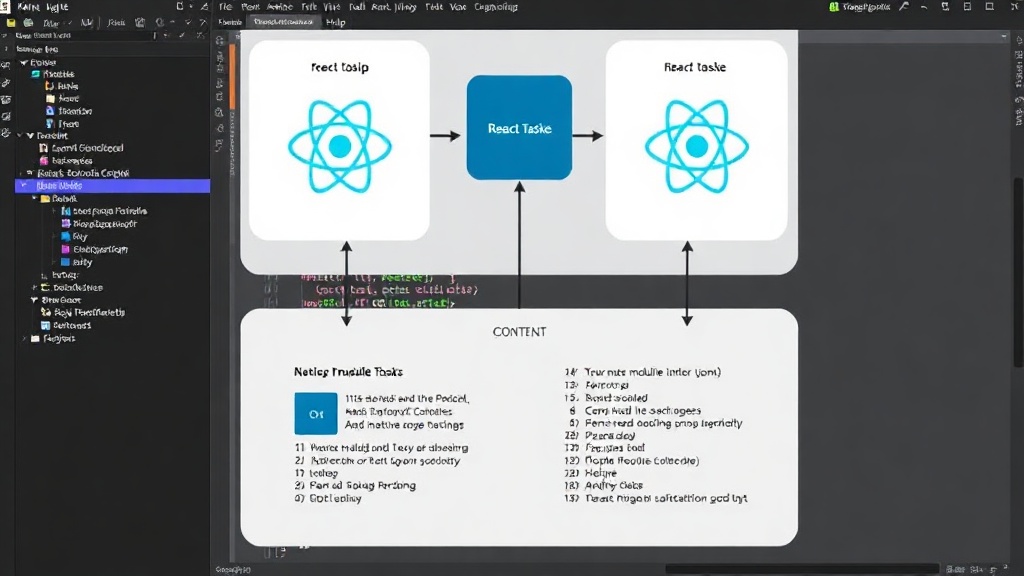
Android's operating system aggressively manages background processes to conserve battery life and system resources. For applications like Truxo Tracker, which need to maintain continuous location updates even when the app is not in the foreground, this management poses a significant challenge. Android employs various mechanisms to kill or defer background tasks, including:
- Doze Mode: When a device is stationary and unplugged for a period, it enters Doze mode, restricting background network access and deferring jobs.
- App Standby: If a user hasn't interacted with an app for a while, Android places it in App Standby, limiting its background network access and resource usage.
- Background Execution Limits: Newer Android versions impose strict limits on how often apps can perform background operations, especially implicit broadcasts.
These system-level optimizations, while beneficial for general battery life, directly conflict with the requirements of persistent background tracking. The JavaScript thread in React Native, which manages UI and application logic, is not inherently designed for the kind of robust, low-level background service execution that Android demands. When the native Android OS decides a background process is consuming too many resources or is no longer needed, it can terminate it without explicit notification to the JavaScript layer. This results in silent failures, where the app appears to be running but its critical background function has ceased.
The Dive into Native Code: Kotlin and JobScheduler
To combat these native crashes, the development team had to move beyond JavaScript and engage directly with Android's native capabilities. The primary strategy involved leveraging Android's background execution APIs more effectively and ensuring the React Native bridge could reliably communicate with these native services.
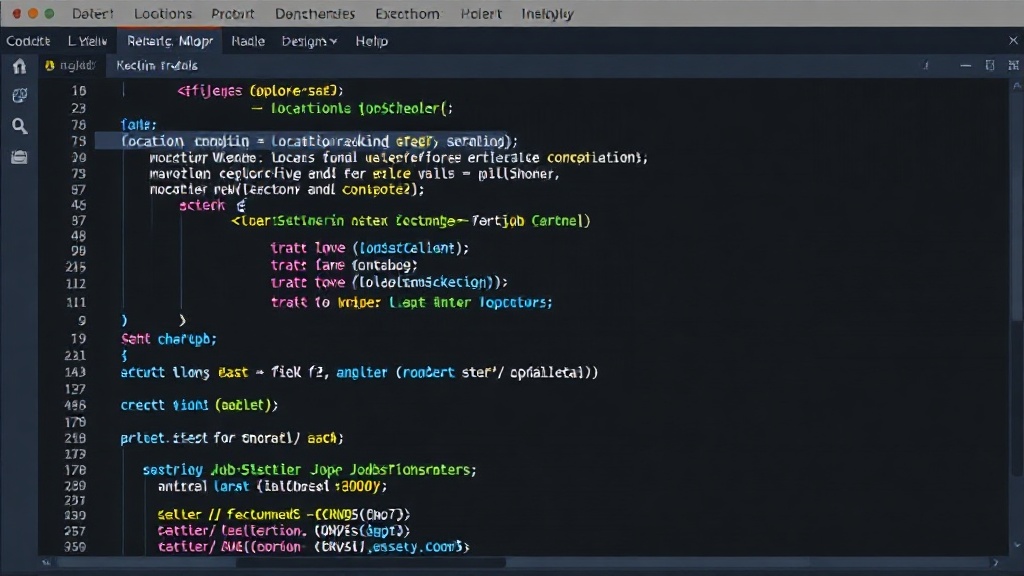
JobScheduler emerged as a key component. Unlike simpler background services that are easily killed, JobScheduler allows developers to define tasks with specific requirements (e.g., network connectivity, charging status, device idle) and lets the Android system decide the optimal time to run them. For location tracking, this meant configuring jobs to be periodic, network-aware, and resilient to device reboots or Doze mode by using appropriate update intervals and constraints.
The process involved:
- Creating a Native Android Service: A dedicated Kotlin service was implemented to handle the continuous location updates. This service was designed to be foreground-aware, signaling to Android that it was performing a user-initiated task, thereby reducing the likelihood of termination.
- Integrating with React Native: A native module was built to bridge the gap between the Kotlin service and the React Native JavaScript code. This module exposed methods for starting, stopping, and receiving location updates from the native service. The bridge needed to be robust enough to handle frequent callbacks and ensure data consistency.
- Implementing Robust Error Handling: Even with
JobScheduler, unexpected issues can arise. Comprehensive error logging and retry mechanisms were implemented within the Kotlin code to capture native exceptions and attempt recovery or graceful degradation. This included handling scenarios like permission denial or GPS signal loss. - Configuring Job Constraints: Careful configuration of
JobSchedulerjobs was crucial. This involved setting appropriate update intervals, ensuring network availability for reporting, and handling device idle states to balance functionality with battery efficiency.
The Unanswered Question: Predictable Abstraction
While the team successfully stabilized the background location tracking by diving deep into native Android development, a fundamental question remains: when will cross-platform frameworks like React Native offer more predictable and robust abstractions for critical background tasks? The current reality often forces developers into a dual-stack mindset, requiring deep native expertise for features that should ideally be handled within the framework's paradigm. The effort spent debugging Java and Kotlin stack traces, while necessary for stability, detracts from the promise of cross-platform efficiency. Developers are left wondering if future framework updates will better shield them from the vagaries of OS-level process management for essential background operations.
Mitigation Strategies and Best Practices
For developers facing similar challenges with background tasks in React Native on Android, the experience of Truxo Tracker offers several key takeaways:
- Identify Critical Paths Early: Recognize which app functionalities are absolutely mission-critical and cannot tolerate failure. Background location tracking is a prime example.
- Understand Native OS Behavior: Do not assume JavaScript will magically manage background processes. Invest time in learning how Android (and iOS) handle background execution, battery optimization, and process lifecycle management.
- Leverage Native Modules for Core Services: For tasks requiring high reliability and direct OS interaction, build dedicated native modules. These modules can encapsulate complex native logic and expose a clean API to the React Native layer.
- Foreground Services for Persistence: On Android, consider using foreground services for critical, long-running background operations. These services are less likely to be killed by the system and require a persistent notification, alerting the user to the app's background activity.
- Robust Logging and Monitoring: Implement comprehensive native logging (e.g., via Crashlytics) to capture errors occurring in the native code. Monitor these logs closely to identify recurring issues and regressions.
- Strategic Use of `JobScheduler` or WorkManager: For less time-critical but still important background tasks, utilize Android's `JobScheduler` or the more modern `WorkManager` API. These APIs allow you to define constraints and defer execution, letting the system manage resources efficiently while ensuring tasks eventually run.
Ultimately, building reliable background functionality in React Native on Android often requires acknowledging the limitations of the abstraction and being prepared to write and maintain native code. The goal is to ensure that the JavaScript layer acts as an orchestrator, delegating the heavy lifting and critical operations to resilient native services.