
Direct Canvas Control Redefines Subtitle Design
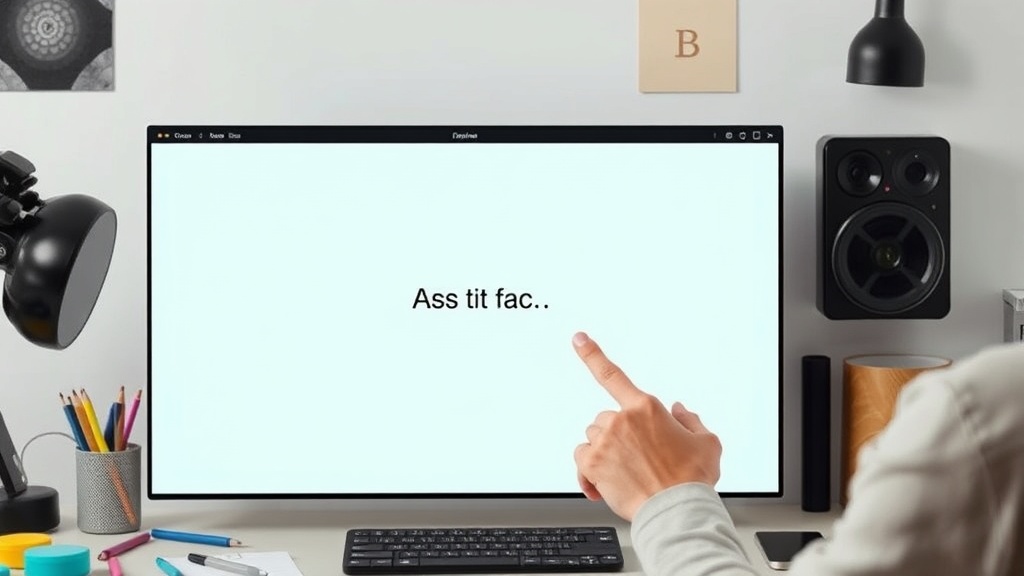
Quick Sub 2, the latest iteration of the video subtitling tool, has launched with a significant enhancement: direct canvas control. This feature allows users to manipulate subtitle elements directly on the video preview, offering an intuitive and creative approach to video accessibility and engagement. Unlike traditional subtitling software that relies on abstract text fields and timeline markers, Quick Sub 2 places the subtitle object directly within the visual context of the video, enabling real-time adjustments to position, size, font, and style.
This shift from abstract controls to direct manipulation transforms the subtitling process from a technical chore into a more design-oriented task. Users can now drag subtitles to their desired location on the screen, resize them with a simple click-and-drag action, and immediately see how they interact with the video content. This immediacy is crucial for creators who are striving for a specific aesthetic or need to ensure subtitles do not obscure important visual information. The tool aims to streamline the workflow for content creators, social media managers, and anyone producing video content who needs polished, professional-looking subtitles without a steep learning curve.
Creative Expression Meets Accessibility
Beyond mere functionality, Quick Sub 2 emphasizes creative expression. The ability to control subtitles directly on the canvas opens up new possibilities for visual storytelling. Subtitles can be animated, styled to match brand guidelines, or strategically placed to enhance the viewer's experience. For instance, a creator might choose to animate a subtitle appearing in sync with a character speaking or to pulse subtly during a key moment. This level of granular control was previously the domain of high-end video editing software, often requiring complex keyframing and rendering cycles. Quick Sub 2 aims to bring this power to a more accessible tool.
The implications for accessibility are also substantial. While standard subtitles provide essential access for hearing-impaired viewers or those watching in noisy environments, the ability to customize their appearance can further improve readability. Users can adjust contrast, font weight, and background opacity to suit different viewing conditions or personal preferences. This direct control ensures that subtitles are not just functional but also aesthetically pleasing and unobtrusive, a balance that many existing tools struggle to achieve efficiently.
Streamlined Workflow for Content Creators
The core value proposition of Quick Sub 2 lies in its efficiency. By integrating subtitle editing directly into the video canvas, the tool eliminates the need to switch between multiple applications or meticulously adjust numerical values in separate panels. This consolidated workflow is particularly beneficial for social media content creators who often work under tight deadlines. They can now import their video, transcribe or import subtitles, and then visually style and position them all within a single interface.
The tool supports direct canvas control for various stylistic elements. This includes:
- Positioning: Drag and drop subtitles to any point on the video frame.
- Sizing: Adjust font size and bounding box dimensions intuitively.
- Styling: Apply custom fonts, colors, outlines, and background fills directly on the canvas.
- Alignment: Control text alignment within the subtitle box.
This hands-on approach simplifies complex layout decisions. Instead of guessing how a subtitle will look, users see it in real-time, overlaid on their actual video footage. This visual feedback loop is invaluable for ensuring that subtitles are not only legible but also harmoniously integrated into the overall video composition.
What’s Next for Subtitling Tools?
Quick Sub 2’s introduction of direct canvas control for subtitling signals a potential shift in how video accessibility and on-screen text are handled. As video content continues to dominate online communication, the demand for tools that offer both efficiency and creative flexibility will only grow. The success of this approach could inspire other software developers to integrate similar WYSIWYG (What You See Is What You Get) editing capabilities for subtitles, moving away from more abstract, code-like interfaces towards visual, direct manipulation.
The broader impact may be felt across the creator economy. Tools that simplify complex visual tasks and empower users to achieve professional results with less effort are highly sought after. Quick Sub 2 appears to be positioning itself as a leader in this space for video subtitling, offering a compelling blend of usability and creative control that could set a new standard for the industry. The challenge ahead will be to see how quickly other tools adopt similar paradigms and how deeply this direct manipulation approach integrates into the broader video editing ecosystem.