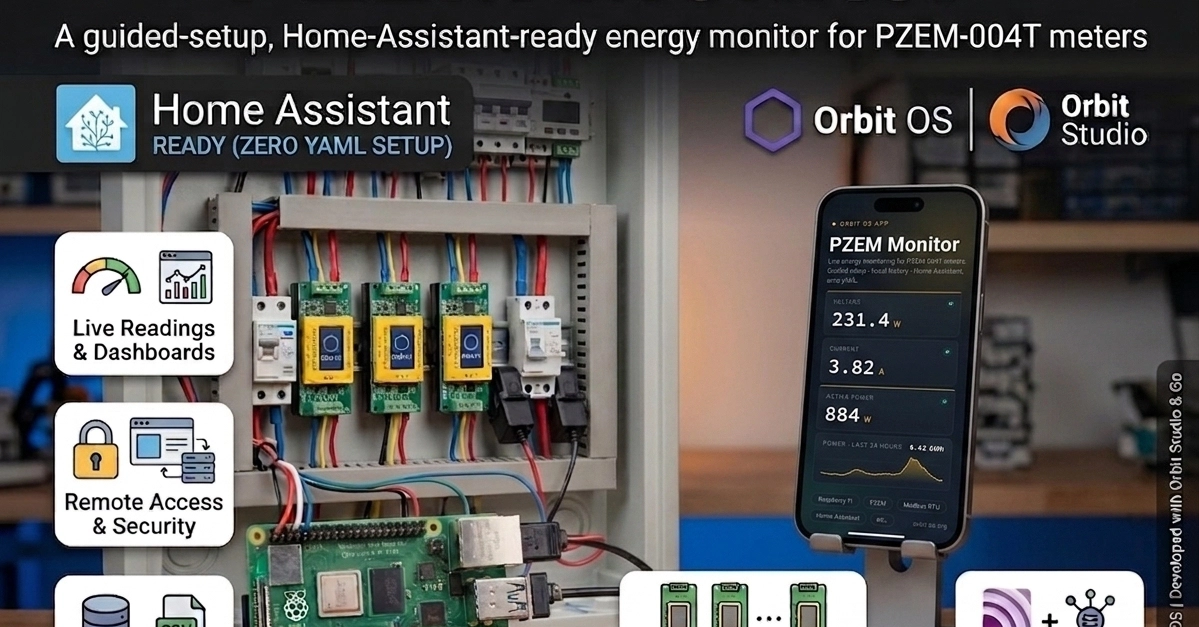
Setting up a dedicated energy monitor often involves navigating SSH commands, managing Docker containers, and wrestling with complex configuration files. For users who want a straightforward, self-contained solution, the new PZEM Monitor app aims to change that. Built for the Raspberry Pi running Orbit OS, this application transforms a common PZEM-004T AC energy meter into a user-friendly system with a live dashboard, local data history, and seamless Home Assistant integration, all installable with a single click.
The project, developed by a user aiming for a set-and-forget installation, sidesteps the typical complexities associated with embedded DIY projects. Instead of relying on Docker, which can introduce overhead and learning curves for less technical users, PZEM Monitor is packaged as a native Orbit OS application. This approach simplifies installation and maintenance, making it accessible even to those who prefer not to engage with command-line interfaces.
The Hardware Setup
The core of this project involves a Raspberry Pi 4 Model B running Orbit OS, a lightweight operating system designed for embedded applications. Connected to the Pi is at least one PZEM-004T v3.0 AC energy meter. These meters, widely available and inexpensive, provide crucial real-time data on voltage, current, power factor, active power, and frequency. To bridge the communication gap between the Raspberry Pi's GPIO pins and the PZEM-004T's UART interface, a USB-to-UART adapter is required. The project notes that a single UART bus can support multiple meters, allowing for monitoring of different circuits or appliances from a single Raspberry Pi, provided the wiring is handled correctly.
The physical connection involves wiring the PZEM-004T meter to the USB-to-UART adapter. Typically, this involves connecting the meter's TX pin to the adapter's RX pin, and the meter's RX pin to the adapter's TX pin. Ground connections must also be made between the devices. The PZEM-004T itself needs to be wired in series with the AC power line it is intended to monitor. This means the live wire from the power source passes through the meter before reaching the appliance or circuit. Safety is paramount here; working with AC mains power requires caution and an understanding of electrical safety practices. For users unfamiliar with such wiring, consulting a qualified electrician is strongly advised.
PZEM Monitor Application Features
Once the hardware is connected and Orbit OS is installed on the Raspberry Pi, the PZEM Monitor application provides the software layer. The application is designed with ease of use as a primary goal. Upon installation, users are presented with a clean web dashboard. This dashboard displays live readings from the connected PZEM-004T meter(s), offering an immediate view of energy consumption patterns. The data includes voltage, current, power, and power factor, updated in near real-time.
Beyond live monitoring, PZEM Monitor includes local data logging capabilities. This feature stores historical energy consumption data directly on the Raspberry Pi. The application provides tools to chart this historical data, allowing users to analyze trends over time, identify peak usage periods, and understand their energy habits. For users who need to perform more advanced analysis or integrate the data into other systems, an export function is available, typically allowing data to be downloaded in CSV format.
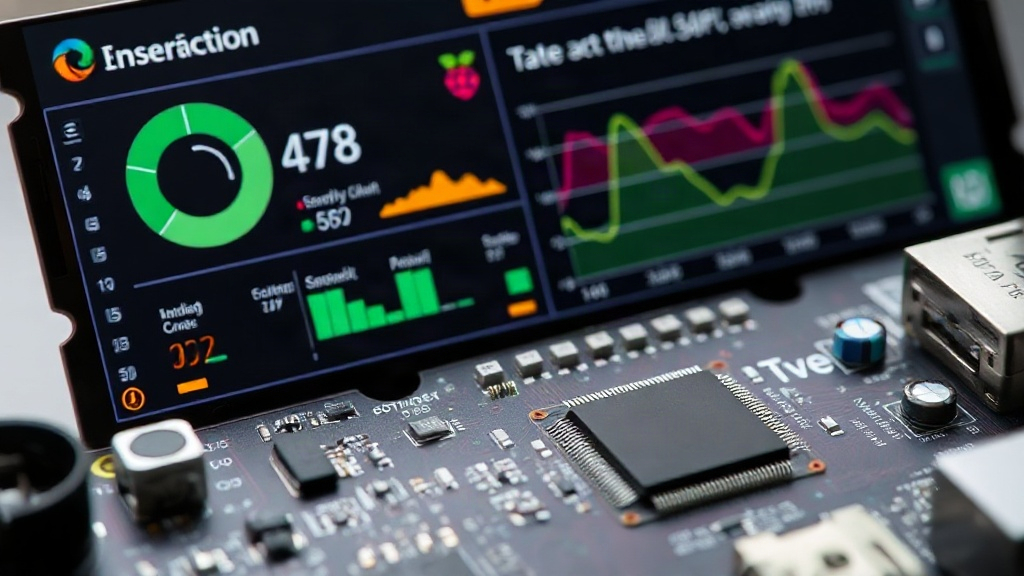
A key integration point for smart home enthusiasts is the native support for Home Assistant. PZEM Monitor exposes the energy data directly to Home Assistant, often appearing as energy sensors or devices. The significant advantage here is the elimination of manual YAML configuration, which is a common hurdle in integrating DIY sensors with Home Assistant. The app's integration is designed to be auto-discovered or configured through a simple in-app interface, requiring no deep knowledge of Home Assistant's configuration files. This makes it considerably easier for users to incorporate their real-time and historical energy data into their broader smart home automations and dashboards.
Why Orbit OS and Not Docker?
The decision to build PZEM Monitor as a native Orbit OS application rather than a Docker container is central to its user-centric design. Docker, while powerful for managing complex applications and ensuring consistent environments, introduces several layers of abstraction. For a single-purpose application like an energy monitor, Docker can feel like overkill. It requires users to install Docker, pull images, potentially manage volumes and networks, and often resort to SSH to manage the containers. This is a significant barrier for users who are not already comfortable with containerization or server administration.
Orbit OS, on the other hand, is designed for embedded devices like the Raspberry Pi. Its application model is more akin to traditional embedded software, where applications are installed and run directly on the operating system. This results in a simpler installation process – often a one-click operation within the Orbit OS interface – and a more streamlined user experience. The application runs directly, without the overhead of a container runtime. This also means that resource utilization on the Raspberry Pi can be more efficient, leaving more processing power and memory available for other tasks or for the operating system itself. It represents a return to simpler, more direct embedded system design principles for a specific, common task.
The implication for users is a dramatically reduced setup time and complexity. Instead of spending hours troubleshooting dependencies and configurations, users can potentially have a fully functional energy monitoring system up and running in minutes. This democratizes the ability to monitor home energy usage, moving it from the realm of advanced hobbyists to a more accessible DIY project.
Broader Implications for DIY Smart Home Tech
The PZEM Monitor project highlights a growing trend in the DIY smart home space: a desire for integrated, user-friendly solutions that minimize the technical overhead. While platforms like Home Assistant offer immense flexibility, their setup and integration can be daunting for newcomers. Projects that abstract away complexity, like this one, are crucial for broadening the appeal of DIY smart home technology.
By leveraging a real embedded OS and packaging the application cleanly, PZEM Monitor offers a compelling alternative to Docker-based solutions. It demonstrates that powerful functionality can be delivered without resorting to the most complex tooling. This approach could pave the way for more sophisticated embedded applications that are easier to deploy and manage, potentially leading to a wider adoption of custom smart home solutions beyond the current enthusiast base. The question remains whether this model of packaged, single-purpose applications on embedded OSs will gain wider traction as an alternative to more general-purpose containerized deployments for niche hardware integrations.