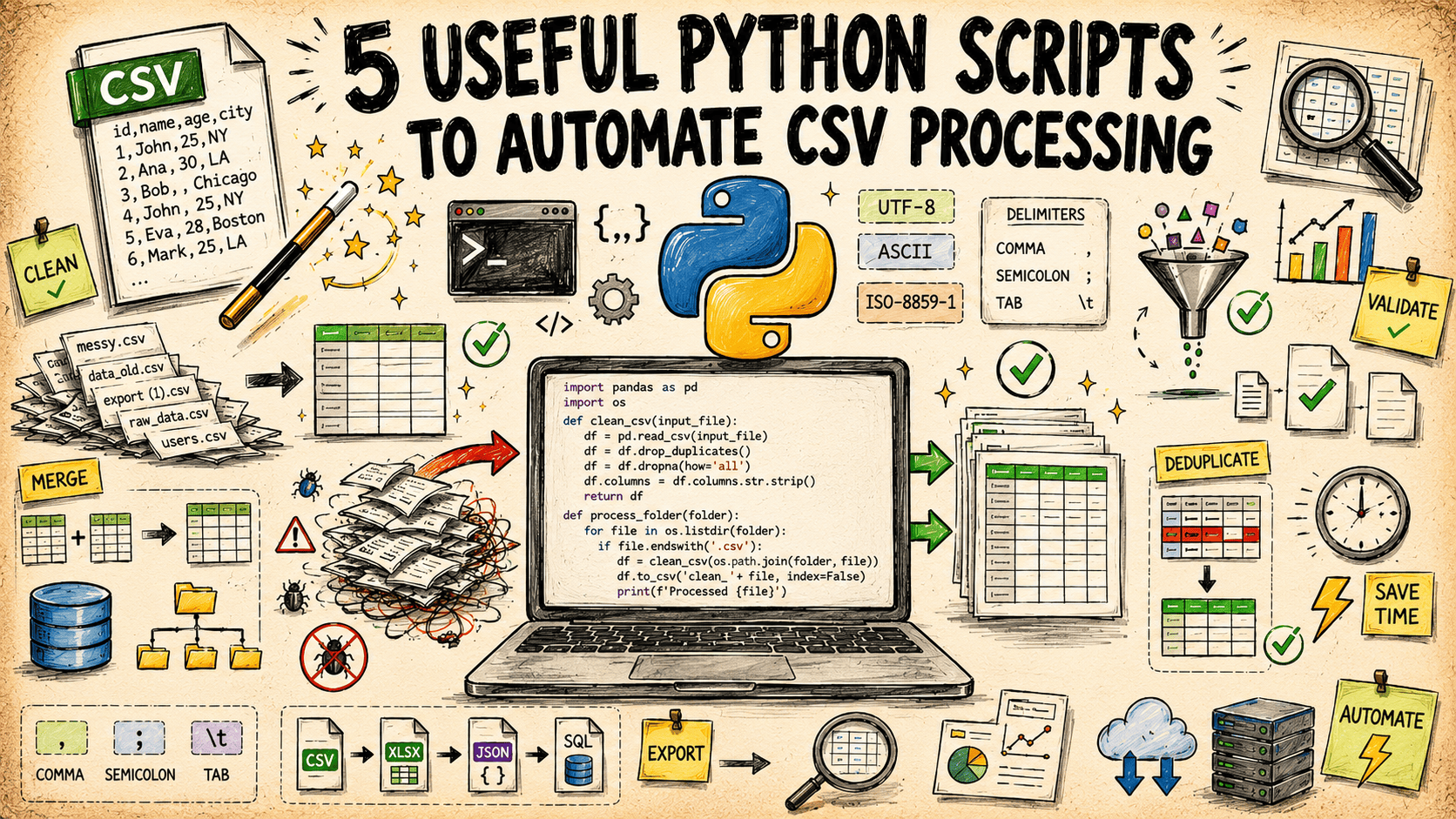
Automating CSV Processing with Python
Working with CSV (Comma Separated Values) files is a ubiquitous task in data analysis, reporting, and integration. While simple CSVs can be managed manually or with spreadsheet software, larger datasets or repetitive tasks demand automation. Python, with its robust standard library and powerful third-party packages, offers elegant solutions for automating common CSV processing workflows. This article explores five practical Python scripts that demonstrate how to clean, validate, transform, and process CSV data efficiently.
1. Data Cleaning: Handling Missing Values
Real-world data is rarely perfect. Missing values, often represented as empty strings, 'NA', 'NaN', or specific placeholder strings, are common. Unhandled missing data can lead to errors in analysis or skewed results. Python's `csv` module, combined with basic conditional logic, allows for systematic handling of these anomalies. A common strategy is to replace missing values with a default (e.g., 0 for numerical columns, an empty string for text) or to remove rows with critical missing information.
Consider a script that iterates through each row and column of a CSV. If a cell's content matches a predefined list of missing value indicators, it can be replaced. For instance, if a 'Sales' column has missing values, they might be replaced with 0 to ensure that aggregations like total sales are not affected by incomplete records. Conversely, if a 'CustomerID' is missing, that entire row might be discarded to maintain data integrity for user-centric analysis.
2. Data Validation: Ensuring Data Type and Format Integrity
Data validation is crucial for maintaining data quality and consistency. This involves checking if data conforms to expected types (e.g., numbers for numerical columns, dates for date columns) and formats (e.g., a valid email address pattern). Python's built-in `try-except` blocks are invaluable here. When attempting to convert a string to an integer or float, a `ValueError` will be raised if the string is not a valid representation. This allows the script to flag or correct erroneous entries.
For date validation, regular expressions or dedicated date parsing libraries can be employed. A script could check if a 'Date' column adheres to a specific format like 'YYYY-MM-DD'. If an entry deviates, it might be flagged for manual review or attempted reformatting. This proactive validation prevents downstream processing errors and ensures that analyses are performed on reliable data. For example, attempting to calculate the average of a column that contains text entries will fail without prior validation and cleaning.
3. Data Transformation: Reshaping and Merging Data
CSV files often need to be transformed to fit specific analytical models or reporting requirements. This can involve changing column orders, renaming columns, creating new columns based on existing ones, or merging data from multiple files. Python's `csv` module facilitates reading and writing, enabling custom transformation logic.
A common transformation is creating a derived column. For instance, if a CSV contains 'Quantity' and 'Price' columns, a script can calculate and add a 'TotalCost' column by multiplying these two values for each row. Another useful transformation is pivoting or unpivoting data. If data is in a wide format (many columns representing different time periods), it might need to be transformed into a long format (one column for time, one for value) for certain plotting libraries or statistical models. Merging involves combining rows from two or more CSV files based on a common key column, similar to a SQL JOIN operation. Python scripts can implement this by reading multiple files, aligning records by the key, and writing the combined dataset to a new CSV.
4. Data Filtering and Subset Creation
Often, only a subset of data is relevant for a particular analysis. Filtering allows you to extract rows that meet specific criteria. This is a fundamental operation for reducing dataset size and focusing on pertinent information. A Python script can easily implement complex filtering logic.
For example, to extract all sales records from a specific region or above a certain sales threshold, a script would read the CSV, apply the conditions to each row, and write only the matching rows to a new output file. This is significantly more efficient than manually sifting through large spreadsheets. Scripts can also be built to filter based on multiple conditions, such as selecting all customers from 'California' who made a purchase greater than '$100' in the last month.
5. Batch Processing Multiple CSV Files
Many real-world scenarios involve processing not just one, but a directory full of CSV files. This could be log files generated daily, sales reports from different branches, or sensor data from multiple devices. Python's `os` and `glob` modules are essential for iterating through files in a directory and applying the same processing logic to each one.
A script can be written to scan a specified directory for all files ending with `.csv`. For each file found, it can invoke a common processing function (which might include cleaning, validation, transformation, or filtering steps as described above). The results from each file can then be aggregated into a single summary report or saved into a new directory structure. This batch processing capability is where Python truly shines in automating repetitive data workflows, saving countless hours of manual effort and reducing the potential for human error.
Conclusion
Automating CSV processing with Python's standard library is accessible and immensely powerful. By implementing scripts for data cleaning, validation, transformation, filtering, and batch processing, you can significantly enhance your data workflow efficiency and data quality. These techniques form the foundation for more complex data analysis pipelines and are essential skills for anyone working with tabular data.