The Silent Killer of Customer Communication
A potential customer emails your client's sales address. Seconds later the message comes back: address not found, mailbox unavailable, or domain could not be reached.
That customer sees the failure first. They tell your client. Your client calls you. By then nobody knows how many enquiries were lost, and a small DNS problem has become an embarrassing business problem. This scenario plays out far too often because businesses focus on website uptime, neglecting the critical DNS records that govern email delivery.
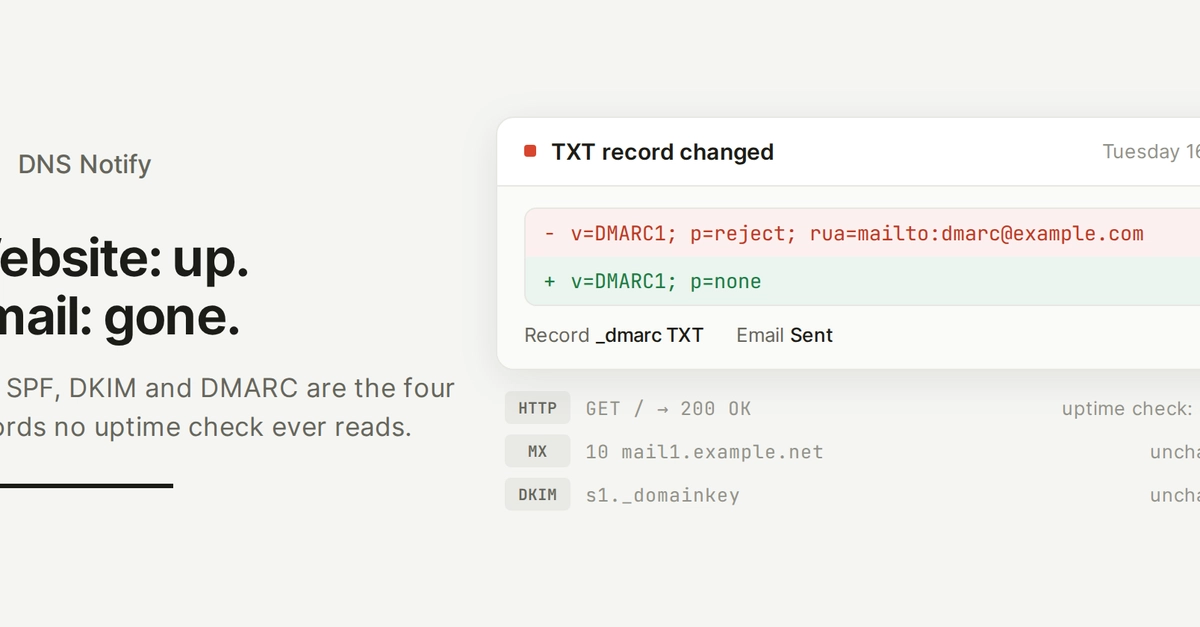
Your website might be loading perfectly, but if your Mail Exchanger (MX) records are misconfigured, or your Sender Policy Framework (SPF), DomainKeys Identified Mail (DKIM), or Domain-based Message Authentication, Reporting & Conformance (DMARC) records are broken, your emails will fail to deliver. These aren't issues that typically trigger immediate alerts; they manifest as silent failures that only become apparent when customers complain about not receiving responses, or worse, when they report bounced messages.
DNS Records That Govern Email Delivery
To ensure your emails reach their intended recipients, you need to pay close attention to four specific DNS record types:
1. Mail Exchanger (MX) Records
MX records are the most fundamental for email delivery. They tell the internet's mail servers where to send email for your domain. If these records are incorrect, missing, or pointing to non-existent servers, incoming mail will not be delivered. This is the primary reason for the common "domain could not be reached" error.
A typical MX record setup involves one or more records, each with a priority number. Lower numbers indicate higher priority. For example:
10 mail.example.com20 backupmail.example.com
In this setup, mail servers will first attempt to deliver to mail.example.com. If that server is unavailable, they will try backupmail.example.com.
Common issues include:
- Typographical errors in the mail server hostname.
- Incorrect priority numbers, causing delivery attempts to fail if the primary server is temporarily down.
- Missing MX records entirely, making the domain appear as if it cannot receive email.
- Pointing to an IP address instead of a hostname (which is not standard practice for MX records).
If your MX records are not properly configured, mail servers querying DNS for your domain will receive no valid route, leading to delivery failures.
2. Sender Policy Framework (SPF) Records
SPF is a DNS text (TXT) record that specifies which mail servers are authorized to send email on behalf of your domain. It helps prevent spammers from sending messages with a forged sender address. When a receiving mail server gets an email, it checks the sender's IP address against the sender's domain's SPF record.
An SPF record looks something like this:
"v=spf1 mx ip4:192.168.1.1 include:_spf.google.com ~all"v=spf1: Indicates this is an SPF version 1 record.mx: Authorizes all mail servers listed in the domain's MX records.ip4:192.168.1.1: Authorizes a specific IPv4 address.include:_spf.google.com: Authorizes mail servers specified in another domain's SPF record (e.g., Google Workspace).~all: Softfail – emails from other sources should be treated with suspicion.-allwould be a hard fail.
Problems arise when:
- The SPF record is missing, allowing any server to send mail claiming to be from your domain, which can lead to legitimate emails being flagged as spam.
- The record includes unauthorized IP addresses or mail servers.
- There are multiple SPF records for a single domain, which is invalid and will cause checks to fail.
- The syntax is incorrect.
A broken SPF record doesn't usually cause an immediate bounce but can lead to your emails being rejected or marked as spam by receiving servers, effectively preventing delivery.
3. DomainKeys Identified Mail (DKIM) Records
DKIM adds a digital signature to outgoing emails, allowing the receiving server to verify that the email was indeed sent by the domain owner and that the message content has not been altered in transit. This is achieved through a public-private key pair. The private key is used by the sending server to sign the email, and the corresponding public key is published as a DNS TXT record.
A DKIM record typically looks like this:
"k=rsa; p=MIGfMA0GCSqGSIb3DQEBAQUAA4GNADCBiQKBgQC+o..."k=rsa: Specifies the public key algorithm (e.g., RSA).p=...: The public key itself.
DKIM issues can include:
- The public key in the DNS record is incorrect or incomplete.
- The private key used for signing on the sending server does not match the public key in DNS.
- The DKIM signature is not being applied to outgoing emails due to misconfiguration on the sending mail server.
Like SPF, a broken DKIM setup often results in emails being marked as spam or rejected rather than bouncing immediately, as it compromises sender authenticity.
4. Domain-based Message Authentication, Reporting & Conformance (DMARC) Records
DMARC builds upon SPF and DKIM. It's a DNS TXT record that tells receiving mail servers what to do if an email fails SPF and/or DKIM checks and provides a mechanism for reporting on these failures. DMARC allows domain owners to specify a policy for handling non-compliant emails, such as rejecting them, quarantining them, or doing nothing.
A basic DMARC record might look like:
"v=DMARC1; p=none; rua=mailto:dmarc-reports@example.com"v=DMARC1: Indicates this is a DMARC version 1 record.p=none: The policy – in this case, no action is taken on failure (monitoring mode). Other options arequarantine(send to spam) orreject(block the email).rua=mailto:dmarc-reports@example.com: Specifies an address to receive aggregate reports.
DMARC problems typically manifest as:
- A policy set to
rejectorquarantinewhen SPF or DKIM is not correctly implemented, causing legitimate emails to be blocked. - Incorrect reporting addresses, meaning you don't receive valuable feedback on mail delivery.
- Syntax errors in the DMARC record.
While DMARC itself doesn't usually cause a direct bounce, its policy dictates how failures of SPF/DKIM are handled, and an overly strict policy with underlying SPF/DKIM issues will lead to undeliverable messages.
Proactive Monitoring is Key
The critical insight is that website uptime monitoring is insufficient for email deliverability. These email-governing DNS records can fail independently of your web server. A robust monitoring strategy must include regular checks of these four record types. Tools can automate this, periodically querying DNS for your MX, SPF, DKIM, and DMARC records and comparing them against expected configurations or known good values. Alerts should be triggered not just by records being absent, but by incorrect syntax, invalid values, or changes in priority or policy.
By proactively monitoring these specific DNS records, you can catch potential email delivery failures before they impact your customers, turning potential embarrassing business problems into easily resolved technical issues.