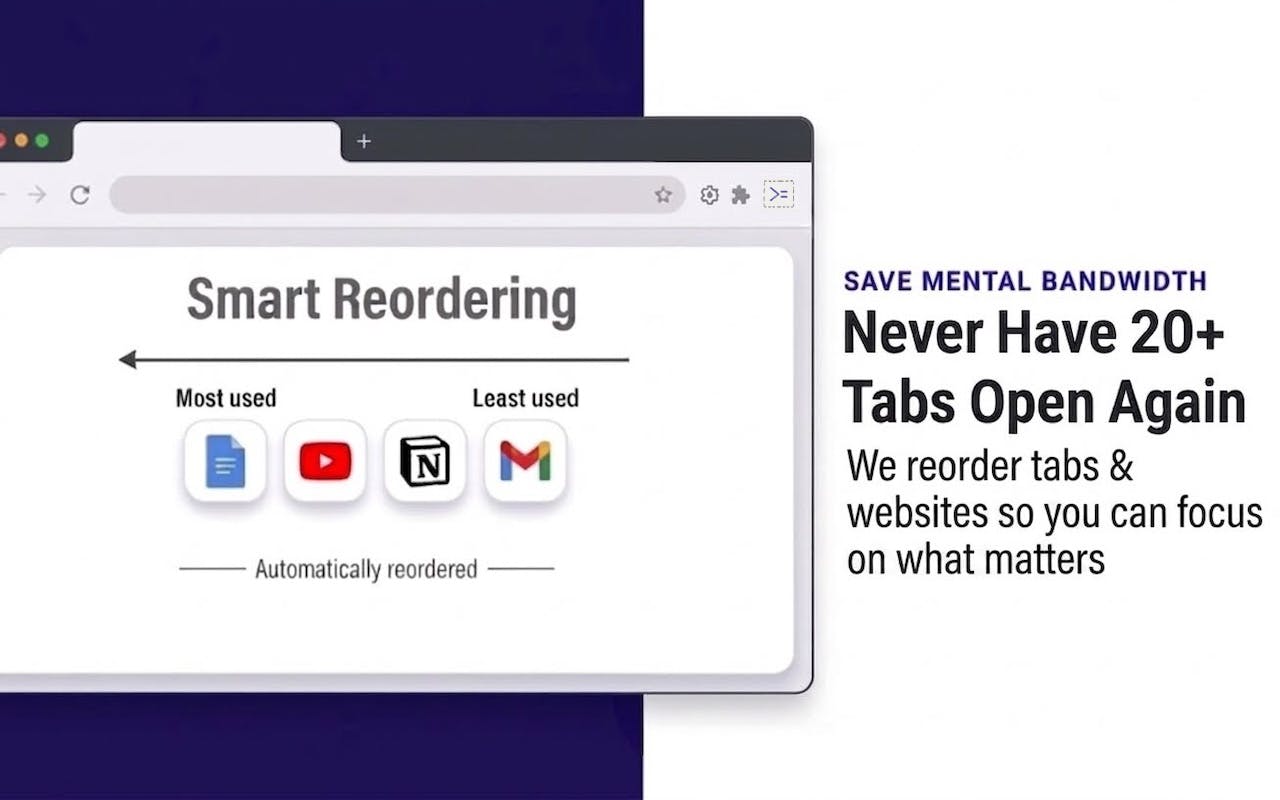
Introducing >PlayingFild: A Context-Aware Productivity and Tab Manager
In the ever-expanding digital workspace, managing browser tabs has become a significant hurdle for productivity. Open tabs often multiply, leading to information overload, lost focus, and a general slowdown in workflow. Recognizing this pervasive challenge, >PlayingFild has launched as a novel solution designed to bring order to the chaos. Unlike traditional tab managers that simply group or bookmark tabs, >PlayingFild aims to understand the *context* of a user's work, dynamically organizing and presenting information as needed.
The core premise of >PlayingFild is that different tasks require different sets of information. A developer working on a specific feature might need access to GitHub, Stack Overflow, and internal documentation. A marketer researching a campaign might need analytics dashboards, social media platforms, and competitor websites. Manually switching between these contexts or keeping numerous tabs open for each is inefficient. >PlayingFild seeks to automate this process by learning user patterns and associating specific tabs and browsing sessions with distinct work contexts.

How >PlayingFild Works
>PlayingFild operates by observing user behavior and allowing explicit definition of contexts. When a user begins a new task or project, they can define a new context. As they open relevant tabs, >PlayingFild can associate these tabs with that specific context. The tool then intelligently manages these tabs, hiding or minimizing those not relevant to the current active context, and making it easy to switch between predefined contexts. This approach aims to reduce cognitive load and minimize the time spent searching for or switching between different sets of resources.
The tool differentiates itself by moving beyond simple tab grouping. Instead of just creating static folders or lists of bookmarks, >PlayingFild dynamically curates the browsing environment. For instance, if a user switches from a development context to a design context, >PlayingFild could automatically close irrelevant development tabs and open a pre-defined set of design-related resources, or at least bring them to the forefront.
Key Features and Benefits
While specific feature sets are still emerging, the foundational promise of >PlayingFild revolves around several key benefits:
- Contextual Organization: Automatically groups and displays tabs based on the defined task or project.
- Reduced Cognitive Load: Minimizes distractions by hiding irrelevant tabs, allowing users to focus on the task at hand.
- Seamless Context Switching: Enables quick and efficient transitions between different work modes or projects.
- Intelligent Tab Management: Learns user habits to predict and pre-load relevant resources for a given context.
- Enhanced Productivity: Streamlines workflows by reducing time spent on tab management and context switching.
The application is particularly designed for professionals who juggle multiple projects, roles, or complex workflows that require constant access to varied information sources. This includes developers, designers, researchers, project managers, and content creators who often find their browser windows becoming unmanageable digital clutter.
The Broader Landscape of Productivity Tools
The launch of >PlayingFild enters a crowded market of productivity and browser management tools. Existing solutions range from simple bookmark managers and tab organizers like OneTab or Session Buddy, to more complex workflow tools and note-taking applications such as Notion or Evernote. However, few tools explicitly focus on the *contextual understanding* of user activity as the primary mechanism for tab management. Many rely on manual organization, which can be time-consuming and prone to disarray as projects evolve.
The challenge for >PlayingFild will be in its ability to accurately infer and manage user context without becoming intrusive or making incorrect assumptions. The success of such a tool hinges on its machine learning capabilities and user-friendly interface for defining and refining these contexts. If it can effectively anticipate user needs and seamlessly switch environments, it could indeed offer a significant step forward in digital productivity.
What remains to be seen is the depth of its learning capabilities and the flexibility it offers for users who have highly unique or rapidly changing workflows. The ability to integrate with other productivity suites and services will also be a critical factor in its adoption. For now, >PlayingFild presents an ambitious approach to a universal problem: taming the tab beast.