The macOS Quick Look Void on Windows
For years, Windows users have eyed macOS's Quick Look feature with envy. The ability to press the spacebar and instantly preview a file—be it an image, PDF, or document—without waiting for a full application to launch is a significant productivity boost. Existing Windows solutions like PowerToys Peek and QuickLook fall short. PowerToys Peek is part of a massive suite, consuming over 200MB and idling at 100-200MB of RAM. QuickLook, while functional, still uses 40-80MB of RAM and lacks a modern, extensible plugin architecture.
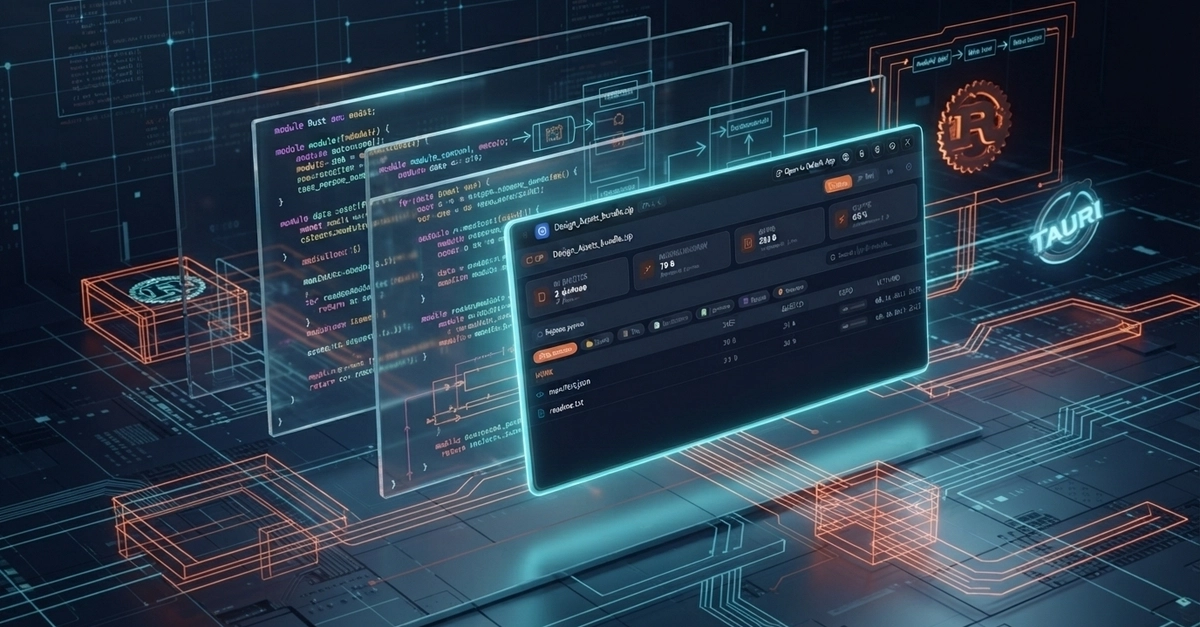
This gap inspired the creation of PeekIt, a new native file previewer for Windows 10 and 11. The goal was clear: deliver a lightweight, fast, and extensible Quick Look experience. The project, available on GitHub, prioritizes minimal resource consumption and a modern development stack.
Under the Hood: Rust, Tauri v2, and Svelte 5
Building PeekIt involved a deliberate choice of technologies to achieve its ambitious goals. The core of the application is written in Rust. This choice is key to PeekIt's performance and small footprint. Rust offers compile-time safety and memory efficiency, crucial for an application that needs to be lean and responsive. It compiles down to native code, eliminating the overhead often associated with interpreted or garbage-collected languages.
For the application's shell and native integration, Tauri v2 was selected. Tauri is a framework for building fast, secure, and lightweight desktop applications using web technologies. Unlike Electron, which bundles a full Chromium instance, Tauri uses the operating system's native web renderer. This significantly reduces the application's size and memory footprint. Tauri v2, in particular, brings further optimizations and a more streamlined developer experience, allowing for tighter integration with the Rust backend.
The user interface is powered by Svelte 5. Svelte is a compiler that shifts work from the browser to the build step. This results in highly optimized, framework-less vanilla JavaScript code. Svelte 5 introduces new features like runtimes and signals, enabling even more efficient reactivity and component updates. For PeekIt, this means a snappy, modern UI that doesn't add significant overhead. The combination of Rust for the backend logic, Tauri for the native shell, and Svelte for the frontend UI creates a potent, efficient stack.
Achieving the 3.4MB Footprint and Low RAM Usage
The primary objective for PeekIt was to be significantly smaller and less resource-intensive than its predecessors. The 3.4MB executable size is a testament to the careful selection of technologies and build optimizations. Rust's compiled nature and Tauri's efficient use of native webviews are central to this. The build process for Tauri applications involves compiling the Rust backend and then bundling the Svelte frontend assets. By minimizing dependencies and leveraging Rust's static linking capabilities, the final binary is compact.
RAM usage is another critical metric. While the exact idle RAM usage will vary based on the system and the type of file being previewed, the goal is to stay well below the 40MB mark. This is achieved by loading only necessary components and data. Unlike applications that might load large frameworks or runtimes in the background, PeekIt's architecture is designed for on-demand loading and minimal background processes. The Svelte 5 frontend is highly optimized, and Rust's efficient memory management ensures that resources are used judiciously. This makes PeekIt ideal for users with older hardware or those who simply want to keep their system lean.
Extensibility and Future Potential
Beyond its core functionality and efficiency, PeekIt is designed with extensibility in mind. The use of web technologies via Tauri allows for a plugin ecosystem that can be developed using familiar web standards. This is a significant advantage over closed-source or less flexible solutions. Developers can create new preview handlers for file types not natively supported, or enhance existing ones.
The plugin architecture could allow for features like syntax highlighting for code files, interactive PDF viewers, or even 3D model previews, all without bloating the core application. This modular approach ensures that PeekIt can adapt to new file formats and user needs over time. The project's open-source nature on GitHub further encourages community contributions and the development of these extensions. The developer has explicitly mentioned the desire for a "modern, extensible Web-based plugin ecosystem," which is a key differentiator.
What This Means for Windows Users
PeekIt offers a compelling alternative for Windows users who have felt constrained by the resource demands of existing file preview tools. Its tiny footprint means it can be installed and run on almost any Windows machine without impacting performance. The speed at which previews appear is a direct benefit of the Rust backend and efficient frontend. For developers and power users who juggle multiple file types daily, this can translate into significant time savings and a smoother workflow. It addresses the core need for instant file inspection, fulfilling the promise of a true macOS Quick Look experience on Windows, but with a modern, efficient, and open-source approach.