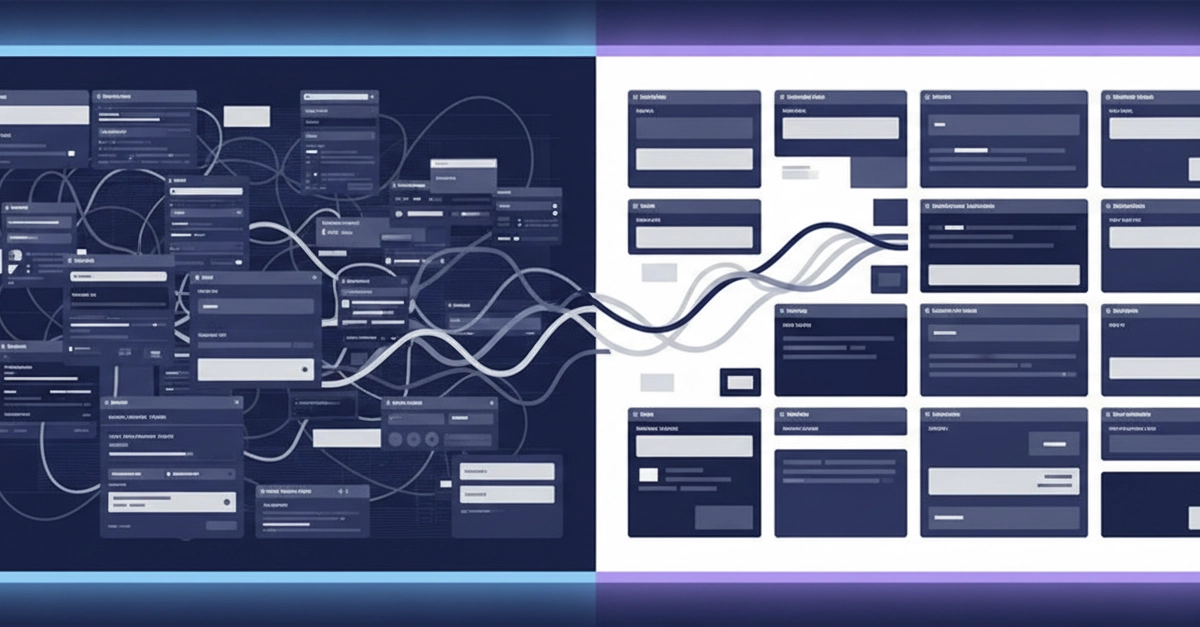
The Frontend Migration Trap: Preserving User Muscle Memory
Migrating a production frontend application — whether it’s a framework shift like Angular to React, Vue to Svelte, or even a major version upgrade with a new component library — presents a familiar peril. Teams often fall into one of two traps: either a cascade of visual and behavioral regressions where buttons look slightly off, tables sort differently, or modals animate unexpectedly, or the migration morphs into an unintended full redesign. The latter leads to a situation months later where no one can recall why the new interface deviates from the established, user-learned behavior. The core challenge is not just updating code; it's preserving the implicit understanding users have developed for the application's interactions. This requires a meticulous, user-centric approach that prioritizes functional parity over superficial aesthetic changes.
The key to a successful migration lies not in replicating the exact visual pixels, but in understanding and preserving the user's mental model and established workflows. This means identifying what users actually do and rely on, not just what the UI looks like. A common pitfall is focusing too heavily on adopting the latest design trends or framework features, which can inadvertently break established user habits. The goal should be a seamless transition where the application's core functionality remains predictable, even if the underlying technology has evolved. This often requires a deep dive into user behavior analytics and direct user feedback to pinpoint critical interaction patterns.
Cataloging and Prioritizing Assets
The first actionable step is comprehensive cataloging. This involves meticulously documenting every UI element, component, and interaction pattern within the existing application. Think of this process less like creating a technical spec and more like building an exhaustive inventory of a beloved, well-worn tool. You need to know every knob, lever, and dial, and what each one does from the user's perspective. This catalog should include not only visual components but also their associated behaviors, states, and any underlying logic that drives their functionality. For instance, a button might not just be a visual element; it could trigger a specific data fetch, update a local state, or navigate the user to a particular view. All these behaviors must be recorded.
During this cataloging phase, prioritize aggressively. Not all components are created equal. Identify the critical paths and core functionalities that users interact with most frequently and rely on for their primary tasks. These are the elements that absolutely must be migrated with pixel-perfect or, more importantly, behavior-perfect fidelity. Less critical or infrequently used features can afford to be more flexible during the migration, potentially becoming candidates for refinement or redesign later. This prioritization ensures that the most impactful aspects of the user experience are protected from the outset, minimizing disruption.
Adopting a Phased Migration Strategy
A big-bang migration is rarely advisable for production frontends. Instead, adopt a phased approach. This involves breaking down the migration into smaller, manageable chunks. One effective method is the Strangler Fig pattern, adapted for frontend development. You gradually replace parts of the old system with new components or services, routing traffic to the new implementation for specific features or user segments. This allows for continuous testing and validation in a live environment without risking the entire application.
Start with low-risk, isolated components or features. Perhaps a new modal component or a standalone settings page can be migrated first. Once these are stable and validated, move on to more complex or interconnected features. Each phase should include rigorous testing, both automated and manual, with a specific focus on regression testing against the documented behaviors of the original components. User acceptance testing (UAT) with a small group of actual users is invaluable here. Their feedback can quickly surface subtle deviations that automated tests might miss. This iterative process builds confidence and allows for course correction before major disruptions occur.
Leveraging AI for Efficiency and Accuracy
The sheer volume of work in cataloging and migrating components can be overwhelming. This is where AI agents can provide significant leverage. An AI can be trained to read existing code, identify components, extract their visual and behavioral characteristics, and even generate initial drafts of the new components in the target framework or design system. This process is akin to having a tireless assistant who can read through thousands of lines of code, understand the intent, and start building the equivalent in a new language.
The AI agent's role can extend to identifying potential discrepancies between the old and new implementations. By comparing the generated code against the documented requirements and the original source, it can flag areas where behavior might differ. This doesn't replace human oversight, but it dramatically accelerates the initial discovery and implementation phases. For example, an AI could analyze the props and event handlers of a React component and suggest equivalent implementations in Vue, including potential differences in prop types or event emission patterns. This frees up human developers to focus on the nuanced aspects of user experience and complex architectural decisions.
Ensuring Behavioral Parity: The True North
Throughout the migration, the ultimate arbiter of success is behavioral parity. This means that when a user clicks a button, it should perform the same action, with the same feedback, as it did before. If a form submission previously showed a specific error message in a particular location, the new version must do the same. This focus on behavior prevents the subtle erosion of user trust that occurs when familiar interactions change without clear benefit.
To achieve this, establish a robust suite of automated tests that specifically target user workflows and critical interactions. These tests should not just check if a component renders, but if it responds to user input in the expected manner. Visual regression testing tools can help catch unintended UI changes, but behavioral testing is paramount. Imagine testing a complex data table: the tests should verify sorting, filtering, pagination, and inline editing – not just that the table structure is present. If a user has muscle memory for a particular interaction, breaking that muscle memory without a compelling reason is a failure of the migration, regardless of how modern the new code looks.
The Unanswered Question: Post-Migration Refinement
While the focus is on preserving what users rely on, what nobody has addressed yet is the optimal strategy for subsequent iterative improvements. Once functional parity is achieved, the temptation to