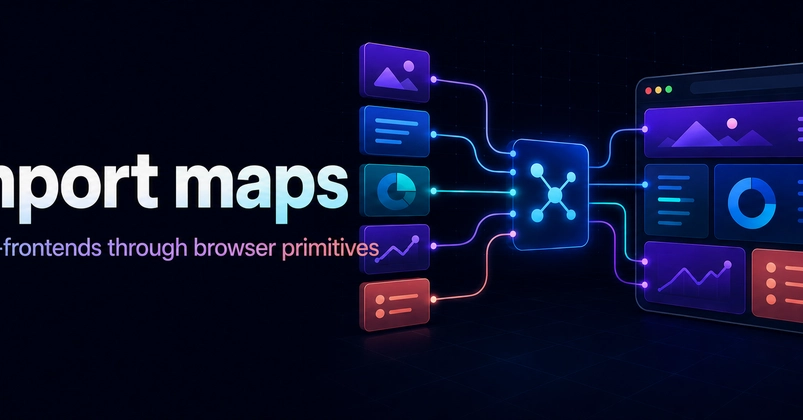
The Problem: Delivery Friction vs. Cognitive Load
Large web products often mean multiple teams working on a single page. Traditional approaches to managing this complexity, like intricate composition frameworks or layered configurations, can trade delivery friction for immense cognitive load. The goal is team autonomy: independent teams owning, developing, testing, and deploying their code without becoming entangled in a monolithic build or deployment pipeline. Runtime Module Composition, leveraging browser-native features, aims to strike this balance.
This strategy centers on a small, shared convention that preserves team autonomy while keeping the entire system understandable. The key lies in using browser primitives, specifically ES modules and import maps, to facilitate runtime composition.
Consider a complex e-commerce product page. Team A owns the product details, Team B handles the reviews, and Team C manages the checkout button. Historically, integrating these independently developed features into a cohesive user experience involved a shared build system, complex dependency management, and potentially lengthy integration testing cycles. Each team might need to understand the nuances of the parent application's build tooling, or maintain specific configurations to ensure their component played nicely with others. This leads to slower release cycles and a higher barrier to entry for new developers joining any of the teams.
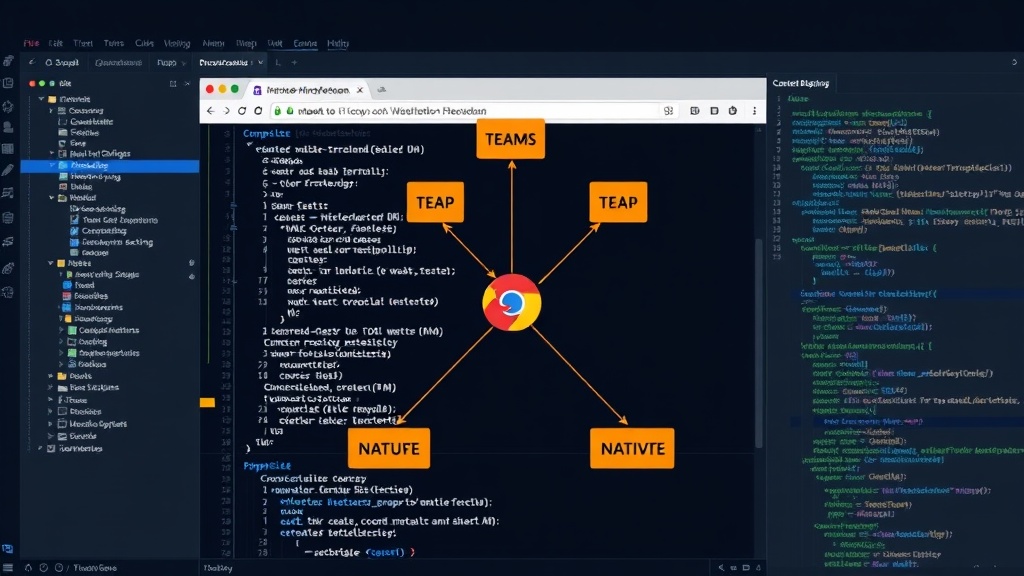
Runtime Module Composition: The Core Idea
Runtime Module Composition decouples the deployment of individual features from the main application build. Instead of bundling all code together, each team deploys their independently built JavaScript modules. The browser then dynamically loads these modules at runtime. This is where ES modules and import maps become crucial.
ES modules provide a standardized way to import and export JavaScript functionality. They offer static analysis, enabling tools to understand dependencies before execution. Crucially, they allow for dynamic imports (`import()`), which are essential for loading code on demand. This means you don't need to ship all your JavaScript upfront; you can load features as the user interacts with them, improving initial load times.
Import maps, a W3C standard, act as a browser-native dependency resolution mechanism. They allow developers to map module specifiers (like package names or URLs) to actual module locations. This is game-changing for micro-frontends because it allows teams to manage their dependencies without relying on bundler configurations or complex runtime shims. A single import map can tell the browser where to find the latest version of `team-a-product-details` or `team-b-reviews`.
How it Works: A Practical Example
Imagine a dashboard application. The core application might be built by a platform team. Independent feature teams, such as 'User Management,' 'Reporting,' and 'Notifications,' each develop their own React (or other framework) applications. These applications are built and deployed as self-contained ES modules.
The main application would include a single HTML file that references the necessary JavaScript entry points and, critically, an import map. This import map, possibly dynamically generated or updated by a CI/CD pipeline, would look something like this:
{
  "imports": {
    "react": "/path/to/react.v18.js",
    "react-dom": "/path/to/react-dom.v18.js",
    "@app/user-management": "/dist/user-management/latest/index.js",
    "@app/reporting": "/dist/reporting/latest/index.js",
    "@app/notifications": "/dist/notifications/latest/index.js"
  }
}
The main application then uses dynamic imports to load these modules:
// In the main application's routing or component logic
async function loadFeature(featureName) {
  const module = await import(featureName);
  // Render the feature's component, e.g., module.renderUserManagementWidget();
}

loadFeature('@app/user-management');
When `import('@app/user-management')` is called, the browser consults the import map. It finds that `@app/user-management` maps to `/dist/user-management/latest/index.js` and fetches that script. If that module depends on `react`, the import map tells the browser where to find `react.v18.js`. This process effectively stitches together the independently deployed modules at runtime.
Benefits of Native Primitives
This approach offers several compelling advantages over traditional micro-frontend architectures:
- Simplified Tooling: Teams can use their preferred build tools (e.g., Vite, esbuild) without complex, shared bundler configurations. The output is simply standard ES modules.
- True Autonomy: Each team controls its own dependencies and deployment schedule. A bug in one micro-frontend’s dependencies doesn't necessarily break others if versions are managed correctly via the import map.
- Reduced Cognitive Load: Developers don't need to understand an overarching composition framework. The browser handles the module loading and resolution.
- Improved Performance: Dynamic imports allow for code splitting and lazy loading, leading to faster initial page loads.
- Framework Agnosticism: While examples often use React, this approach works with any JavaScript framework, or even no framework at all.
The Unanswered Question: Versioning and Governance
While import maps simplify dependency resolution, they introduce new governance challenges. What happens when Team A upgrades React to v18, but Team B is still on v17? The import map can specify versions, but managing these shared dependencies across many teams requires robust communication and a clear strategy. The surprising detail here is that while this architecture dramatically simplifies runtime composition, it shifts the governance burden from build tooling to inter-team coordination and a well-defined import map update process. How do you ensure a consistent developer experience and prevent runtime conflicts when different teams are on different versions of critical libraries? This is the next frontier for this architecture.
Conclusion: A Native Path Forward
Composing micro-frontends with import maps and native ES modules offers a powerful, simpler alternative to complex established patterns. By leaning on browser standards, development teams can achieve greater autonomy and reduce cognitive overhead. This architecture fundamentally changes how independent frontend development integrates, shifting the complexity from build pipelines to runtime resolution managed by the browser itself. For organizations struggling with monolithic frontend architectures and slow delivery cycles, this approach presents a compelling, native path forward.