The Problem with Standard Git Conflict Resolution
Developers often face frustration with the default Git merge conflict resolution tools in popular IDEs like VS Code and Cursor. The default stacked merge editor, while functional, can feel cumbersome for complex conflicts. It presents changes in a linear fashion, requiring users to scroll through each conflict individually. This method can be time-consuming and error-prone, especially when dealing with numerous overlapping changes. The process can feel like deciphering a dense text document rather than efficiently resolving code discrepancies. Many developers have long admired the three-pane diff view common in JetBrains IDEs, which offers a more intuitive side-by-side comparison of the base, local, and remote versions of a file. This visual clarity significantly aids in understanding the context of each conflict and making informed decisions about how to merge.
The core issue is the cognitive load associated with the standard approach. Developers must mentally reconstruct the original state of the file, understand the incoming changes, and then decide how to integrate them, all within a less-than-ideal interface. This friction slows down development workflows and can lead to mistakes that require further debugging down the line. The desire for a more efficient and visually clear conflict resolution experience has been a persistent one in the developer community, with many looking to the established standards set by other IDEs.
Introducing MergeForge: A JetBrains-Inspired Solution
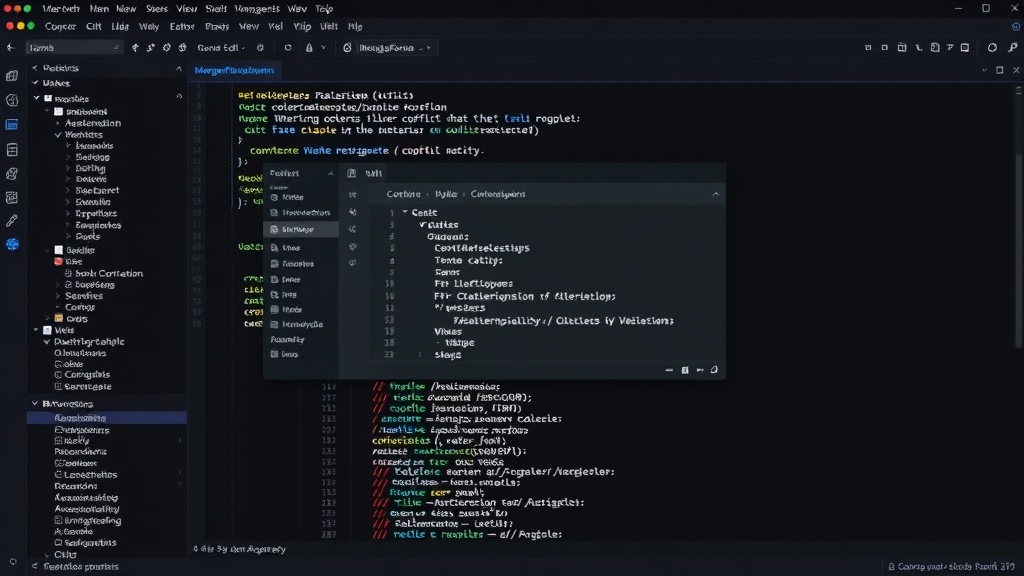
MergeForge aims to bridge this gap by bringing a JetBrains-style three-pane conflict resolver to VS Code and Cursor. Developed by Ognjen Marčeta, this new tool provides a significantly more visual and intuitive way to tackle Git merge conflicts. Instead of the stacked view, MergeForge presents three distinct panes: the incoming changes (the version from the branch you're merging into your current one), the current version (your local changes), and the final merged result. This layout allows developers to see the original code, the proposed changes, and their own modifications side-by-side, offering a comprehensive overview of the conflict. The ability to directly edit the result pane while referencing the other two makes decision-making faster and more accurate. This mirrors the highly regarded conflict resolution experience found in IDEs like IntelliJ IDEA, which many developers consider the gold standard.
The implementation focuses on providing a familiar yet enhanced experience. Users can easily accept or reject changes from either the incoming or current versions, and these actions are reflected in the result pane. This direct manipulation approach reduces the mental gymnastics required to resolve conflicts. For developers who have transitioned from JetBrains IDEs or simply appreciate their workflow, MergeForge offers a welcome return to a comfortable and efficient environment within their preferred VS Code or Cursor setup. The tool is designed to be a seamless integration, making the transition from traditional Git conflict resolution as smooth as possible.
AI-Powered Assistance for Smarter Merging
Beyond the improved UI, MergeForge integrates an AI assistant designed to offer intelligent suggestions for resolving conflicts. This isn't just a generic chatbot; the AI is trained to understand the context of your repository. It can analyze the history and structure of your codebase before suggesting a fix. This capability is crucial for complex projects where understanding the implications of a merge can be challenging. The AI can help identify potential issues, suggest the most logical way to combine divergent code paths, or even offer to automatically resolve certain types of conflicts based on project conventions.
The AI assistant works by examining the code around the conflict and, importantly, by having access to the broader context of the repository. This allows it to make more informed recommendations than a simple line-by-line comparison tool. For instance, if a function signature has changed in one branch and its usage has changed in another, the AI can propose a unified resolution that correctly updates both the definition and its calls. This proactive assistance can save significant time and reduce the likelihood of introducing subtle bugs. The developers can choose to accept, reject, or further refine the AI's suggestions, maintaining full control over the merge process. This blend of powerful UI and intelligent automation is what sets MergeForge apart.
What This Means for Developers and Teams
MergeForge represents a significant step forward for developers working with Git, particularly those using VS Code or Cursor. The improved conflict resolution interface directly addresses a long-standing pain point, making a tedious but essential part of the development workflow more manageable. For teams, this can translate into faster iteration cycles and fewer merge-related bugs slipping into production. The AI assistance adds another layer of efficiency, potentially democratizing complex merge resolutions by providing guidance and context that might otherwise be missed.
The availability of such a tool could influence IDE adoption trends. Developers who have been hesitant to switch from JetBrains due to its superior Git tooling may find VS Code or Cursor more appealing with MergeForge installed. For existing VS Code and Cursor users, it's a clear upgrade that enhances productivity. The impact is particularly felt during intensive development periods, such as feature branching, rebasing large feature branches, or collaborating on codebases with frequent merge conflicts. By reducing the friction and cognitive load of conflict resolution, MergeForge allows developers to focus more on writing code and less on wrangling with Git.
The surprising detail here is not just the offering of a three-pane view, which many have wished for, but the integration of a context-aware AI assistant that goes beyond simple diffing. This combination elevates MergeForge from a mere UI enhancement to a genuinely intelligent tool for managing code integration. It’s a clear signal that the development tooling landscape is increasingly incorporating AI to solve complex, everyday developer challenges.