Introducing Markdown Studio: Seamless HTML to Markdown Conversion
Developer [Author Name, if available] has launched Markdown Studio (mdstudio.dev), a free, browser-based tool designed to convert HTML content into Markdown. The project originated as a personal learning endeavor, focusing on AI-assisted web development and the growing importance of Markdown in AI tools and software development workflows. Markdown Studio offers a straightforward solution for users needing to transform rich text or HTML into a more portable and widely compatible Markdown format.
The tool runs entirely within the user's web browser, meaning no installation or account creation is required. This local processing approach ensures user privacy and accessibility, making it a convenient option for quick conversions. The underlying technology stack includes Preact, TypeScript, CodeMirror, and Vite, chosen for their efficiency and modern development capabilities.
Key Features and Functionality
Markdown Studio provides a focused set of features to streamline the HTML-to-Markdown conversion process:
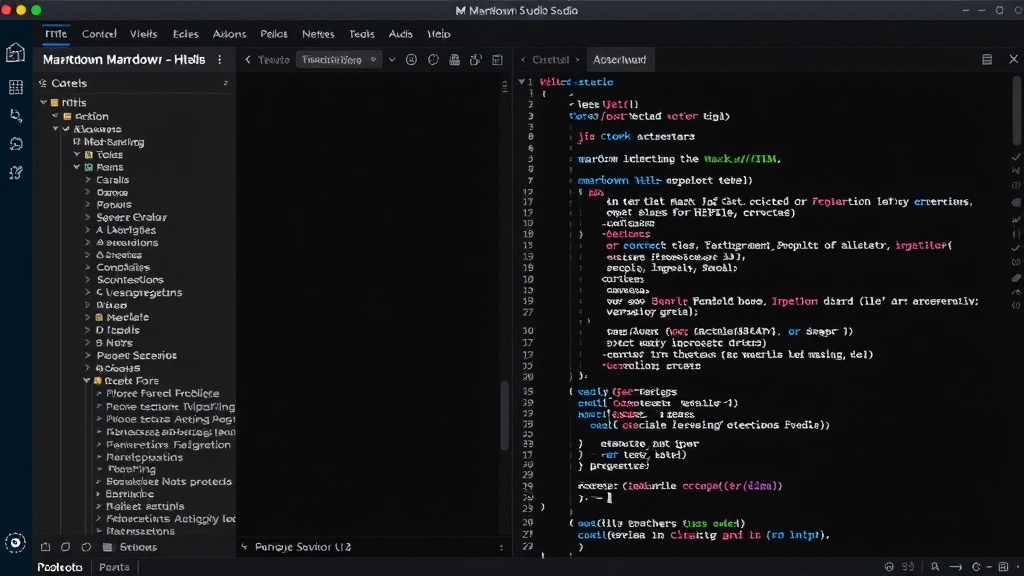
- Paste and Convert: Users can directly paste rich text content or import existing HTML files. The tool then processes this input and generates corresponding Markdown.
- Markdown Editing: Once converted, the generated Markdown is presented in an editable panel. This allows users to refine the output, correct any conversion nuances, or add custom formatting.
- Live Preview: A real-time preview pane displays how the Markdown will render, offering immediate visual feedback as edits are made. This is crucial for ensuring the final output matches the user's expectations.
- Profile Switching: The converter supports two major Markdown profiles: GitHub Flavored Markdown (GFM) and CommonMark. This flexibility caters to different platform requirements and user preferences, ensuring compatibility across various services and applications.
- Export Options: Converted and edited Markdown can be easily copied to the clipboard, downloaded as a .md file, or printed directly from the interface.
The decision to support GFM and CommonMark profiles is a significant advantage. GFM is widely used on platforms like GitHub and GitLab, while CommonMark provides a standardized baseline. Offering both caters to a broader audience with diverse needs.
A Learning Project with a Practical Purpose
The creator emphasizes that Markdown Studio is a non-commercial learning project. This transparency sets expectations regarding its development trajectory and support. The primary goal was to deepen understanding of AI-assisted development and Markdown's role in modern digital workflows. The tool itself is a tangible outcome of this learning process.
The local processing model is a standout feature. Unlike many online converters that send data to external servers, Markdown Studio keeps all operations within the user's browser. This is akin to using a local text editor for sensitive documents; you know your data isn't being transmitted or stored elsewhere. This privacy-centric approach is particularly valuable for developers or writers handling proprietary or sensitive content.
The use of CodeMirror for the editing panes provides a robust and familiar environment for those accustomed to code editors, offering features like syntax highlighting and line numbers, which can be particularly helpful when refining complex Markdown structures. Preact and Vite contribute to a fast, responsive user experience, ensuring the tool feels snappy even when handling larger HTML inputs.
Feedback and Future Development
The developer is actively seeking feedback from users to identify areas for improvement. Specific requests include insights on confusing interface elements, issues encountered during HTML-to-Markdown conversion, and any browser-specific problems. This open approach to feedback suggests a willingness to iterate and enhance the tool based on real-world usage.
What remains unaddressed is the long-term sustainability and potential feature roadmap for Markdown Studio. While positioned as a learning project, its utility is clear. Whether it evolves into a more feature-rich application or remains a focused, free tool depends on developer bandwidth and community engagement. For users who find value in its current capabilities, providing constructive feedback is the most direct way to influence its future.
The project's success hinges on its ability to handle a wide variety of HTML structures accurately. Complex tables, nested lists, and embedded media all present unique challenges in Markdown conversion. The developer's focus on GFM and CommonMark suggests an awareness of these complexities, aiming for robust compatibility with established standards.
For anyone frequently working with web content and needing to adapt it for documentation, blogging platforms, or note-taking applications that favor Markdown, Markdown Studio offers a compelling, free, and privacy-conscious solution. Its browser-native operation makes it instantly accessible, removing barriers to entry for quick, on-the-fly conversions.