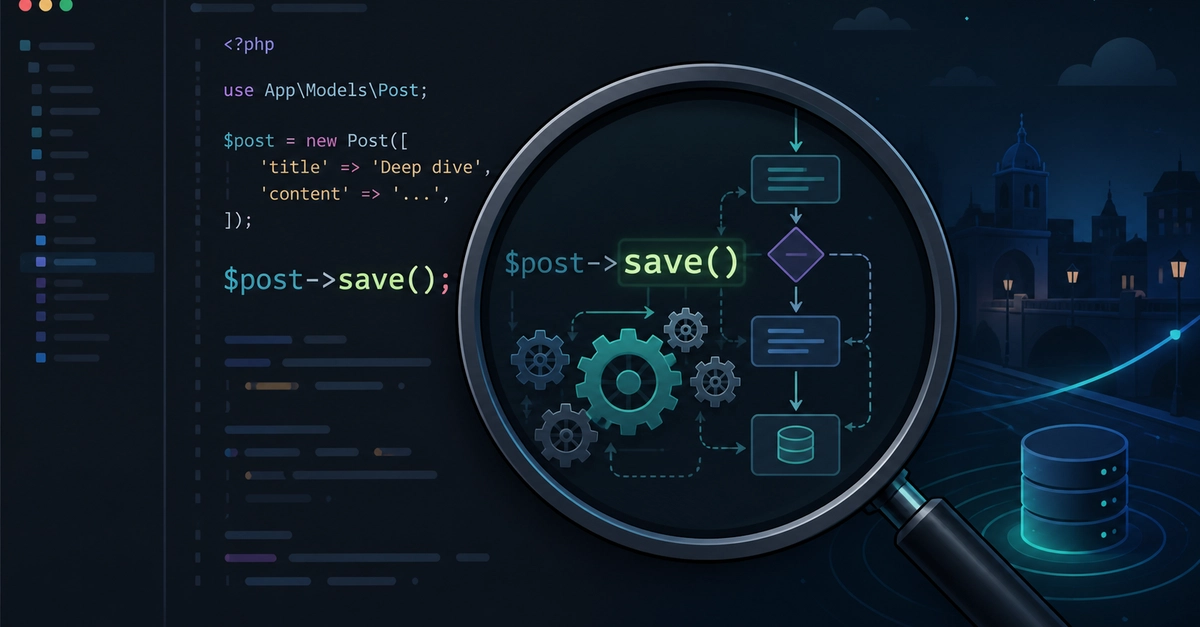
The Hidden Logic of Eloquent's `->save()`
When you call $model->save() in Laravel, it's easy to assume the framework simply translates your changes into an SQL query and sends it to the database. This is a common misconception. The reality is far more nuanced and involves a series of internal checks and operations that orchestrate the model's lifecycle. The initial decision point for ->save() hinges on a single boolean property: $this->exists. This property dictates whether the operation will be an SQL INSERT or an UPDATE.
If $this->exists is false, Laravel knows it's dealing with a new model instance that needs to be persisted to the database for the first time. In this scenario, it prepares to execute an INSERT statement. Conversely, if $this->exists is true, the model has been retrieved from the database previously, and ->save() will perform an UPDATE operation on the existing record.
This distinction is fundamental because it triggers different internal processes within Eloquent. For new models, certain events and checks might be skipped or handled differently compared to existing ones. Understanding this initial check is the first step to appreciating the full scope of what ->save() accomplishes.
Event Firing and Timestamp Management
Beyond determining the SQL operation, ->save() is a critical juncture for Eloquent's event system and timestamp management. Before any database interaction occurs, and after the INSERT or UPDATE decision is made, Eloquent fires a series of model events. These events allow developers to hook into the saving process, enabling custom logic before, during, or after the save operation. The primary events involved are creating, created, updating, and updated.
For new models (where $this->exists is false), the creating event fires before the INSERT query. If this event's listener returns false, the saving process is halted. Upon successful insertion, the created event is fired. For existing models (where $this->exists is true), the updating event is triggered before the UPDATE query, and if it doesn't return false, the updated event fires afterward.
Timestamp management is another crucial aspect handled by ->save(). Eloquent automatically manages the created_at and updated_at columns if they exist on your model and are configured to be automatically managed (which is the default for new Laravel projects). When a new model is created, created_at and updated_at are set to the current timestamp. When an existing model is updated, only updated_at is refreshed to the current timestamp. This automatic behavior is triggered implicitly by the ->save() method, ensuring your records are always time-stamped correctly without manual intervention, unless you explicitly disable this feature.
Handling the Actual Database Operation
Once the model events have fired and timestamps are managed, Eloquent proceeds to the actual database interaction. This is where the SQL query is finally constructed and executed. The method responsible for this is typically performInsert or performUpdate, which are called internally by save() based on the $this->exists check.
performInsert builds and executes an INSERT query, inserting the model's attributes into the appropriate table. It then sets the $this->exists property to true, signifying that the model is now a persistent record in the database. It also populates the model with any auto-generated IDs from the database.
performUpdate, on the other hand, constructs an UPDATE query. It identifies the record to update using the model's primary key and applies the changes based on the model's current attributes. The $this->exists property remains true throughout this process.
This separation of concerns – checking existence, firing events, managing timestamps, and finally executing the SQL – is what makes Eloquent's ->save() a robust and flexible method. It's not merely a database write; it's an orchestrated lifecycle event for your model.
The Surprising Detail: Event Interruption and Custom Logic
The most surprising detail for many developers is not that ->save() does more than just write to the database, but rather how easily this process can be interrupted or modified. The model events (creating, updating) act as powerful gates. If any listener attached to these events returns false, the entire save operation is aborted. This means a model might appear to be saved, but the database write simply doesn't happen. This behavior can lead to subtle bugs where models are expected to update but remain unchanged, or events that should fire never get a chance to execute.
Consider a scenario where a validation rule is implemented as a listener on the creating event. If the validation fails, the listener returns false, preventing the model from being inserted. This is intended behavior, but without understanding that the ->save() call itself effectively fails silently from the caller's perspective (no exception is thrown by default unless the database layer itself errors), debugging can be challenging. The model instance itself might not reflect the failed save attempt clearly without inspecting the return value of the event listener or explicitly checking if the model now exists.
This mechanism provides immense flexibility. Developers can implement complex business logic, cross-model validations, or asynchronous tasks within these event listeners. However, it also means that a simple $user->save() call is not a guarantee of a database transaction completing. It signifies an *attempt* to save, which can be programmatically halted before the SQL is ever executed.
What This Means for Your Code
Understanding the internal workings of ->save() is crucial for writing predictable and maintainable Laravel applications. When debugging issues like unsaved data or missed events, tracing back to the ->save() call and its associated model events is essential. Developers should be aware that:
- New models trigger
creatingandcreatedevents. - Existing models trigger
updatingandupdatedevents. - Any of these events can halt the save process if their listeners return
false. - Timestamps (
created_at,updated_at) are managed automatically by default.
If you encounter a situation where a model should have been saved but wasn't, or an event didn't fire, the first place to look is within the model's event observers or directly within the model class for any methods (like creating(), updating()) that might be interfering with the save process. This deeper understanding moves you from simply using Eloquent to truly mastering its behavior.