
Bundle Size is a Business Decision, Not a Dev Preference
Most online performance advice operates under a critical assumption: ubiquitous fast Wi-Fi, recent smartphone models, and stable internet connections. This is the world of Lighthouse scores optimized for conditions that do not reflect the reality for billions. I build web products for businesses in Kenya, where a significant portion of users connect via 3G, sometimes even 2G. These users often rely on budget Android phones with limited storage and browsers that haven't been updated in years. This context fundamentally alters how you must approach web development.
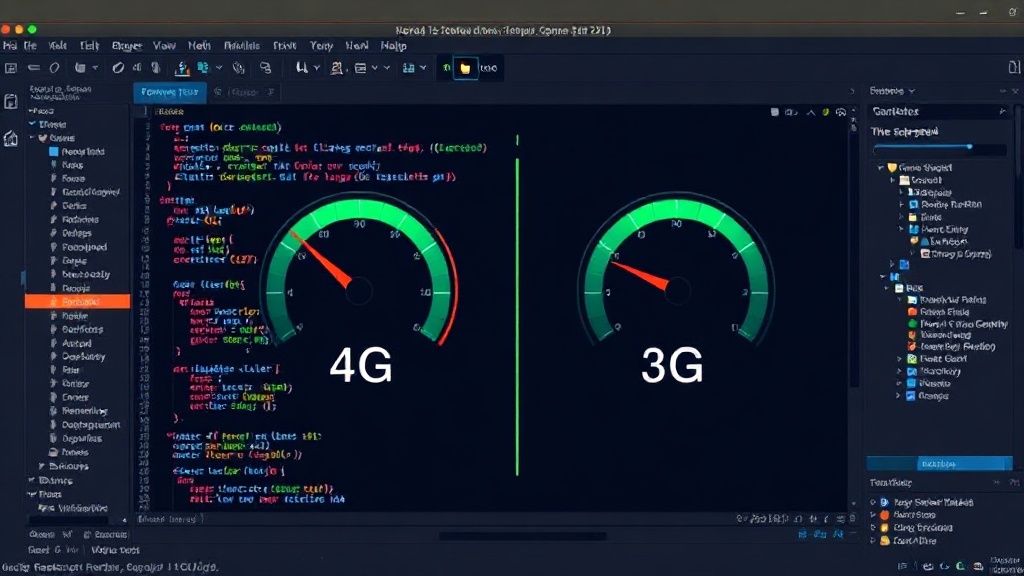
A 2MB JavaScript bundle, which might load instantaneously on a high-end laptop, can take 15 to 20 seconds to parse and execute on a real 3G connection. This isn't merely a slow load time; it's a user who abandons the site before it even becomes interactive. Analytics data from projects in Kenya consistently show sharp increases in user drop-off precisely at the point where bundle sizes become substantial, demonstrating a direct correlation between asset size and user retention. This isn't a technical nicety; it's a core business metric. Every kilobyte downloaded, every millisecond spent parsing, directly impacts conversion rates and revenue. Developers must view bundle size not as an aesthetic preference or a minor optimization task, but as a critical business decision that dictates user acquisition and retention.
Skeleton Screens Matter More Than Animations
The emphasis on visual polish in Western development often leads to complex animations and transitions. However, every animated element, every smooth transition, represents additional computational overhead. On a weak CPU, common in budget Android phones, these animations can stutter or freeze, degrading the user experience rather than enhancing it. This is compounded by slow network speeds, where the application is already struggling to download its assets.
In environments with limited bandwidth and processing power, the priority shifts from aesthetic fluidity to perceived speed and immediate feedback. Skeleton screens, which display placeholder UI elements that mimic the structure of the content as it loads, are far more effective. They provide users with a visual cue that the application is working and that content is forthcoming, without demanding significant CPU resources or extra bandwidth. This approach manages user expectations and reduces the frustration of waiting for an unresponsive interface. Think of it less like a perfectly polished movie trailer and more like a helpful signpost indicating that the destination is still on its way, but you're on the right path.
Offline-First and Progressive Web App (PWA) Strategies
Building for unreliable or slow networks necessitates a shift towards offline-first architectures and robust Progressive Web App (PWA) strategies. Users in Kenya frequently experience intermittent connectivity. A web application that requires a constant, stable connection is unusable for large portions of the day. Implementing service workers to cache essential assets and data allows the application to function even when offline or on a very slow connection. This means that core features, such as viewing product listings or adding items to a cart, should be available without a live network request.
Furthermore, PWAs offer a pathway to installability and native-like experiences without the overhead of traditional app development. For users on budget phones with limited storage, the ability to 'install' a web app to their home screen without consuming hundreds of megabytes is a significant advantage. The challenge lies in optimizing these PWA features for low-resource environments. This includes careful management of cache strategies, ensuring that updates are downloaded efficiently in the background, and minimizing the storage footprint of the PWA itself. The goal is to create an experience that feels as seamless and reliable as a native application, but with the accessibility and reach of the web.
Prioritizing Core Functionality Over Feature Creep
The constraints imposed by 2G and 3G networks, coupled with low-spec hardware, force a ruthless prioritization of core functionality. Features that might be considered standard or even trivial in developed markets can become prohibitively expensive or slow to implement and use in Kenya. This means rigorously questioning the necessity of every feature, every third-party script, and every API call. Does this feature directly contribute to the primary business goal? Can it be simplified? Can it be deferred until the user has a better connection or a more capable device?
This disciplined approach to feature development is not about building a lesser product; it's about building a product that actually works for its intended audience. It requires a deep understanding of user workflows and pain points. For instance, a complex onboarding process that involves multiple steps and network requests might be a significant barrier. Instead, a streamlined, single-step onboarding that requires minimal data transfer is far more effective. This focus on essential functionality ensures that the application remains usable and valuable, even under the most challenging network conditions. It’s about delivering the core promise of the product, reliably and quickly, to everyone.
The Unanswered Question: What Happens to Global Performance Benchmarks?
As developers increasingly focus on global audiences and the realities of diverse network conditions, a crucial question emerges: Will performance benchmarks and best practices evolve to reflect these real-world constraints? Currently, many industry standards and tools are calibrated for a high-speed, high-resource environment. This disconnect risks leaving billions of users behind, optimizing for an idealized web that doesn't exist for them. The challenge for the industry is to embrace a more inclusive definition of