%22%20%2F%3E%0A%20%20%3C%2Fsvg%3E)
Design and Build Quality
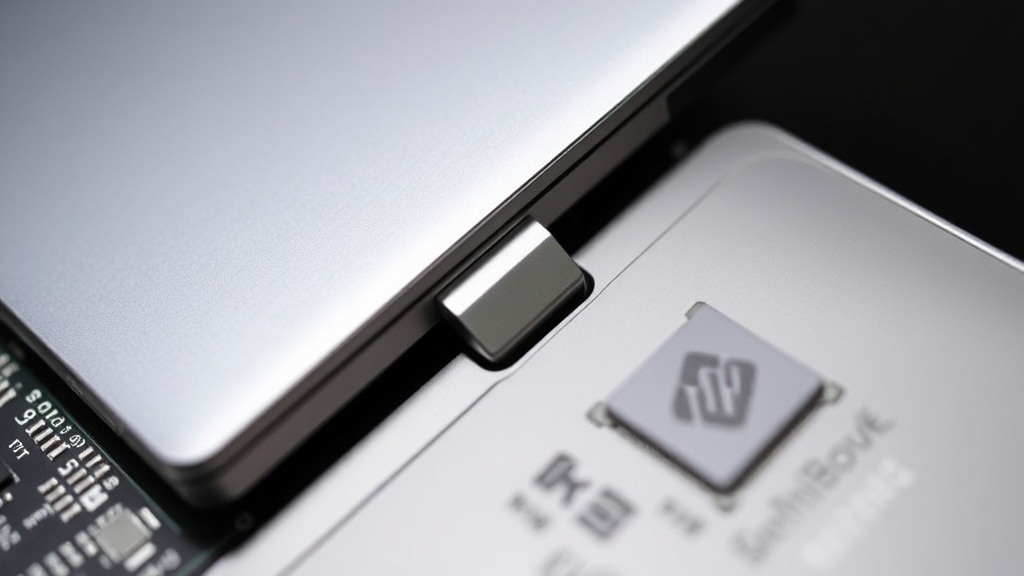
HP’s OmniBook X Flip 14 positions itself as a premium convertible laptop, and its design certainly speaks to that ambition. The chassis, crafted from aluminum, feels robust and well-constructed, offering a reassuring solidity that’s often missing in more budget-oriented machines. The matte finish resists fingerprints effectively, maintaining a clean aesthetic even with regular use. The hinge mechanism, a critical component for any 2-in-1, operates smoothly, allowing for effortless transitions between laptop, tent, tablet, and presentation modes. This flexibility makes it a versatile tool for various use cases, from traditional productivity tasks to media consumption and note-taking.
The keyboard is comfortable, with decent key travel and spacing that facilitates extended typing sessions without fatigue. The touchpad is large, responsive, and supports Windows Precision gestures, making navigation intuitive. HP has also integrated a fingerprint reader for quick and secure logins, a standard but appreciated feature in the premium segment. The overall aesthetic is minimalist and modern, with clean lines and subtle branding that should appeal to users who prefer understated elegance in their hardware.
Display and Audio
The OmniBook X Flip 14 features a 14-inch display that aims for clarity and color accuracy. While it offers a Full HD resolution, which is adequate for most daily tasks, its brightness and color gamut might leave some users wanting more, especially when compared to rivals in the same price bracket. Outdoor visibility can be a concern due to its moderate peak brightness, and for creative professionals who rely on precise color reproduction, the display might not meet stringent requirements. The touch response, however, is generally good, making interactions in tablet mode fluid.
Audio quality from the stereo speakers is a mixed bag. While HP has partnered with audio brands in the past to enhance sound, the OmniBook X Flip 14 delivers a sound profile that is serviceable but not exceptional. The speakers can get reasonably loud, but they tend to lack bass and can sound a bit tinny at higher volumes. For casual listening or video calls, they suffice, but for an immersive media experience, external speakers or headphones are recommended.
Performance and Internals
This is where the OmniBook X Flip 14 begins to show its limitations. Under the hood, the laptop is powered by Intel’s Core i5 or i7 processors, typically paired with 8GB or 16GB of RAM and a 512GB NVMe SSD. While this configuration is sufficient for everyday tasks like web browsing, email, word processing, and light multitasking, it struggles when faced with more demanding workloads. Running multiple applications simultaneously, editing photos, or engaging in heavier multitasking can lead to noticeable slowdowns and lag. The integrated Intel Iris Xe graphics are capable of handling basic visual tasks and casual gaming, but they are not suited for graphically intensive applications or modern AAA titles.
The middling performance is a significant drawback, especially considering the premium price point HP is asking for this machine. Competitors in the same segment often offer configurations with more powerful processors, dedicated graphics options, or faster RAM configurations that provide a smoother and more responsive user experience. The 512GB SSD offers ample storage for most users, and its NVMe interface ensures relatively quick boot times and file transfers, but it cannot compensate for the CPU and RAM limitations when under load.
Battery Life and Connectivity
Battery life on the OmniBook X Flip 14 is respectable, typically lasting a full workday for users engaged in light to moderate tasks. This makes it a viable option for professionals and students who need a device that can last from morning lectures to evening study sessions without constant access to a power outlet. However, more demanding usage, such as extended video playback or strenuous application use, will significantly reduce endurance.
Connectivity options are fairly standard for a modern ultrabook. The laptop includes a selection of USB-A and USB-C ports, an HDMI output, and a headphone jack. The inclusion of USB-C with Thunderbolt support is a welcome addition, offering high-speed data transfer and display output capabilities. Wi-Fi 6 ensures fast and reliable wireless networking. While the port selection covers most common peripherals, some users might miss an SD card reader, which has become a staple on many competing laptops.
Conclusion: A Premium Package with Compromises
HP’s OmniBook X Flip 14 is a laptop that gets a lot right in terms of design and build quality. Its premium aluminum construction, versatile 2-in-1 form factor, and comfortable input devices make it an attractive option on paper. However, its performance, while adequate for basic computing, falls short of expectations for a device in its price class. Rivals frequently offer more processing power, better display options, or a more compelling overall value proposition. If design and build are your absolute top priorities and your workflow is light, the OmniBook X Flip 14 is a competent choice. But for those seeking a more robust performance for demanding tasks or a superior display, exploring other options in the market is advisable.