The Problem: A World of Plain Text
Imagine the early internet as a bustling public square. Anyone could shout messages, and anyone within earshot could hear them. When you visited a website using plain HTTP, your browser sent your requests and received responses as unencrypted, plain text. This meant sensitive data like login credentials, credit card numbers, and personal information was broadcast openly, vulnerable to interception by anyone on the same network – a scenario akin to having your private conversations overheard in that public square. This fundamental insecurity paved the way for HTTPS, the secure version of HTTP, designed to protect this data through encryption and authentication.
The core challenge HTTPS addresses is trust. When your browser connects to a website for the first time, it has no prior relationship with that server. How can these two strangers securely establish a private conversation, agreeing on a secret language (an encryption key) while a potential eavesdropper, an attacker, is listening to their entire exchange?
Enter TLS: The Secure Handshake
The magic behind HTTPS lies in the Transport Layer Security (TLS) protocol, the successor to Secure Sockets Layer (SSL). TLS is responsible for establishing a secure, encrypted connection between your browser (the client) and the web server. This process is often referred to as the “TLS handshake,” a multi-step negotiation that ensures both parties are who they claim to be and agree on the encryption methods they will use.
The handshake begins when your browser sends a “ClientHello” message to the server. This message includes the TLS versions the browser supports, the cipher suites (combinations of encryption algorithms) it can use, and a random string of bytes. The server responds with a “ServerHello,” selecting a TLS version and cipher suite from the client’s list and sending its own random string.
The Role of Certificates: Proving Identity
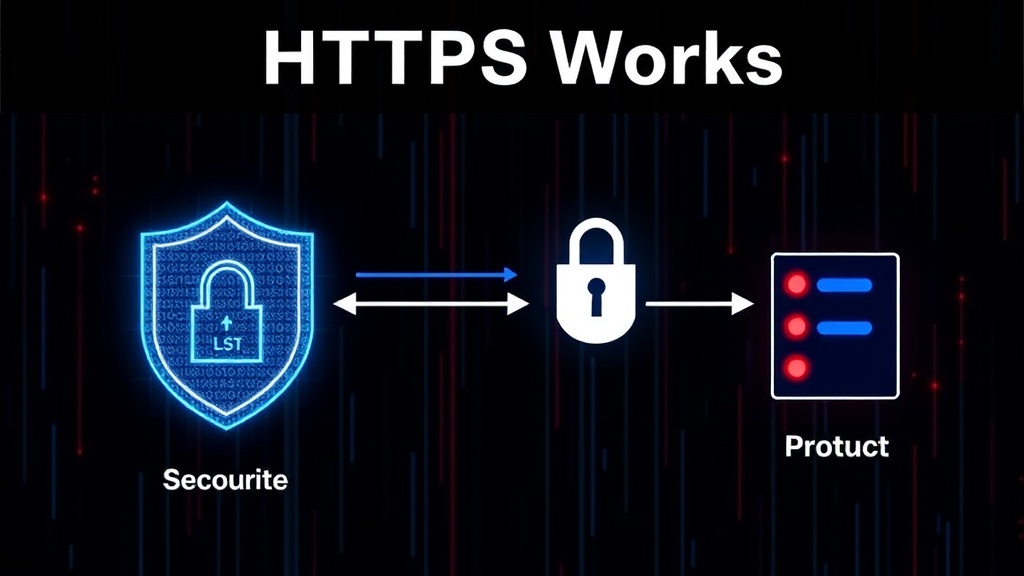
This is where the crucial element of trust comes into play, managed by digital certificates. When your browser receives the server’s “ServerHello,” the server also sends its digital certificate. This certificate is like a digital passport for the website. It contains the website’s domain name, the public key of the server, the identity of the Certificate Authority (CA) that issued the certificate, and the certificate’s validity period. The CA is a trusted third party, akin to a government issuing passports.
Your browser has a built-in list of trusted CAs. It checks the server’s certificate against this list. Does the certificate’s issuer appear in the browser’s trusted CA store? Is the certificate valid (not expired)? Does the domain name on the certificate match the domain name the browser is trying to connect to? If all these checks pass, the browser trusts that the server is legitimate and that the public key provided in the certificate genuinely belongs to that server.
Asymmetric vs. Symmetric Encryption
The TLS handshake cleverly uses two types of encryption: asymmetric and symmetric. Initially, during the handshake, asymmetric encryption (using public and private key pairs) is employed. The server uses its private key to sign parts of the handshake, and the browser uses the server’s public key (from the certificate) to verify this signature. This asymmetric step proves the server’s identity and establishes a secure channel for exchanging symmetric keys.
Once the handshake is complete, both the client and server have agreed upon a set of shared secret keys. These keys are then used for symmetric encryption. Symmetric encryption is much faster than asymmetric encryption. Instead of using complex mathematical operations with public/private keys, both parties use the same secret key to encrypt and decrypt all subsequent data exchanged during the session. This is like agreeing on a secret code word and using it for all your subsequent messages, making communication efficient and secure.
The Final Encryption and Data Transfer
With the handshake complete, the server sends the rest of its certificate information, and the client verifies it. The client then generates a “pre-master secret” and encrypts it using the server’s public key (obtained from the certificate). This encrypted pre-master secret is sent to the server. Only the server, with its corresponding private key, can decrypt this message. Both the client and server then independently use the pre-master secret, along with the random strings exchanged earlier, to generate identical session keys. These session keys are used for symmetric encryption of all data transferred for the duration of the connection.
From this point forward, every piece of data sent between your browser and the server is encrypted using these symmetric session keys. Your browser sends an “Finished” message (encrypted), and the server responds with its own “Finished” message (also encrypted). The handshake is complete, and a secure HTTPS connection is established. Any eavesdropper would only see scrambled, unreadable ciphertext, rendering their attempts to snoop on your online activity futile.
Beyond the Basics: Certificate Revocation and Extended Validation
While the core TLS handshake provides robust security, the ecosystem includes mechanisms for managing trust. Certificate Authorities (CAs) not only issue certificates but also maintain lists of revoked certificates (Certificate Revocation Lists or CRLs) or provide real-time checking services (Online Certificate Status Protocol or OCSP). This allows browsers to verify if a certificate, even if currently valid, has been compromised or is no longer trustworthy. Furthermore, different types of certificates exist, such as Extended Validation (EV) certificates, which require a more rigorous verification process by the CA, offering a higher degree of assurance about the website’s identity, often reflected by a padlock icon and sometimes the organization’s name in the browser’s address bar.