Bridging the Gap Between Code and Spreadsheets
Developers frequently encounter a common pain point: crucial data needed for coding doesn't reside within the codebase itself. This often includes seed data for applications, pricing tables, configuration lists, or copy managed by non-technical team members. Traditionally, accessing this information meant constantly switching between the code editor and a separate spreadsheet application like Google Sheets. This context-switching incurs a significant productivity tax, especially when data retrieval becomes a frequent operation.
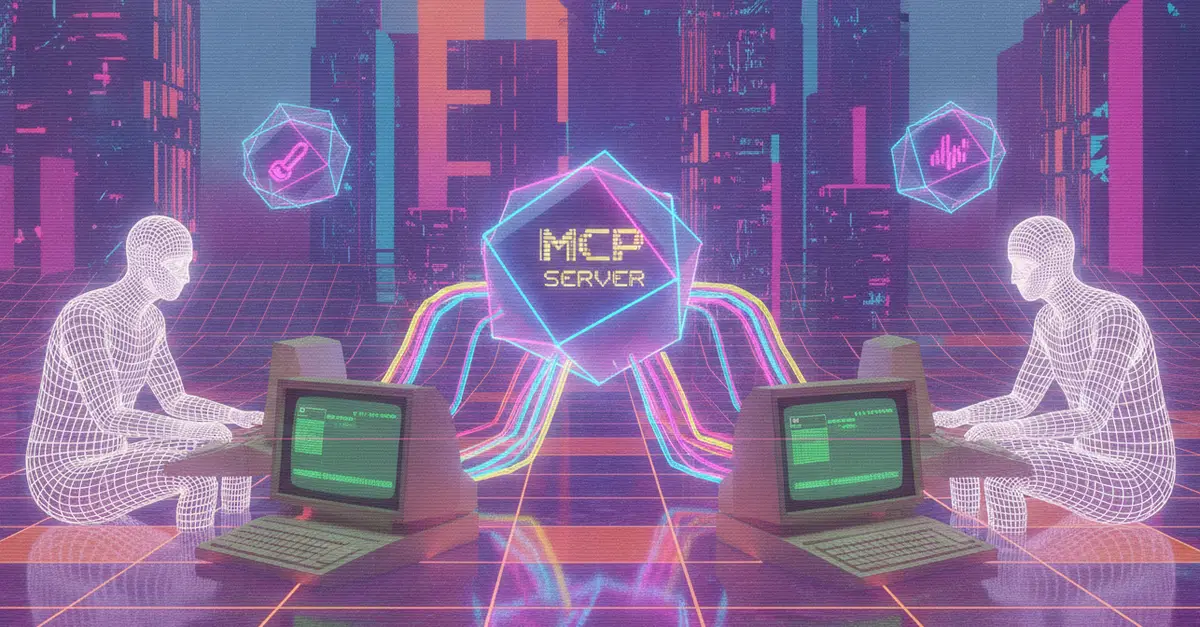
The solution lies in enabling code editors to directly access and interpret data from these external sources. The Model Context Protocol (MCP) provides a standardized framework for AI clients to connect with outside data repositories. In this model, the server provides the AI agent with a curated set of tools, and the agent intelligently decides when to utilize them. Promisingly, popular development environments like VS Code, Cursor, and Windsurf already support MCP natively. This native support eliminates the need for cumbersome plugins or local service installations, streamlining the integration process.
PasteSheet: Your Google Sheet as an MCP Endpoint
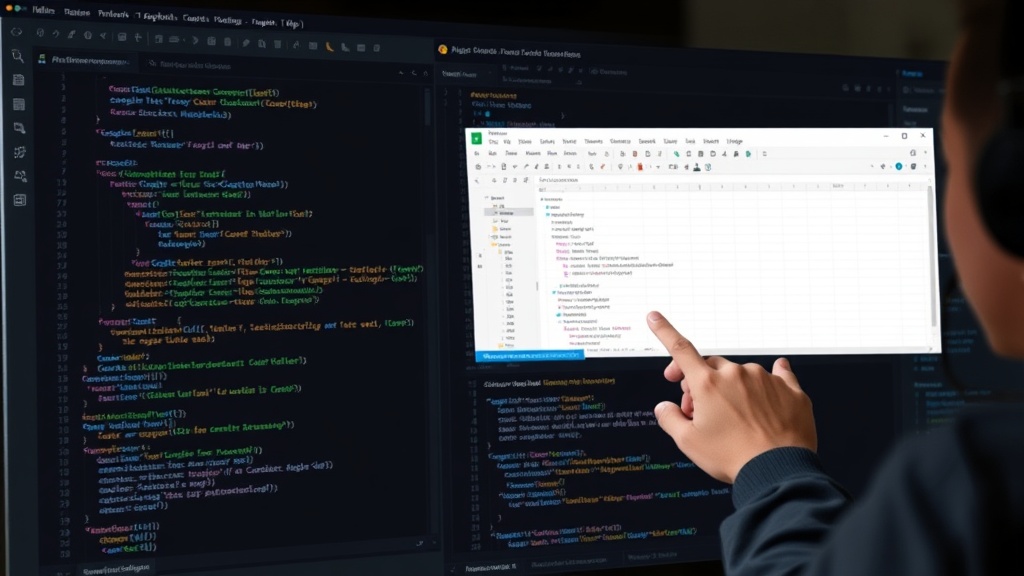
To leverage this capability, a server is required to act as the intermediary. PasteSheet serves this exact purpose. It transforms a Google Sheet, shared with public link access, into a functional MCP endpoint. This endpoint is essentially a URL that an AI client can connect to, effectively making the spreadsheet's data accessible programmatically. The elegance of PasteSheet lies in its simplicity; it requires no complex Google API authentication or local processes, only that the Google Sheet be shared with "Anyone with the link." This dramatically lowers the barrier to entry for integrating spreadsheet data into development workflows.
The MCP standard is designed to be flexible. When an editor agent, augmented with tools via MCP, needs information, it can query the PasteSheet endpoint. For instance, if a developer needs to check a specific price from a pricing table sheet, the agent can be instructed to fetch that particular cell or range. This eliminates the manual tab-switching and copy-pasting that previously bogged down the development process. The agent, armed with the MCP-enabled PasteSheet tool, can retrieve the required data directly within the editor's context, allowing the developer to maintain focus and flow.
Implications for Developer Productivity and AI Integration
The ability to directly integrate Google Sheets data into development environments like VS Code, Cursor, and Windsurf via MCP represents a significant step forward for developer productivity. It moves beyond simple text completion or code generation, allowing AI agents to interact with dynamic, externally managed data. This is particularly impactful for teams that rely on spreadsheets for managing critical application data, such as feature flags, A/B test configurations, or localization strings. Instead of manually updating code or configuration files whenever the spreadsheet changes, developers can potentially have their AI agents fetch the latest values on demand.
Consider a scenario where a non-technical team member updates product pricing in a Google Sheet. Without PasteSheet and MCP, a developer would need to be notified, manually copy the new prices, and update the application's configuration. With this new integration, an AI agent could be tasked with monitoring the relevant cells in the Google Sheet. Upon detecting a change, it could either alert the developer or, in more advanced setups, even trigger an automated update process. This seamless flow of information between a familiar, accessible tool like Google Sheets and the developer's primary workspace can drastically reduce errors and accelerate deployment cycles.
The MCP standard is key here. It abstracts away the complexities of data source connection, allowing developers and AI agents to focus on the *what* rather than the *how*. By treating a Google Sheet as just another data source accessible via a URL, the integration becomes a matter of tool provisioning for the AI agent. This approach is inherently scalable and adaptable. As more data sources implement MCP endpoints, the potential for AI agents to interact with a wider array of external information grows exponentially, further embedding intelligence directly into the developer's workflow.
The Road Ahead: Broader Data Integration
While PasteSheet's current implementation focuses on Google Sheets, the underlying principle—using MCP to connect AI agents to external data—has far-reaching implications. The success of this approach could pave the way for similar integrations with other popular data management tools. Imagine connecting to Airtable bases, Notion databases, or even simple CSV files hosted online, all through standardized MCP endpoints. This would create a unified ecosystem where AI agents can seamlessly access and utilize information from virtually any source, transforming how developers build and manage software.
The broader impact extends to the nature of data management in software development. It suggests a future where critical application data is managed in user-friendly, accessible tools by the individuals best suited to do so, while developers benefit from real-time, integrated access. This blurs the lines between traditional data administration and software engineering, fostering more collaborative and efficient development environments. The challenge now lies in the broader adoption of MCP and the development of more such endpoints to unlock the full potential of AI-assisted development.