
Introduction
Transitioning from GitLab’s centralized CI/CD pipeline structure to GitHub Actions presents a unique challenge for developers accustomed to GitLab’s modular approach. In GitLab, a central 'pipelines' repository acts as a single source of truth, referenced by individual projects via the include keyword. This mechanism eliminates duplication of CI/CD configurations, ensuring consistency and reducing maintenance overhead. However, GitHub Actions operates under a different paradigm, where workflows are typically defined within the .github/workflows directory of each repository. This disparity forces users to rethink how to achieve centralization without GitLab’s native include functionality.
The core issue lies in GitHub’s scoping rules for reusable workflows. While GitHub supports uses to reference workflows, these must reside within the same repository or a different repository that the current repository has explicit read access to. This means a simple include from a central, shared repository, as seen in GitLab, isn't directly possible without additional setup.
Achieving Centralization with GitHub Actions
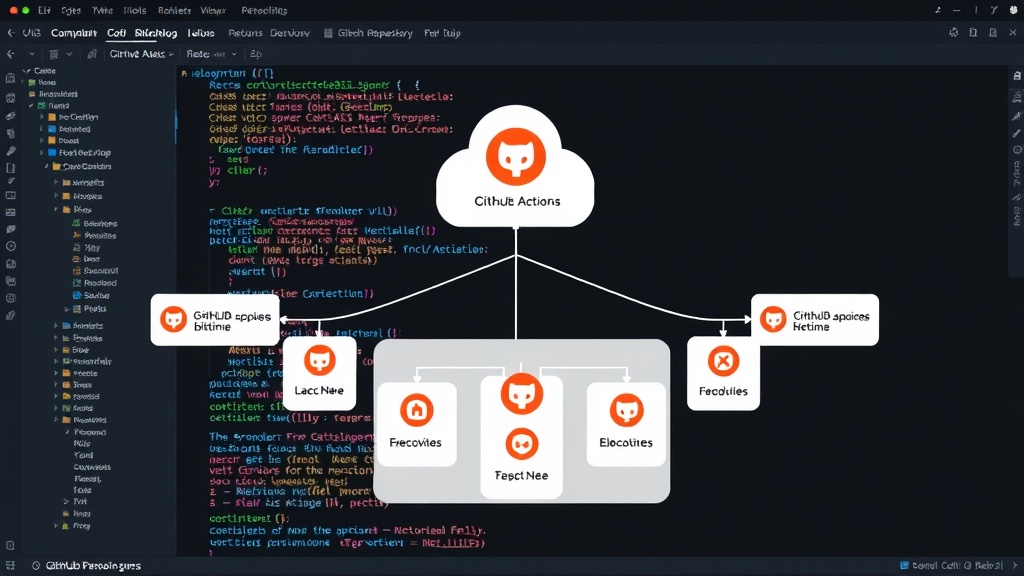
The primary method to replicate GitLab's centralized CI/CD in GitHub Actions involves leveraging reusable workflows hosted in a dedicated repository. This approach requires careful configuration of repository permissions and workflow referencing. Instead of defining workflows in each project's .github/workflows directory, all common CI/CD logic is consolidated into a single, central repository. Individual projects then call these shared workflows using the uses keyword, specifying the central repository and the path to the workflow file.
Consider a scenario with a central repository named ci-templates and an individual project repository named my-app. In my-app, a workflow file (e.g., .github/workflows/build.yml) would reference a reusable workflow from ci-templates like this:
name: Build and Test My App

on: [push, pull_request]

jobs:
  build:
    uses: "your-github-username/ci-templates/.github/workflows/reusable-build.yml@main"
    with:
      # Input parameters for the reusable workflow
      node_version: '18.x'
      test_command: 'npm test'
The reusable-build.yml file in the ci-templates repository would define the actual build and test steps. This reusable workflow can accept inputs to customize its behavior for different projects. For instance, it might accept parameters like node_version, build_target, or test_command, allowing each project to tailor the execution without duplicating the core logic.
Permissions and Access Control
A critical aspect of this setup is managing access permissions. For a reusable workflow in one repository (e.g., ci-templates) to be used by another repository (e.g., my-app), the latter must have read access to the former. This is typically achieved through GitHub's built-in permissions for Actions. When you configure a workflow to use a reusable workflow from another repository, GitHub checks the access rights. If my-app belongs to the same organization as ci-templates, access is usually straightforward. For repositories in different organizations, you might need to use GitHub Apps or OAuth tokens with appropriate scopes, or ensure the repositories are public.
For private repositories, a common pattern is to have a dedicated organization for CI/CD templates. All projects that should use these templates are then added to this organization, or granted read access to the template repository. This ensures that sensitive CI/CD logic remains internal while still enabling centralization. The permissions block within the workflow can also be used to control the access tokens and scopes granted to the reusable workflow itself, enhancing security.
Managing Inputs and Outputs
Reusable workflows can define inputs and outputs, mirroring the flexibility of GitLab's include parameters. Inputs allow the calling workflow to pass data into the reusable workflow, customizing its execution. These inputs can be configured with default values, required status, and type checking. For example, an input might specify the Docker image to use for a build job.
Outputs enable the reusable workflow to return data back to the calling workflow. This is useful for scenarios where a common build process needs to provide information, such as build artifact locations or test results summaries, to the downstream jobs in the project repository. Defining these inputs and outputs clearly is essential for making reusable workflows robust and easy to integrate.
A reusable workflow might look like this:
# .github/workflows/reusable-build.yml in ci-templates repo
name: Reusable Build Workflow

on: workflow_call

inputs:
  node_version:
    description: 'Node.js version to use'
    required: true
    type: string
    default: '16.x'
  test_command:
    description: 'Command to run tests'
    required: false
    type: string

jobs:
  build:
    runs-on: ubuntu-latest
    steps:
      - name: Checkout code
        uses: actions/checkout@v3
      - name: Set up Node.js
        uses: actions/setup-node@v3
        with:
          node-version: ${{ inputs.node_version }}
      - name: Install dependencies
        run: npm ci
      - name: Run tests
        run: ${{ inputs.test_command }}
      # ... other build steps

# Example of output (though less common for simple builds)
# outputs:
#   artifact_path:
#     description: 'Path to the built artifact'
#     value: './dist'
Benefits and Drawbacks
Adopting a centralized CI/CD strategy with GitHub Actions brings several advantages. Reduced duplication is the most significant benefit, leading to easier maintenance and a single source of truth for common CI/CD patterns. This consistency across projects improves developer experience and reduces the likelihood of configuration drift. It also simplifies updates; changing a build process in the central repository automatically propagates that change to all projects using the reusable workflow.
However, there are drawbacks. Tighter coupling between projects and the central CI/CD repository can be a concern. If the central workflow has an error or undergoes a breaking change, it can impact multiple projects simultaneously. Thorough testing and versioning of reusable workflows are crucial to mitigate this risk. Furthermore, managing permissions and access for private repositories requires careful planning. Developers also need to adapt to the uses syntax and the input/output mechanism, which differs from GitLab's include behavior.
The scoping rules for reusable workflows in GitHub Actions mean that you cannot simply include a workflow from any arbitrary public repository without explicit configuration or granting access. This is a fundamental difference from GitLab's approach where external includes are more permissive by default. Effectively, you are building a private, internal CI/CD service within your GitHub organization using its native reusable workflow features.
When to Use This Approach
This centralized CI/CD model is ideal for organizations with multiple projects that share common build, test, or deployment requirements. If your teams are struggling with redundant CI/CD configurations, inconsistent tooling, or high maintenance overhead for pipelines across many repositories, this approach offers a structured solution. It's particularly effective for companies standardizing on GitHub Actions and looking to enforce best practices and security policies uniformly.
For smaller teams or projects with highly unique CI/CD needs, the overhead of setting up and managing a central repository might outweigh the benefits. In such cases, keeping workflows within individual repositories or using simpler forms of workflow sharing might be more appropriate. But for any organization aiming for scalability, consistency, and maintainability in their CI/CD processes on GitHub, replicating GitLab's centralized model is a robust and achievable goal.