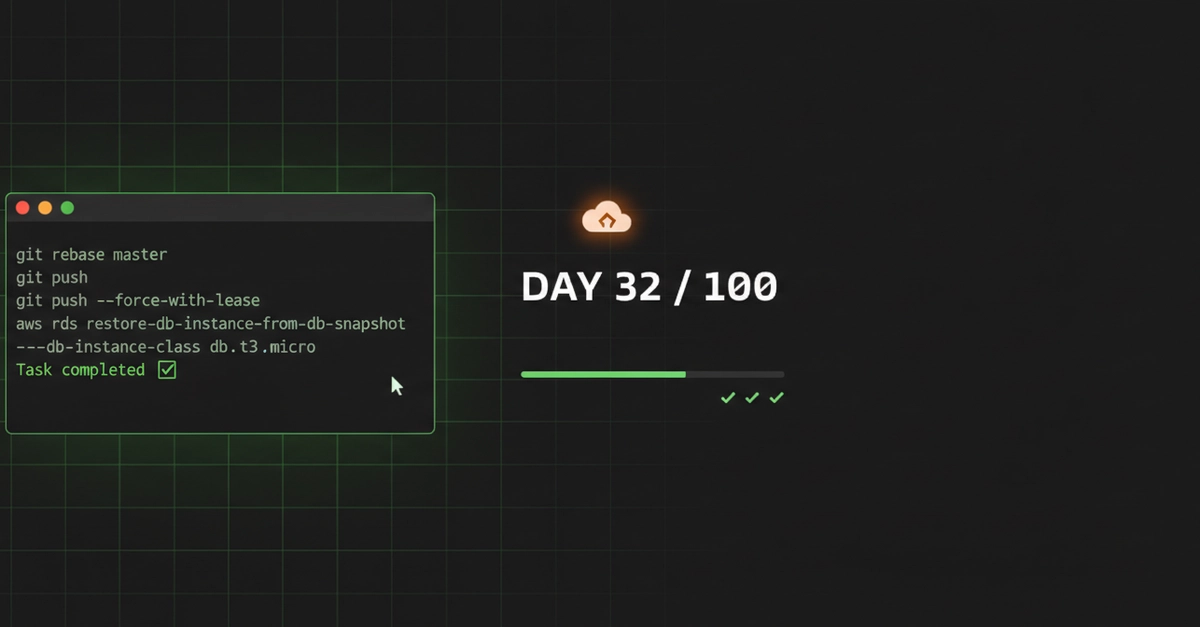
Git Rebase: Replaying Commits, Not Moving Them
Day 32 introduces a common developer challenge: a feature branch lagging behind the main development line, often referred to as master or main. The objective is to integrate changes from the main branch into the feature branch without creating a merge commit. This scenario immediately rules out a standard git merge master, as merging explicitly creates a new commit to tie histories together.
The core of the task lies in understanding git rebase. Contrary to a common misconception, rebase doesn't simply move commits. Instead, it rewrites the commit history of your branch. It takes the commits from your feature branch, sets them aside temporarily, updates your branch to match the latest state of the target branch (master in this case), and then reapplies your saved commits one by one onto the new base. Each reapplied commit is, in essence, a new commit with the same changes but a different parent and potentially a different SHA-1 ID. This process ensures that your feature branch's history appears linear, as if you had started developing it from the most recent point of the main branch.
The critical aspect of rebasing is conflict resolution. If changes in the main branch overlap with changes in your feature branch's commits, Git will pause the rebase process and prompt you to resolve these conflicts. This is similar to merge conflict resolution, but it happens commit by commit as Git attempts to replay them. Once conflicts are resolved for a specific commit, you stage the changes and continue the rebase with git rebase --continue. If you decide mid-rebase that you want to abandon the operation, git rebase --abort will return your branch to its original state before the rebase began.
The lesson here is that rebase is a powerful tool for maintaining a clean, linear history, but it's a rewriting operation. It's crucial to rebase frequently to minimize the scope of potential conflicts. Furthermore, rebasing a branch that has already been pushed to a shared remote repository can cause significant problems for collaborators, as it alters history. It is generally recommended to only rebase local branches that have not yet been shared.
AWS RDS Restore: Inheriting Configuration
The second task shifts focus to database management within Amazon Web Services (AWS), specifically with Relational Database Service (RDS). The scenario involves restoring an RDS instance from a snapshot. This is a common practice for disaster recovery, creating staging environments, or rolling back to a known good state.
When you restore an RDS instance from a manual or automated snapshot, AWS creates a new RDS instance. The key takeaway, and the source of the article's second theme, is what this new instance inherits and what requires explicit configuration. By default, the restored instance inherits many of the configuration settings from the original instance at the time the snapshot was taken. This includes parameters like the database engine version, storage type, allocated storage size, and database name.
However, not everything is automatically carried over. Crucially, the DBInstanceIdentifier (the name of the RDS instance) must be specified when creating the new instance. You cannot restore to the exact same identifier if the original instance still exists or if another instance with that identifier is already present. This means you have to explicitly name your new instance.
Beyond the identifier, other settings might not be inherited or might need careful consideration. For instance, security group associations, option group settings, and parameter group settings are critical. While the snapshot captures the state of the data, the network and configuration profiles associated with the instance at the time of restore need to be re-applied or verified. If the original instance had specific IAM database authentication configurations, custom parameter group settings for performance tuning, or complex option group features like TDE (Transparent Data Encryption) enabled, these need to be ensured on the new instance. The restore process creates a new instance with its own set of configurations, and while many defaults align with the snapshot's source, explicit verification and potentially re-application of critical settings are necessary.
The analogy here is akin to restoring a computer from a full disk image. The operating system, applications, and your personal files are all there. However, network configurations might need to be re-established, and certain user-specific settings or scheduled tasks might require manual reactivation. The snapshot provides the core data and application state, but the surrounding operational environment needs to be explicitly set up for the new instance.
The Parallel: Explicit Action for Implicit Carryover
Both Git rebase and AWS RDS restore, despite their vastly different domains, share a fundamental principle: they operate on the concept of what is implicitly carried over versus what requires explicit declaration or action. With Git rebase, commits are implicitly replayed, but conflicts require explicit resolution. With RDS restore, configurations are often implicitly inherited from the snapshot, but critical identifiers and certain operational settings require explicit specification.
The lesson for developers and cloud engineers is to understand the default behaviors of these powerful tools. Don't assume everything will be perfectly replicated. Always verify the outcome. For Git, this means checking the commit history after a rebase and understanding the implications of rewriting history. For AWS RDS, it means meticulously reviewing the restored instance's configuration, especially networking, security, and custom parameters, before putting it into production use. The implicit is a convenience, but the explicit ensures correctness and security.