The Problem: Single-Opinion AI
You're deep in a critical incident or a complex debugging session. Your AI command-line interface (CLI) spits out an explanation for a stack trace. It sounds plausible, confident, and specific. But it's the only opinion you have.
In the past, getting a second opinion meant interrupting a colleague, breaking their focus during a high-pressure situation. Now, the process can be as simple as opening a second terminal window and asking a different AI model to critique the first's answer. This approach leverages the strengths of multiple AI models without requiring synchronous human collaboration, drastically speeding up resolution times for critical issues.
The Setup: Two Terminals, Any AI
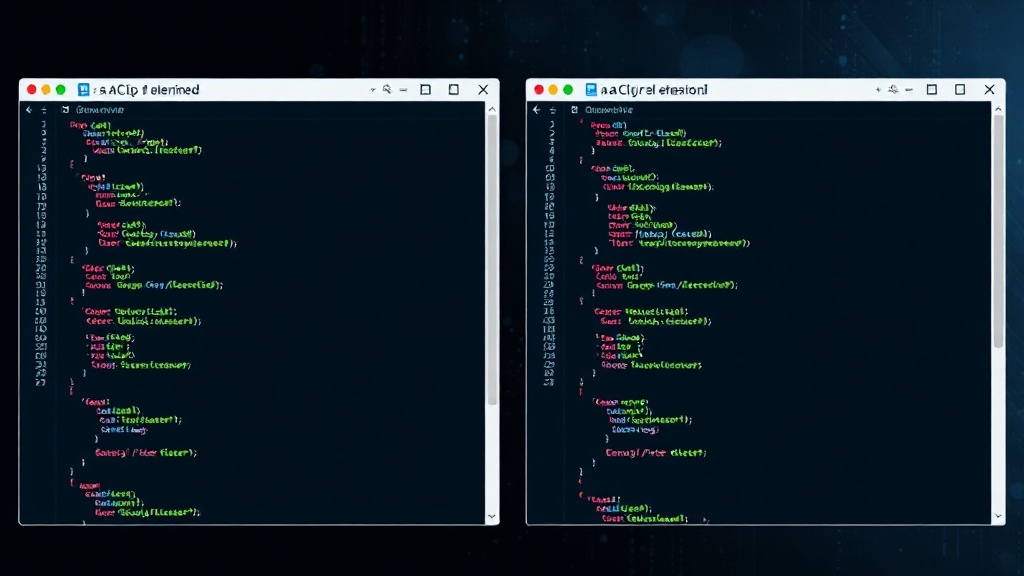
The core idea is disarmingly simple: run two separate AI CLI sessions. You can use any models you prefer – Claude Code, Codex CLI, Gemini CLI, or any other available tool. The only crucial requirement is that these sessions are truly independent. What you tell one AI should not be visible to the other unless you explicitly copy and paste it. This ensures that each AI operates on its own context, providing distinct, uninfluenced opinions.
Imagine you're debugging a tricky memory leak. You paste the relevant code snippet and stack trace into Terminal A running Model X. Model X suggests a potential cause related to object lifecycle management. Instead of immediately trusting this, you open Terminal B, paste the exact same information into Model Y, and ask it to review Model X's hypothesis or provide its own analysis. This parallel querying allows for rapid cross-validation and can highlight overlooked possibilities or outright errors in the initial assessment.
For those who already use terminal multiplexers like tmux or zellij, this setup can be even more streamlined. Instead of managing separate windows, you can split your existing panes. This keeps your workflow consolidated within a single terminal interface, allowing you to switch between AI opinions with a simple key combination rather than alt-tabbing. This efficiency gain is significant, especially when performing this dual-querying process frequently.
Beyond Debugging: Incident Response and Code Review
While debugging is a prime use case, this strategy extends far beyond. During a production incident, time is the most critical factor. When an AI CLI is tasked with diagnosing an alert or explaining anomalous behavior, getting a second, independent AI perspective can mean the difference between a quick rollback and a prolonged outage. One AI might identify a database bottleneck, while another might point to network latency or a faulty deployment. By comparing these outputs, incident responders can triangulate the problem more effectively and deploy targeted fixes faster.
Similarly, in code review, developers can use this technique to get a more robust assessment of their code's quality, security, or adherence to best practices. Submitting the same code block to two different AI models can reveal discrepancies in their static analysis or suggestions. One model might flag a potential null pointer dereference, while another might focus on code style or performance inefficiencies. This multi-AI review process acts as an automated, on-demand pair programming session, enhancing code quality and reducing the likelihood of introducing subtle bugs.
Choosing Your Pair: Model Agnosticism
The beauty of this approach lies in its model agnosticism. You are not tied to a single vendor or a specific AI's perceived infallibility. Developers can mix and match. Perhaps Claude Code excels at understanding complex Python stack traces, while Codex CLI is better at suggesting optimizations for Go code. By using a combination that suits your team's technology stack and common pain points, you maximize the chances of getting relevant and accurate insights.
Consider the scenario where one AI might be trained on a more recent dataset, potentially understanding newer library versions or frameworks. Another might have been fine-tuned specifically for security vulnerability detection. Running them in parallel means you benefit from both broad knowledge and specialized expertise simultaneously. This is akin to having a junior developer and a senior security engineer reviewing your code concurrently, but without the overhead of managing two human resources.
The Unanswered Question: Context Bleed and Future Integration
What remains to be seen is how AI CLI tools will evolve to natively support multi-model querying. Currently, the setup requires manual intervention – opening new terminals, copying and pasting. Future iterations might offer built-in features to query a pre-configured set of AI models with a single command, perhaps even offering a synthesized summary of their opinions. This would abstract away the terminal management and allow developers to focus purely on the insights. The risk, of course, is that future integrations might inadvertently introduce context bleed, where information shared with one model subtly influences another, diminishing the value of independent opinions. Ensuring true session isolation will be key for such integrated solutions.
Making it a Habit
Integrating this dual-AI CLI approach into your daily workflow can significantly improve your efficiency and the quality of your output. Start by identifying a recurring pain point – perhaps understanding obscure error messages or generating boilerplate code. Set up two different AI CLIs and make it a habit to query both whenever you encounter such a situation. Over time, you’ll develop an intuition for which models provide the most valuable insights for specific tasks and learn to critically evaluate their outputs, knowing you always have a second opinion readily available.