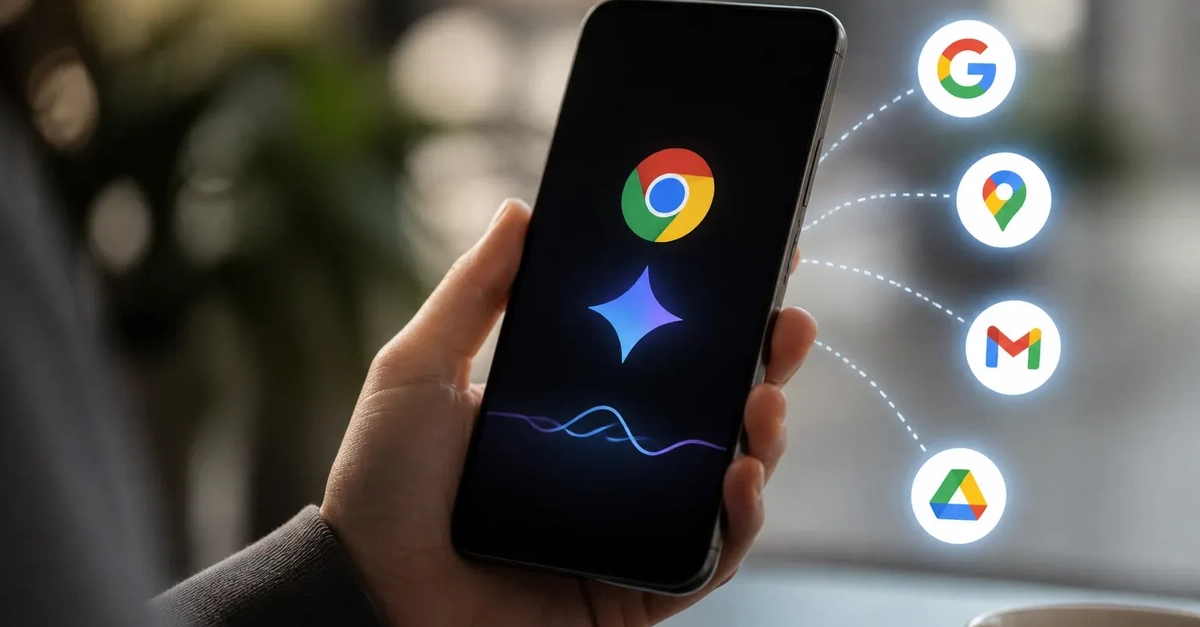
Gemini Integrated into Chrome for Android
Google is rolling out Gemini into Chrome for Android, introducing an agentic browsing experience for eligible U.S. users. This integration allows Gemini to summarize web pages, answer questions about content currently displayed in the browser, interact with other Google applications, and automate specific user-initiated tasks. Google's official announcement indicates the initial release will commence in late June 2026, with a phased rollout for eligible users in the United States, rather than a universal launch.
This move signifies a significant step in bringing AI assistance closer to the user's immediate context – the mobile web page they are actively viewing and the tasks they aim to complete. The experience is built upon Gemini 3.1 and is designed to seamlessly assist users without requiring them to switch between apps or manually extract information.

Core Capabilities and User Experience
The primary functionalities of Gemini in Chrome for Android can be categorized into several key areas:
Page Summarization
Users can request a concise summary of any web page they are currently viewing. This feature is particularly useful for quickly grasping the main points of long articles, complex reports, or lengthy product descriptions without reading the entire content. Gemini processes the on-page text and generates a summary tailored to the user's request.
Contextual Question Answering
Gemini can answer specific questions about the content of the current web page. For instance, a user browsing a product page might ask, "What is the warranty period for this item?" or while reading a news article, "Who is quoted in the third paragraph?" The AI analyzes the page content to provide direct answers, saving users the effort of scanning for specific details.
Inter-App Integration and Task Automation
A more advanced capability involves connecting with other Google applications to perform actions. For example, a user might find an event listed on a website and ask Gemini to "Add this to my Google Calendar." Similarly, if a recipe is found online, a user could ask Gemini to "Send this recipe to my partner via Gmail" or "Add the ingredients to my Google Keep shopping list." This automation aims to streamline workflows and reduce the friction of managing information across different services.
Automating Selected Tasks
Beyond specific app integrations, Gemini can automate sequences of actions based on user prompts. This could involve tasks like extracting contact information from a business listing and saving it to Google Contacts, or gathering key details from a travel itinerary page and compiling them into a shareable format. The scope of automation is expected to expand as the feature evolves.
Technical Foundation and Rollout
The integration leverages Gemini 3.1, a powerful iteration of Google's large language model, enabling sophisticated natural language understanding and generation. The agentic nature of the browsing experience means Gemini can take actions on behalf of the user, making it more than just a passive information retrieval tool.
Google's strategy to roll out the feature initially to eligible U.S. users suggests a focus on gathering feedback and refining the experience in a controlled environment before a broader international release. Eligibility criteria are not detailed but typically involve device compatibility, operating system version, and potentially specific Google account settings.
The phased rollout is a common practice for new, complex features, allowing Google to monitor performance, identify bugs, and assess user adoption patterns. This approach helps ensure a more stable and positive experience for users as the feature matures.
Implications for Mobile Browsing and AI Assistants
Gemini's presence directly within Chrome for Android fundamentally alters the mobile browsing paradigm. It shifts from a purely navigational and informational tool to an interactive, task-oriented environment. Users no longer need to copy-paste information or manually trigger actions across multiple apps; Gemini acts as a digital assistant embedded at the point of information consumption.
This integration could set a new standard for mobile browser AI features. Competitors may need to develop similar deeply integrated assistants to remain competitive. For users, it promises increased productivity and a more fluid interaction with the mobile web. The ability for Gemini to understand the context of the entire page and execute multi-step tasks represents a significant leap in practical AI application for everyday mobile use.
The success of this feature will likely depend on its reliability, the breadth of its integrations, and its ability to accurately interpret user intent. As AI models become more capable and integrated into core applications, the line between browsing and task execution will continue to blur, offering new possibilities for how users interact with the digital world on their mobile devices.