
Unpacking the Code Execution Journey
When you write code, you're essentially creating a blueprint. Most developers interact with this blueprint at a high level, focusing on the immediate input and output. For instance, a simple C program like this:
#include <stdio.h>

int value = 10;

int add(int a, int b) {
    return a + b;
}

int main() {
    int x = 5;
    int result = add(x, value);
    printf("%d", result);
    return 0;
}
The visible outcome is straightforward: 15. However, the journey from those lines of source code to the final displayed number is a complex ballet of compilers, operating systems, and hardware. This article embarks on a five-part exploration of what truly happens when code runs, covering compilers, executables, virtual memory, and the CPU.
The fundamental question is: where does the data live? Who orchestrates its movement? How does the CPU locate and execute instructions? And how is the final result presented to the user?
The Compiler's Role: Translating Human to Machine
The first crucial step in bringing source code to life is compilation. A compiler acts as a translator, converting human-readable code into machine-understandable instructions. For our C program, the compiler parses the code, checks for syntax errors, and then generates an intermediate representation, often assembly language. This assembly code is a low-level representation that is still human-readable but much closer to the machine's native language.
Consider the `add` function. The compiler would generate assembly instructions to load the arguments `a` and `b` into CPU registers, perform the addition operation, and store the result in another register before returning. The `main` function would involve similar steps: allocating space for local variables like `x` and `result`, calling the `add` function, and then preparing the `result` for output.
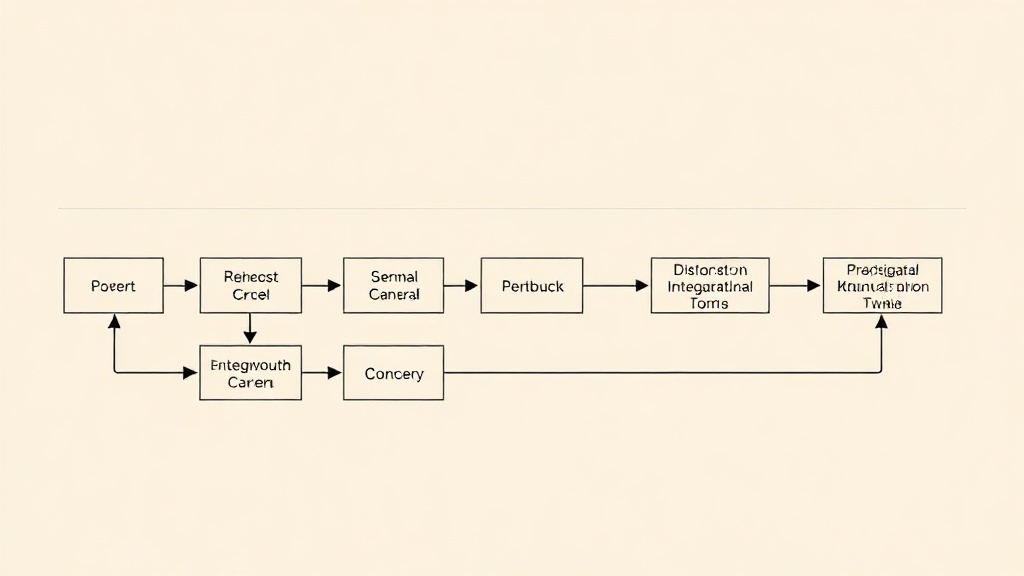
This compilation process is not a single monolithic step. It often involves multiple phases: lexical analysis (tokenizing the source code), syntax analysis (building an abstract syntax tree), semantic analysis (checking for type errors and other meaning-related issues), intermediate code generation, code optimization, and finally, target code generation (assembly).
From Assembly to Executable: Linking and Loading
The output of the compiler is typically an object file, which contains machine code but might not be directly executable. This is because it might depend on other code, such as library functions (like `printf` from `stdio.h`) or code from other source files. This is where the linker comes in.
The linker's job is to resolve external references. It takes one or more object files and libraries and combines them into a single executable file. If our program used a function defined in another C file, the linker would find that function's object code and incorporate it. Similarly, it links in the necessary library code, such as the standard C library that contains `printf`.
Once the executable file is created, it needs to be loaded into memory to run. This is the responsibility of the operating system's loader. The loader reads the executable file from disk and places its code and data into the computer's main memory (RAM). It also sets up the initial program state, including the stack and heap, and then transfers control to the program's entry point, typically the `main` function.
Virtual Memory: A Layer of Abstraction
Modern operating systems employ virtual memory, a sophisticated memory management technique that provides a crucial layer of abstraction between programs and the physical hardware. Each process is given its own private, contiguous address space, which can be much larger than the physical RAM available. This virtual address space is divided into fixed-size blocks called pages.
When a program accesses a virtual address, the Memory Management Unit (MMU) within the CPU translates this virtual address into a physical address in RAM. This translation is managed by page tables, which are maintained by the operating system. If the required page is not currently in physical RAM (a page fault occurs), the OS retrieves it from secondary storage (like an SSD or HDD) and loads it into RAM, potentially swapping out another less-used page.
Virtual memory offers several benefits: it simplifies programming by providing a consistent address space, allows for memory protection (preventing one process from interfering with another's memory), and enables efficient sharing of memory between processes. It also allows programs to use more memory than is physically available, a concept known as memory overcommitment.
The CPU and Memory Interaction: Registers, Cache, and RAM
At the heart of execution lies the CPU. The CPU fetches instructions from memory, decodes them, and executes them. It has several key components involved in memory interaction:
- Registers: These are small, extremely fast storage locations within the CPU itself. They hold data that the CPU is actively working on, such as operands for arithmetic operations, function arguments, and return values. In our C example, variables like `x` and `result` might be temporarily held in registers during the `add` function's execution.
- Cache: To speed up access to frequently used data, CPUs employ caches – small, fast memory buffers located closer to the CPU cores than main RAM. Caches store copies of recently accessed data from RAM. When the CPU needs data, it first checks the cache. If the data is present (a cache hit), it's retrieved much faster than going to RAM. If not (a cache miss), the CPU fetches it from RAM and stores a copy in the cache for future use.
- RAM (Random Access Memory): This is the main working memory of the computer. It's where the operating system, running programs, and their data reside. While much slower than registers or cache, RAM is significantly larger and provides the primary storage for active processes.
The interplay between these components is critical. The CPU constantly shuttles data between registers, cache, and RAM, following the instructions laid out by the program. The efficiency of this data movement, governed by the memory model and managed by the OS and hardware, directly impacts program performance.
The Execution Flow: Putting It All Together
When you run our C program, the following sequence occurs:
- The OS loader reads the executable file into memory, setting up the virtual address space.
- Control is transferred to the `main` function.
- The variable `value` (a global variable) is already initialized in the program's data segment in memory.
- The variable `x` is declared within `main`. Space is allocated for it on the stack. It's initialized to 5.
- The `add` function is called with `x` (5) and `value` (10) as arguments. These arguments are typically passed via registers or pushed onto the stack.
- Inside `add`, the arguments are retrieved, added (resulting in 15), and the result is prepared for return.
- The return value (15) is passed back to `main`, likely via a register.
- The `result` variable in `main` is assigned this value.
- The `printf` function is called to display the value of `result`. This involves the C library's implementation of `printf`, which interacts with the operating system's standard output mechanisms.
- The program returns 0, signaling successful execution.
This entire process, from fetching instructions to manipulating data across registers, cache, and RAM, is orchestrated by the CPU under the guidance of the operating system's memory management. The abstract concepts of compilers, linkers, virtual memory, and CPU architecture all converge to bring that simple line of code to life and produce the expected output.