The Problem: Web Components and Form Inertia
For years, custom HTML elements built with Web Components struggled to seamlessly integrate with native HTML forms. While developers could create custom inputs, they often acted as islands, disconnected from the form's native submission, validation, and reset mechanisms. Submitting a form containing a custom element required manual JavaScript to extract the element's value and include it in the submission data. Similarly, triggering form-level validation states like :invalid or handling form resets was a complex, custom implementation for each component.
This disconnect meant that custom form controls were second-class citizens, forcing developers to choose between the flexibility of Web Components and the built-in functionality of HTML forms. The ideal scenario—where a custom element behaves exactly like a native input like <input type="text"> or <select>—remained elusive.
Enter ElementInternals: Bridging the Gap
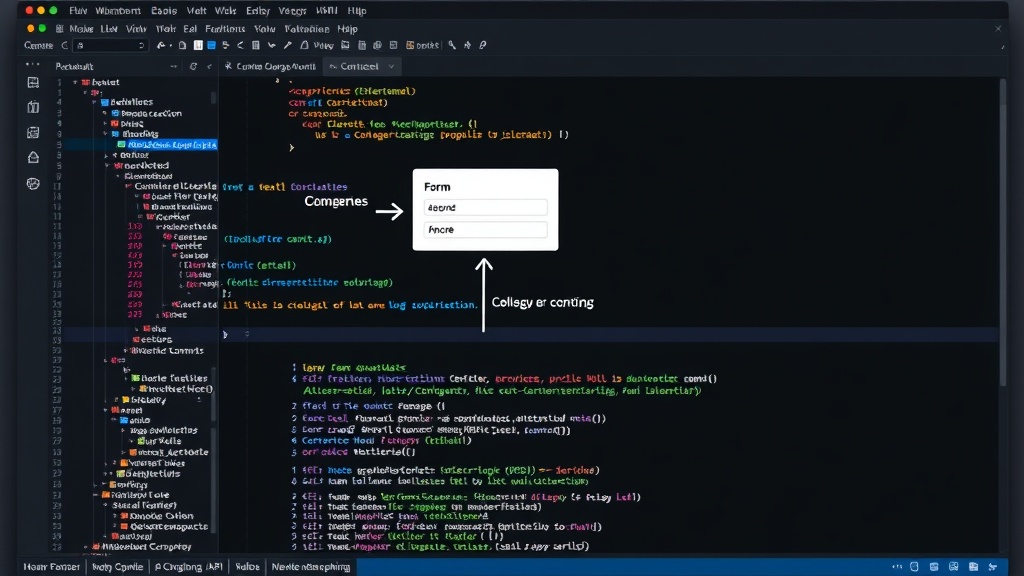
The introduction of the ElementInternals API fundamentally changes this dynamic. Supported across modern browsers including Chromium, Firefox, and Safari 16+, this API allows custom elements to directly participate in the form lifecycle. When associated with a form, an element implementing ElementInternals can automatically:
- Submit its value with
FormData. - Respond to form validation states, including the
:validand:invalidpseudo-classes. - Be reset when the parent form's reset method is called.
- Be included in form accessibility trees.
The core mechanism involves attaching an ElementInternals object to a custom element instance. This object then exposes methods and properties that allow the custom element to declare its name, type, and value, and to signal its validation state to the parent form.
The Plumbing: Boilerplate for Form Association
While powerful, adopting ElementInternals isn't as simple as just calling a method. The process requires a significant amount of boilerplate code within each custom element definition. For a custom element to become form-associated, it must:
- Declare its custom element name using
customElements.define(). - Inside the constructor, obtain an instance of
ElementInternalsusingthis.attachInternals(). - Define a static getter named
formAssociatedthat returnstrue. - Implement handlers for various form-associated lifecycle callbacks:
formAssociatedCallback(form): Called when the element is associated with a form.formDisabledCallback(disabled): Called when the form's disabled state changes.formResetCallback(): Called when the form is reset.formStateRestoreCallback(state, mode): Called to restore the element's state.- Manually manage the element's internal state and expose it via a
valueproperty or getter/setter. - Use the
ElementInternalsobject to set the element's name, type, and validity state. For example,internals.setFormValue(this.value)is crucial for submitting the correct data.
This repetition is not just verbose; it’s a significant barrier to adoption. Developers need to write approximately 40 lines of code for each custom form control, covering the same fundamental logic. This overhead discourages the creation of reusable, form-integrated Web Components.
The Solution: A Reusable Mixin
To combat this boilerplate, the form-control-mixin package has been developed. This mixin encapsulates the repetitive plumbing required for ElementInternals, allowing developers to focus on the unique aspects of their custom form control.
By applying this mixin, a custom element can gain form-association capabilities with significantly less code. The mixin typically handles:
- Setting up the static
formAssociatedgetter. - Implementing the necessary lifecycle callbacks (
formAssociatedCallback,formDisabledCallback,formResetCallback,formStateRestoreCallback). - Providing a standardized way to manage the element's value and communicate it to the
ElementInternalsobject. - Ensuring the element's name is correctly set for form submission.
Developers using the mixin would primarily need to define their custom element's internal structure, its rendering logic, and how its value is updated. The mixin takes care of the intricate details of form participation. This approach mirrors patterns seen in other JavaScript frameworks and libraries, providing a familiar abstraction for managing complex browser APIs.
Real-World Implications and Future
The ElementInternals API, especially when paired with abstractions like the form-control-mixin, dramatically improves the capabilities of Web Components. Developers can now build truly encapsulated, reusable form controls that behave identically to native elements. This means:
- More robust and accessible form UIs.
- Reduced JavaScript complexity for form handling.
- Greater consistency across custom and native form elements.
- A path towards truly framework-agnostic, highly interactive form components.
The initial friction of the boilerplate is a common pattern with new browser APIs. As developers identify and share solutions, like mixins or utility classes, the adoption curve flattens. The long-term impact is a more powerful and cohesive web platform, where custom elements are no longer an afterthought in form design but a first-class option.
What remains to be seen is how widely this pattern will be adopted by component libraries and UI frameworks. Will this become the de facto standard for custom form controls, or will framework-specific solutions continue to dominate?