The Challenge of Unstructured Data
In today's digital age, individuals and organizations amass vast quantities of documents. From personal notes and research papers to corporate archives and legal contracts, this information often exists in silos, making it difficult to retrieve specific details quickly. Traditional search functions within operating systems or individual applications are often rudimentary, failing to understand context or relationships between documents. This leads to wasted time, duplicated effort, and missed insights. The core problem is transforming a disorganized collection of files—a digital pile—into an organized, accessible, and intelligent knowledge base.
DocuBrowser, a project gaining traction on Hacker News, presents a compelling open-source solution to this pervasive challenge. It aims to provide a local, privacy-conscious method for indexing and searching a user's document repository. Unlike cloud-based solutions that require uploading sensitive data, DocuBrowser operates entirely on the user's machine, offering a significant advantage for those concerned about data security and confidentiality.
The project's philosophy appears to be rooted in empowering users to control their own information. By building a local knowledge base, users retain full ownership and privacy over their documents. This is particularly relevant in an era of increasing data breaches and corporate surveillance. The ability to search through personal archives, research notes, or professional documents without sending them to a third-party server is a powerful proposition.
How DocuBrowser Works
At its heart, DocuBrowser leverages modern natural language processing (NLP) techniques to create a searchable index of your documents. The process typically involves several key stages:
1. Document Ingestion and Parsing
DocuBrowser scans a designated directory or set of directories for various document types. This includes common formats like PDFs, text files (.txt), Markdown (.md), and potentially others depending on the project's current capabilities. The system parses the content of each document, extracting the raw text. For image-based PDFs or scanned documents, optical character recognition (OCR) would be a crucial, though not always guaranteed, component for text extraction.
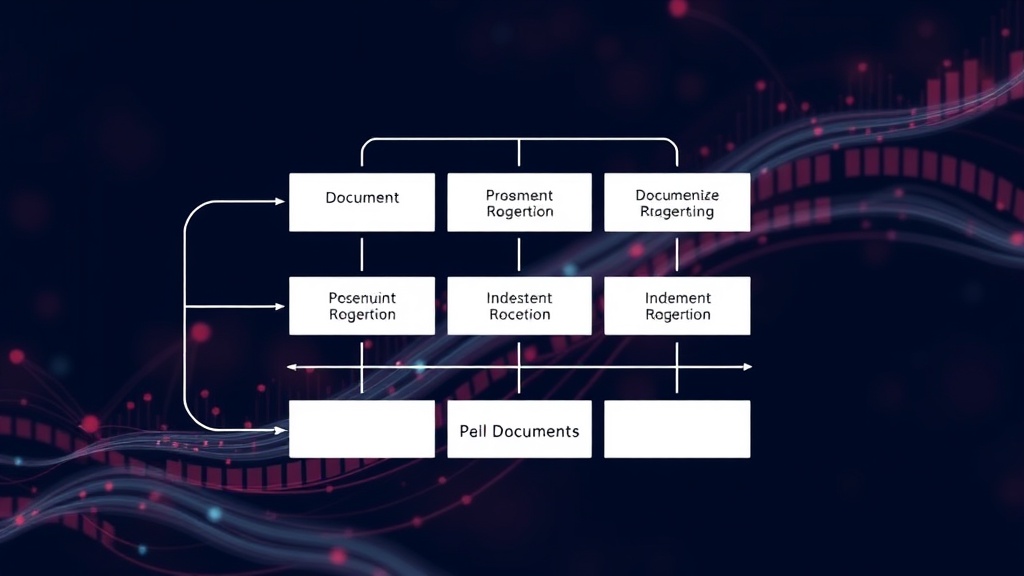
2. Indexing and Embedding
Once the text is extracted, DocuBrowser processes it to create a searchable index. This often involves techniques like tokenization (breaking text into words or phrases), stemming/lemmatization (reducing words to their root form), and removing stop words (common words like 'the', 'a', 'is'). More advanced implementations might use vector embeddings, where chunks of text are converted into numerical representations that capture semantic meaning. This allows the search engine to understand conceptual similarity, not just keyword matching. For instance, a search for "financial reports" could also surface documents discussing "quarterly earnings" or "balance sheets" even if the exact phrase isn't present.
3. Search Interface
The user interacts with DocuBrowser through a search interface, likely a command-line interface (CLI) or a simple web UI, depending on the project's development. Users can input queries, and the system returns relevant document snippets or entire documents ranked by relevance. The goal is to provide fast, accurate results that reflect the user's intent.
Privacy and Local Operation
The standout feature of DocuBrowser is its commitment to local operation. This means that all data processing, indexing, and searching occur on the user's own hardware. No documents are uploaded to external servers. This architecture provides several benefits:
- Data Security: Sensitive personal or proprietary information remains on the user's machine, reducing the risk of data breaches or unauthorized access inherent in cloud services.
- Privacy: There is no external entity analyzing or potentially monetizing the user's document content.
- Offline Access: The knowledge base is accessible even without an internet connection, provided the application is running locally.
- Speed and Cost: For large datasets, local processing can sometimes be faster than uploading and downloading from the cloud, and it avoids potential subscription fees associated with cloud-based knowledge management tools.
This local-first approach positions DocuBrowser as an attractive alternative for developers, researchers, and privacy-conscious individuals who manage substantial personal or professional archives. It democratizes the concept of a personal knowledge graph, making it accessible without relying on Big Tech infrastructure.
Potential and Future Development
The Hacker News discussion highlights the community's interest and potential areas for improvement. As an open-source project, its future development will likely be driven by community contributions and user demand. Potential enhancements could include:
- Support for a wider range of document formats (e.g., `.docx`, `.xlsx`, `.pptx`).
- Integration with OCR for scanned documents.
- More sophisticated search algorithms, including semantic search capabilities.
- A more user-friendly graphical interface.
- Features for organizing and tagging documents.
- Integration with note-taking applications or other knowledge management tools.
The success of DocuBrowser hinges on its ability to balance performance, usability, and its core privacy promise. For users drowning in documents, it offers a tangible path toward reclaiming control and making their information work for them, all while keeping their data safely under their own roof.