The Allure of Render: A Seemingly Simple Deployment
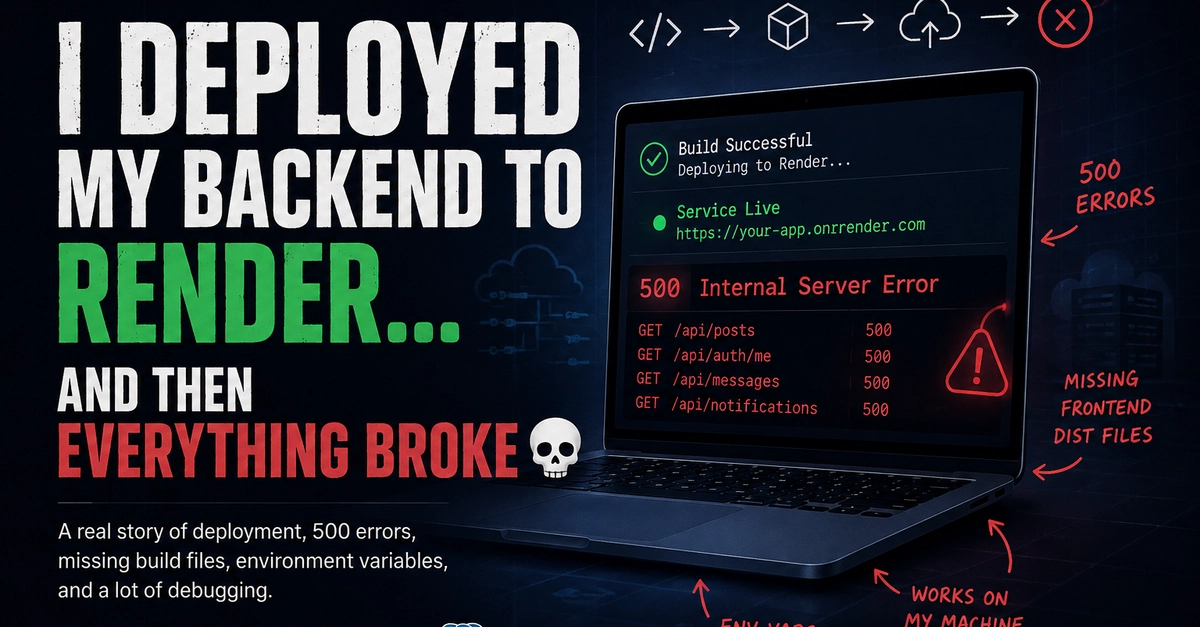
Deploying an application often conjures an image of straightforward steps: push code, configure the service, deploy, and done. This was the expectation when a developer decided to deploy a Django application, featuring both a frontend and a backend, to Render. The initial deployment appeared successful. Gunicorn, the web server, started, and Render provided a live URL, signaling a green light. However, the illusion of a smooth launch shattered upon making actual requests to the application. The immediate result was a barrage of 500 Internal Server Errors, plunging the developer into a debugging spiral.
The application's architecture was standard: User requests flow to the Frontend, which then communicates with the Django Backend, ultimately interacting with a Database. While the deployment on Render proceeded without apparent hitches, the underlying issue lay hidden until runtime. The critical error surfaced not in the application's logic or web server configuration, but in its ability to establish a connection with its database.
Unpacking the 500 Errors: The Database Conundrum
The persistent 500 Internal Server Errors pointed to a server-side problem, and the debugging process quickly zeroed in on the database connection. Render, like many Platform-as-a-Service (PaaS) providers, offers managed database services. However, simply assuming that Render's infrastructure would automatically bridge the gap between the deployed application and its associated database proved to be a critical oversight. The core of the problem was that the Django application, running within Render's environment, could not authenticate or connect to the database instance.
This often stems from how environment variables and connection strings are managed. When deploying to a new platform, particularly one that might provision databases separately or require specific connection parameters, developers must ensure these details are correctly configured. This includes:
- Database Hostname/URL: The application needs to know where the database resides.
- Database Port: The standard port for PostgreSQL (5432) or MySQL (3306) might be different or require specific network access.
- Database Name: The specific database to connect to within the server.
- Database User: The username for authentication.
- Database Password: The password for the authenticated user.
In this case, the Django application was likely configured with connection details that were either incorrect for the Render environment or were not properly exposed to the running application as environment variables. Django's `settings.py` file typically handles database configurations. A common pattern involves using environment variables to inject these sensitive credentials, preventing them from being hardcoded directly into the source code. For instance, a `DATABASES` setting might look like this:
import os

DATABASES = {
    'default': {
        'ENGINE': 'django.db.backends.postgresql',
        'NAME': os.environ.get('DB_NAME'),
        'USER': os.environ.get('DB_USER'),
        'PASSWORD': os.environ.get('DB_PASSWORD'),
        'HOST': os.environ.get('DB_HOST'),
        'PORT': os.environ.get('DB_PORT'),
    }
}
The failure occurred because `os.environ.get('DB_HOST')`, `os.environ.get('DB_NAME')`, and other related calls were returning `None` or incorrect values within the Render deployment. This meant Django couldn't even initiate a connection, leading to exceptions that cascaded into the 500 errors served to the user.
The Debugging Journey: From Surface Errors to Root Cause
The debugging process for 500 errors on a PaaS like Render often involves a multi-pronged approach:
- Check Render Logs: The first and most crucial step is to examine the logs provided by the hosting platform. Render's dashboard offers real-time and historical logs for deployed services. These logs would have shown the specific exceptions being raised by Gunicorn or Django, likely indicating a database connection failure.
- Verify Environment Variables: Confirm that all necessary environment variables for database connection (host, port, name, user, password) are correctly set within Render's environment variable configuration for the service. This is where the developer likely discovered the missing or incorrect database credentials.
- Test Local Connection (if possible): If Render provisions a separate database instance, attempt to connect to it from a local environment using the same credentials that are supposed to be set as environment variables. This helps isolate whether the issue is with the credentials themselves or the network accessibility from the Render instance.
- Database User Permissions: Ensure the database user configured has the necessary privileges to connect from the host provided by Render. Some databases restrict connections based on the source IP or hostname.
- Application Startup vs. Runtime: Differentiate between errors that occur during application startup (e.g., Gunicorn failing to start) and those that occur during request handling. Database connection errors often manifest during request processing when the application attempts to interact with the database for the first time.
The surprising detail in this scenario is not the complexity of Django or Render, but how a seemingly successful deployment can mask a fundamental connectivity issue. The application *started*, it was *live*, but it was fundamentally unable to perform its core function of interacting with data. This highlights a common pitfall: assuming that platform-level deployment success equates to application-level operational success.
Resolving the Issue: Correcting the Database Configuration
The resolution involved meticulously updating the environment variables within Render's dashboard. The developer needed to obtain the correct database URL or individual connection parameters (host, port, user, password, DB name) from their database provider or Render's database service configuration. Once these correct values were entered into Render's environment variable settings for the Django application, and the service was redeployed, the application could successfully establish a connection to the database.
With the database connection resolved, the 500 Internal Server Errors ceased, and the Django application began functioning as expected. This experience serves as a potent reminder that while PaaS solutions abstract away much of the infrastructure management, developers must still pay close attention to service-to-service communication, especially when it involves critical components like databases. The gap between a successful `git push` and a fully functional application can be bridged by diligent configuration and thorough log analysis.