The Rise of the Custom CLI
Developers are increasingly turning to custom Command Line Interface (CLI) tools to streamline workflows, automate repetitive tasks, and enforce best practices. Instead of relying solely on generic solutions, engineers are building bespoke tools tailored to their specific needs. This trend addresses common frustrations, from slow project setup to the tediousness of remembering complex command syntax.
ScaffoldX: Fast, Flexible Project Generation
One developer tackled the problem of slow and opinionated project scaffolding tools by building ScaffoldX. The core issue with existing generators was their inability to quickly output production-ready code without rigid constraints. Many generators could take upwards of 10 to 30 seconds, and customization was often limited to what the tool provided out-of-the-box. The goal for ScaffoldX was to achieve both speed and flexibility.
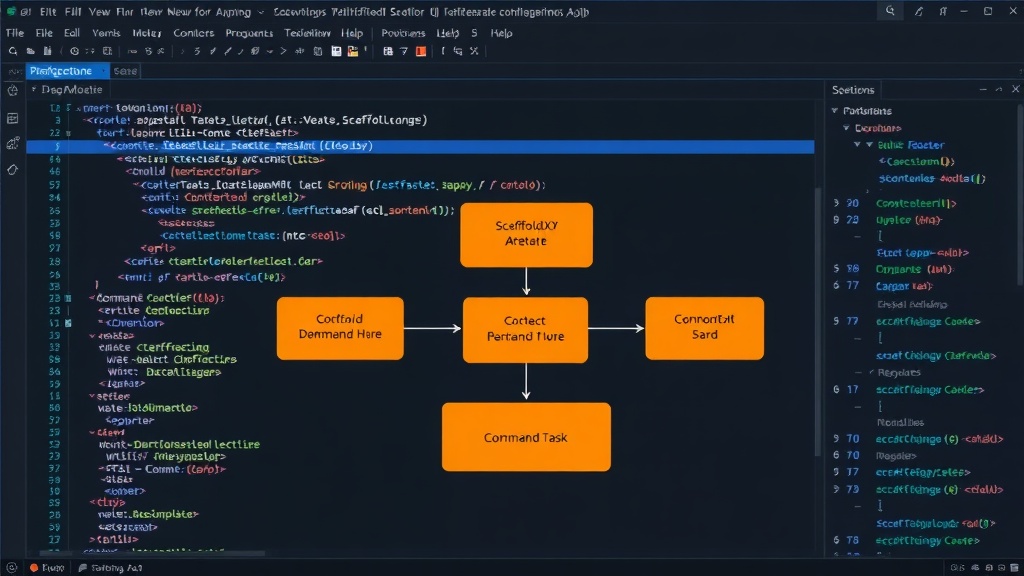
After three weekends of development, the CLI tool was functional. The architecture of ScaffoldX, as seen in its core JavaScript index file, likely involves importing a `Command` class, suggesting a structured approach to defining CLI commands and their associated logic. This allows for a modular design where different commands can be added or modified independently, contributing to the tool's flexibility. The emphasis is on generating a wide array of project templates rapidly, aiming to shave off significant time from the initial setup phase of any new project.
Angular Health Check: Improving Code Quality
Another developer identified a common pain point in Angular projects: the accumulation of subtle performance issues that go unnoticed until they severely impact application speed. These silent problems include components missing ChangeDetectionStrategy.OnPush, RxJS subscriptions that are never unsubscribed, missing trackBy in *ngFor loops, and a lack of Signals adoption in newer Angular versions.
To combat this, the developer created Angular Health Check. This CLI tool statically analyzes an Angular project, scanning files without running the application, to produce a normalized health score between 0 and 100. The tool identifies specific issues, categorizing them as errors or warnings. For instance, it can flag missing OnPush strategy implementations on components or RxJS subscriptions that lack proper termination mechanisms like takeUntil. The output is designed to be clear and actionable, providing developers with concrete steps to improve their project's performance and maintainability. A scan of a sample project revealed 47 files analyzed in 1.2 seconds, resulting in a score of 74/100, with specific issues highlighted, such as three components missing OnPush and seven warnings related to subscriptions without termination.
Photu: Simplifying ImageMagick Workflows
For developers frequently working with image manipulation, remembering the complex syntax of tools like ImageMagick can be a significant hurdle. One developer found themselves constantly typing ImageMagick flags incorrectly, leading to wasted time and frustration. The example command illustrates the typical complexity:
magick mogrify -path out -format webp -quality 80 -resize 1600x1600\> -unsharp 0x1 photos/*.jpg
To simplify this, the developer built photu. This CLI tool reimagines the ImageMagick pipeline using a more intuitive, pipe-based syntax. The same complex operation can be expressed as a series of chained commands:
photu read "photos/*.jpg" | photu resize 1600 | photu sharpen | photu write "out/{name}.webp" quality=80
This approach breaks down the image processing workflow into logical, readable steps. Developers can chain commands like read, resize, sharpen, and write, specifying parameters such as output format, quality, and dimensions in a much more natural way. This abstraction significantly lowers the barrier to entry for complex image manipulation tasks, allowing developers to focus on the desired outcome rather than memorizing intricate command-line arguments. The tool offers a clear example of how CLIs can abstract away complexity and improve developer experience.
The Power of Developer-Built Tools
These three projects—ScaffoldX, Angular Health Check, and photu—demonstrate a powerful trend: developers building tools to solve their own problems. Whether it's accelerating project setup, ensuring code quality, or simplifying complex command-line operations, custom CLIs offer a flexible and efficient solution. They empower developers to tailor their environment precisely to their needs, leading to increased productivity, better code, and a more enjoyable development process. The ability to create these tools is becoming increasingly accessible, allowing for a more personalized and optimized development experience.