The Mystery of the Magic Button
For many developers, database indexes feel like a magic button. You add one, and suddenly your queries are faster. The intuition is simple: tell the database to "index this column," and it just works. But what's actually happening under the hood? The reality is far more elegant and, once understood, makes the performance gains intuitive rather than mysterious. It's not magic; it's structured data organization.
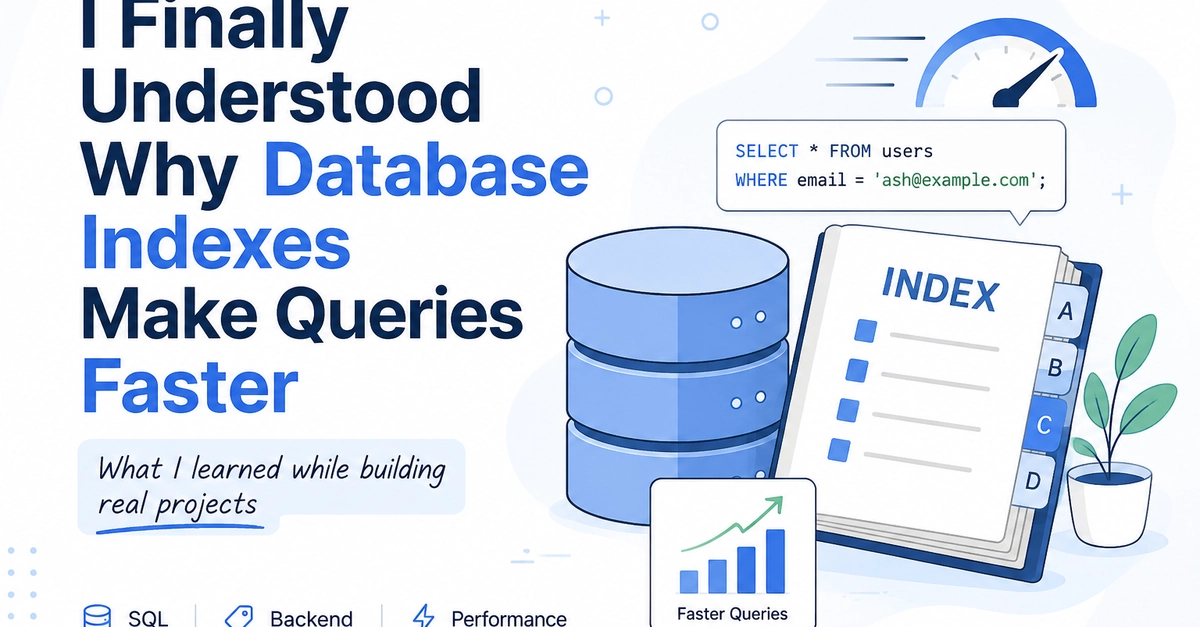
Consider a typical `users` table with a million records. If you need to find a specific user by their email address, a query like this is common:
SELECT * FROM users
WHERE email = 'ash@example.com';
Without any special optimization, the database has to perform a full table scan. This means it might examine every single one of those million rows, one by one, checking if the `email` column matches the target value. This is the database's equivalent of searching for a specific word in a book by reading every word from start to finish. It's inefficient, especially as your data grows.
From Linear Search to Ordered Lookup
This is where indexes fundamentally change the game. An index on the `email` column doesn't just mark the column as important; it creates a separate data structure that holds the indexed column's values and pointers to the actual rows in the table. Crucially, this index structure is kept sorted.
Think of it like the index at the back of a textbook. Instead of flipping through every page to find information on, say, "B-trees," you go to the index, find "B-trees," and it tells you exactly which pages contain that information (e.g., pages 150, 275, 310). You don't read the entire book; you use the index to jump directly to the relevant sections.
Database indexes work on a similar principle, though the underlying data structures are often more sophisticated, like B-trees or hash tables. When you create an index on the `email` column, the database:
- Builds a separate structure: This structure contains all the unique email addresses from the `users` table.
- Sorts the values: The email addresses in the index are kept in a sorted order.
- Stores pointers: For each email address in the index, there's a reference (a pointer) to the exact location of the corresponding row in the main `users` table.
How the Index is Used
When you execute the `SELECT` query with a `WHERE email = 'ash@example.com'` clause, the database doesn't immediately start scanning the `users` table. Instead, it first consults the index created for the `email` column.
Because the index is sorted, the database can use highly efficient search algorithms (like binary search, which is logarithmic in complexity) to quickly find the entry for `'ash@example.com'` within the index itself. This is incredibly fast, even with millions of entries in the index, because it only requires a handful of comparisons to pinpoint the exact location.
Once the index entry is found, it provides the pointer(s) to the specific row(s) in the `users` table that contain the matching email address. The database then fetches only those rows directly. This bypasses the need to scan the vast majority of the table, turning a potentially million-row check into a few index lookups and a couple of direct row fetches.
The Trade-offs: Not a Free Lunch
While indexes dramatically speed up read operations (like `SELECT` queries with `WHERE` clauses on indexed columns), they aren't without their costs. Developers must understand these trade-offs:
- Storage Space: Indexes are separate data structures and consume disk space. An index on a large table can be substantial.
- Write Performance: Every time you insert, update, or delete a row in the indexed table, the database must also update the corresponding index(es). This adds overhead to write operations. If you have many indexes on a table, writes can become noticeably slower.
- Maintenance: Indexes need to be maintained. Over time, as data changes, indexes can become fragmented, potentially reducing their efficiency. Database systems have mechanisms to manage this, but it's an ongoing process.
The surprising detail here is not that indexes speed up reads, but the significant overhead they add to writes. It's a classic read-heavy vs. write-heavy optimization problem. For tables that are frequently queried by specific columns but updated less often, indexes are essential. For tables that are written to constantly and rarely queried by specific fields, adding too many indexes can become a performance bottleneck.
When to Use Indexes
Indexes are most beneficial for columns that are frequently used in:
WHEREclauses for filtering data.JOINconditions when combining tables.ORDER BYclauses for sorting results.GROUP BYclauses for aggregation.
Conversely, indexing columns with very low cardinality (few distinct values, like a boolean `is_active` flag in a huge table) or columns that are rarely queried directly may not provide significant benefits and can even hurt performance due to the write overhead.
Conclusion: Informed Optimization
Understanding that database indexes create sorted data structures with pointers to actual rows transforms them from a "magic button" into a powerful, deliberate optimization tool. By leveraging efficient search algorithms on these sorted structures, databases can avoid costly full table scans, leading to dramatic performance improvements for read-heavy workloads. However, developers must always weigh the read performance gains against the storage and write performance costs to ensure optimal database design.