The Tedium of Manual Gradient Creation
Writing CSS gradients from scratch is a familiar pain point for web developers. The syntax for linear-gradient, radial-gradient, and especially conic-gradient can be verbose and difficult to remember. Manually adjusting color stops, angles, and shapes across different browsers requires constant reference and tedious trial-and-error. This process eats into development time, pulling focus from more complex design and functionality tasks.
The need for a more intuitive approach has led to the development of visual gradient generators. These tools aim to simplify the creation process by offering a WYSIWYG interface, allowing developers to see their gradient take shape in real-time. This bypasses the need to constantly update code and refresh the browser to preview changes.
Introducing PaletteCSS's Gradient Generator
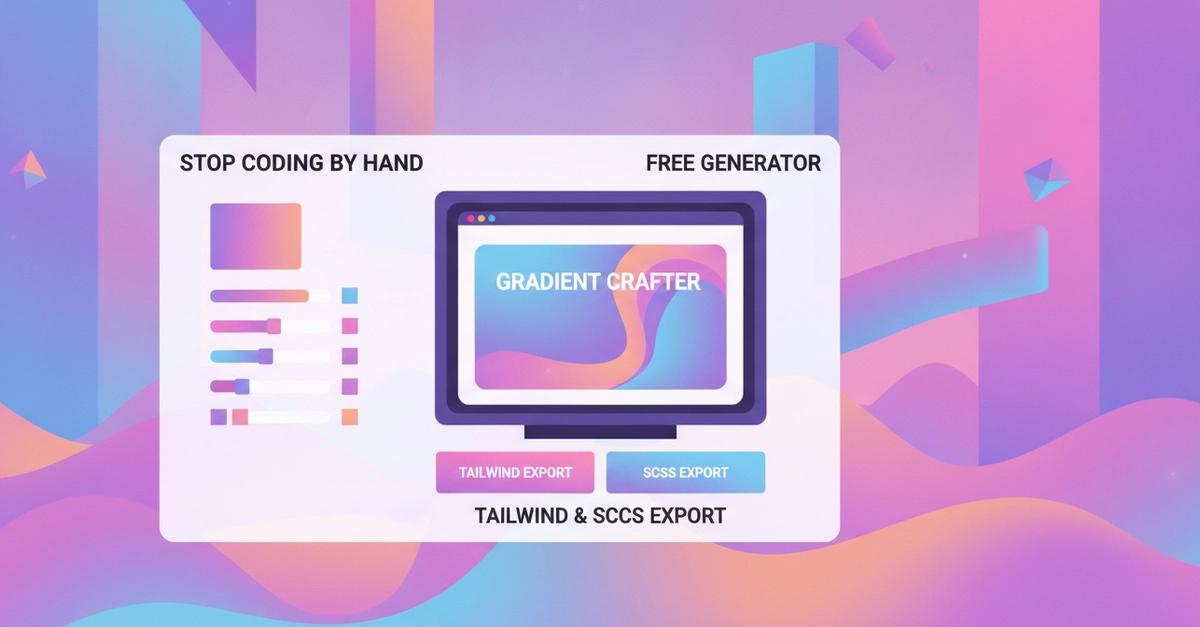
PaletteCSS has stepped in to address this common developer frustration with the release of its free CSS gradient generator. This tool is designed to eliminate the manual coding of gradients, providing a user-friendly platform for creating complex and visually appealing gradient backgrounds.
The generator supports all three major gradient types:
- Linear Gradients: Users can define any angle for their linear gradients. This can be done by interactively dragging a dial or by directly inputting degree values. This precision allows for fine-tuning the direction of the color transition.
- Radial Gradients: The tool accommodates both circular and elliptical radial gradients, offering flexibility in how colors emanate from a central point.
- Conic Gradients: For more advanced use cases, such as pie charts, color wheels, or unique visual effects, the generator supports conic gradients. This "pie-chart style" gradient transitions colors around a central point.
Beyond the gradient type, the generator allows for the addition of up to five color stops. Crucially, these stops are not fixed; they can be freely dragged and repositioned to precisely control where each color transition occurs within the gradient. This level of control is essential for creating nuanced and sophisticated color blends.
Instant Export in Multiple Formats
Once a gradient is crafted to satisfaction, the generator provides instant export options in three essential formats, catering to various development workflows:
- Standard CSS: The tool outputs the raw CSS code, typically a
backgroundproperty with the appropriatelinear-gradient,radial-gradient, orconic-gradientfunction. This is directly usable in any CSS stylesheet. - Tailwind CSS: For developers leveraging the popular Tailwind CSS framework, the generator can output utility classes. This allows for seamless integration into Tailwind projects without needing to write custom CSS. The generated classes abstract the gradient properties into reusable utility selectors.
- SCSS: Users working with SCSS (Sassy CSS) can export the gradient as an SCSS variable or mixin. This enables easy reuse and modification within SCSS projects, fitting into existing preprocessor workflows.
The ability to copy these formats with a single click significantly speeds up the integration process. Developers no longer need to manually translate a visual design into framework-specific code or preprocessor variables.
Streamlining Web Design Workflows
The introduction of such a tool has broader implications for web design and development workflows. It democratizes the creation of visually rich gradients, making them accessible to developers who may not be CSS experts or who simply want to accelerate their design process. The live preview feature acts as an invaluable assistant, providing immediate visual feedback that traditional coding lacks.
For frontend developers, this means less time spent on repetitive CSS tasks and more time focusing on user experience and application logic. For designers working closely with developers, it offers a clear way to communicate gradient specifications that can be directly implemented.
The surprise here is not the existence of gradient generators, but the comprehensive integration with major development tools like Tailwind and SCSS, coupled with a truly intuitive visual editor. Many existing tools offer basic functionality, but PaletteCSS appears to have focused on the practicalities of day-to-day development by providing these direct export options.
What remains to be seen is how frequently PaletteCSS will update the generator with new features or support for emerging CSS gradient capabilities. The pace of CSS evolution means that keeping such a tool current is an ongoing effort.