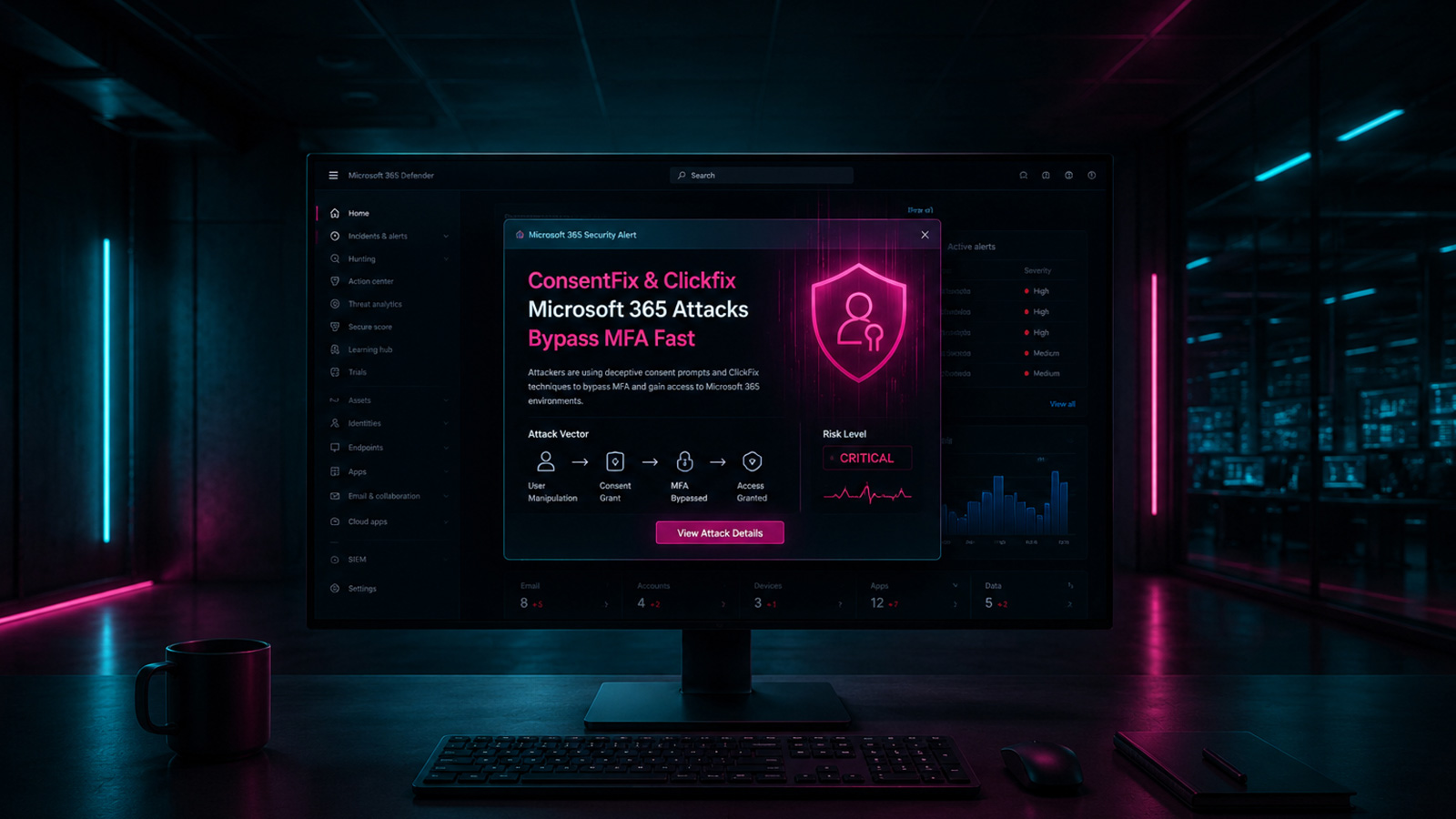
The Three-Second Account Takeover
Attackers are now capable of hijacking Microsoft 365 accounts in as little as three seconds using sophisticated phishing techniques dubbed ConsentFix and ClickFix. These methods bypass multi-factor authentication (MFA) by exploiting the legitimate OAuth consent framework and user trust in familiar prompts. The speed and effectiveness of these attacks pose a significant threat to organizations relying on Microsoft 365 for sensitive data and operations.
At its core, the ConsentFix and ClickFix attack chain relies on tricking users into granting malicious applications broad permissions to their Microsoft 365 accounts. Unlike traditional credential stuffing or phishing attacks that aim to steal usernames and passwords, these newer methods target the access tokens that allow applications to act on behalf of a user without requiring their password each time. This is particularly concerning because even if MFA is enabled, the initial consent granting process can be exploited to gain persistent access.
The attack begins with a phishing email or message designed to look legitimate, often mimicking communications from Microsoft or other trusted services. This message directs the victim to a fake login page or, more insidiously, a page that initiates an OAuth authorization flow. The attacker has pre-registered a malicious application within Azure AD and is now prompting the user to grant it permissions.
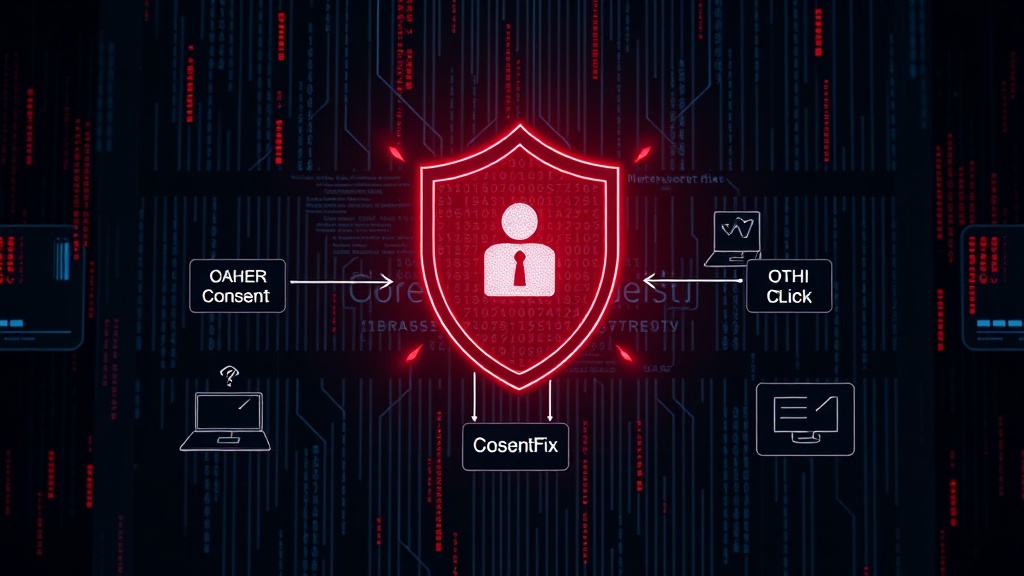
Exploiting the OAuth Consent Framework
The OAuth 2.0 framework is designed to allow users to grant third-party applications limited access to their data without sharing their credentials. When a user installs an application or uses a service that integrates with Microsoft 365, they are presented with a consent screen detailing the permissions the application requests. This screen, often referred to as the "permissions request page," is the primary target for ConsentFix and ClickFix.
In a typical scenario, a user might be prompted to grant an application access to read their email, calendar, or contacts. The malicious application, however, is crafted to request excessive permissions, such as "full access to all email" or "permission to send mail on behalf of users." Many users, pressed for time or accustomed to clicking through consent screens, may not carefully review these requests. This is where the three-second window opens.
The ConsentFix variant focuses on making the malicious consent prompt appear as urgent and legitimate as possible. Attackers might leverage social engineering to create a sense of immediate need for the user to approve the application. For instance, a prompt might claim it's necessary to "fix" an account issue or "update" permissions due to a security policy change. The attacker's goal is to get the user to click "Accept" on the consent screen as quickly as possible, often before they have time to scrutinize the requested permissions.
The ClickFix Variant and Token Stealing
ClickFix takes this a step further by often combining the consent prompt with a credential harvesting page or a mechanism to immediately steal refresh tokens. After the user grants consent to the malicious application, the application receives an authorization code. This code is then exchanged for access and refresh tokens. The attacker's infrastructure intercepts this process, steals the tokens, and uses them to access the victim's Microsoft 365 environment.
The critical vulnerability lies in the fact that once consent is granted and tokens are obtained, the malicious application can act with the user's permissions without further interaction. This grants attackers persistent access, allowing them to exfiltrate data, send malicious emails from the compromised account, or even modify security settings to further entrench their access. The speed of the attack is achieved by automating the process of presenting the consent prompt and capturing the subsequent tokens.
Researchers have noted that these attacks are particularly effective against users who have not properly configured conditional access policies or who have broadly granted permissions to applications in the past. The ease with which attackers can register applications in Azure AD and initiate these consent flows means that any Microsoft 365 tenant is a potential target.
ARToken and the Phishing-as-a-Service Ecosystem
The emergence of platforms like ARToken, which appears to be an affiliate of the EvilTokens phishing-as-a-service (PhaaS) platform, underscores the industrialization of these sophisticated attack methods. ARToken provides attackers with a toolkit specifically designed to compromise Microsoft 365 accounts. This includes templates for phishing pages, mechanisms for handling OAuth flows, and infrastructure for managing compromised accounts and stolen tokens.
By offering these tools as a service, attackers can lower the barrier to entry for less sophisticated threat actors. They can rent access to these platforms and launch targeted attacks without needing deep technical expertise. This ecosystem accelerates the spread and evolution of attack techniques, making it harder for defenders to keep pace.
The EvilTokens platform, in particular, is known for its comprehensive suite of tools designed to mimic legitimate Microsoft services and exploit various authentication mechanisms. The affiliation with ARToken suggests a coordinated effort to refine and distribute these Microsoft 365 compromise tools, making them more accessible and potent.
Defending Against ConsentFix and ClickFix
Defending against these attacks requires a multi-layered approach focused on user education, administrative controls, and technical safeguards. The primary goal is to prevent users from granting malicious applications unnecessary permissions and to detect and revoke access once compromised.
User Education and Awareness
End-users must be trained to scrutinize all consent prompts, regardless of how legitimate they appear. This includes verifying the application name, publisher, and the specific permissions requested. They should be taught to recognize social engineering tactics that create a false sense of urgency. A key takeaway for users should be to question why an application needs broad access to their data and to err on the side of caution.
Administrative Controls in Azure AD
Security administrators play a crucial role in limiting the attack surface. Microsoft 365 administrators can:
- Configure Tenant Allow/Block Lists for Applications: Restrict which applications can be installed or used within the organization.
- Enforce Admin Consent Workflows: Require that all new application consent requests, especially those requesting elevated permissions, go through an administrator for review and approval. This prevents users from granting consent directly.
- Regularly Review and Revoke Unnecessary Permissions: Conduct periodic audits of all applications with access to Microsoft 365 resources and revoke permissions for any that are no longer needed or appear suspicious.
- Implement Conditional Access Policies: Use policies to enforce stricter controls on application access, such as requiring MFA for all application access or limiting access based on location or device compliance.
Technical Safeguards
Leveraging Microsoft Defender for Cloud Apps or similar security solutions can help detect anomalous application behavior and alert administrators to potentially malicious consent grants. These tools can also assist in identifying and revoking compromised application permissions.
The speed of ConsentFix and ClickFix attacks underscores the need for proactive security measures. Organizations that fail to implement robust controls around application consent and access management leave themselves highly vulnerable to rapid account takeovers.