No Backend, No Build Step: A Spaced-Repetition Chrome Extension That Runs on chrome.storage.sync Alone
Most 'save this for later' tools demand a server: account systems, databases for notes, and sync services with their own outage histories. Abhijat Chaturvedi sought a more focused solution: capture text or a whole page while browsing, transform it into a spaced-repetition flashcard, and have it appear on other machines—all without managing any infrastructure.
The result is MindStack, a Manifest V3 Chrome extension that achieves capture, spaced-repetition scheduling, a full dashboard, and cross-device sync, built entirely on chrome.storage.sync and chrome.identity. This design choice intentionally sidesteps backend servers, bundlers, and the typical npm install requirement for unpacked extensions. This constraint forces clarity and efficiency in development.
Decision 1: The Scheduler is SM-2-Shaped, Not SM-2
Spaced repetition applications commonly adopt a full SuperMemo SM-2 implementation. However, MindStack diverges by creating an SM-2-shaped scheduler. This means it adheres to the core principles of SM-2—intervals, ease factors, and review dates—but adapts them to the specific constraints and capabilities of browser storage and client-side execution. The goal is not a perfect replica of the original algorithm but a functional, performant implementation tailored for a browser extension environment. This approach avoids the complexity of a full SM-2 implementation while still providing effective spaced repetition.
Decision 2: chrome.storage.sync as the Single Source of Truth
The primary technical decision for MindStack is its reliance on chrome.storage.sync. This API provides a key-value store that synchronizes data across all Chrome installations where the user is signed in. For an extension aiming for no backend, this is the most logical choice for storing flashcards, scheduling data, and user preferences. Unlike chrome.storage.local, which is device-specific, sync ensures that a user's flashcards and learning progress are consistent whether they are on their desktop, laptop, or tablet, provided they are logged into the same Google account.
The use of chrome.storage.sync is not without its limitations. It has quotas (100KB per extension, 8KB per item) and can experience sync delays. Chaturvedi's implementation must therefore be mindful of data size and structure, optimizing for efficient storage and retrieval. The extension handles these limitations by ensuring that data is batched and that only necessary information is stored. For instance, instead of storing entire web page content, it stores extracted text and relevant metadata. This careful management ensures that the extension stays within the storage limits and that synchronization remains reasonably fast.
Decision 3: Manifest V3 and Service Workers
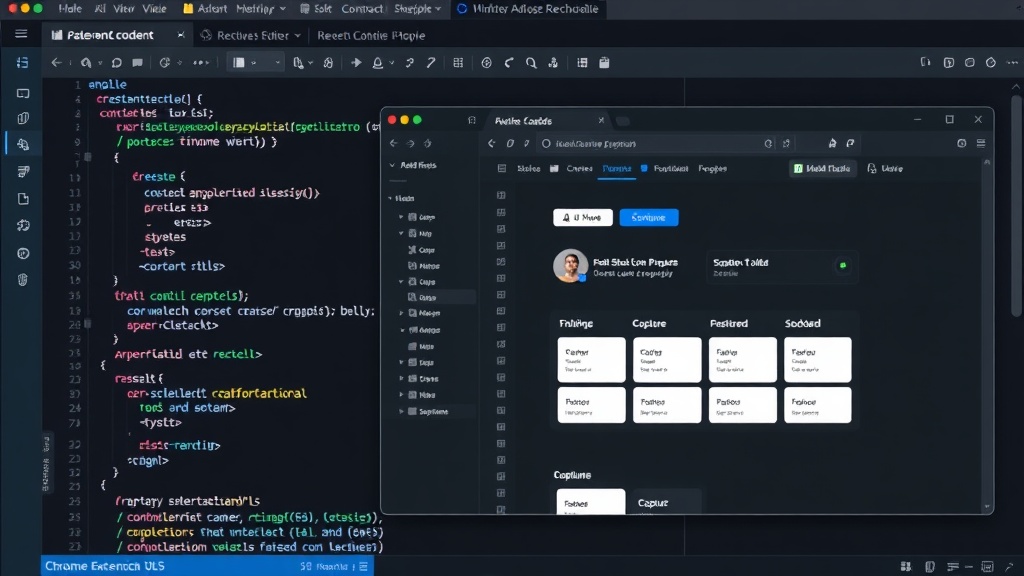
As a Manifest V3 extension, MindStack operates using service workers instead of persistent background pages. Service workers are event-driven and only run when needed, conserving resources. This aligns perfectly with the 'no backend' philosophy, as the extension's logic—scheduling, card display, and data synchronization—is executed only when triggered by user actions or browser events. This means the extension consumes minimal resources when not actively in use.
The extension uses chrome.identity.getProfileUserInfo to obtain the user's basic profile information, which is crucial for identifying the user across devices for synchronization. This API is part of the chrome.identity module, which facilitates user authentication and authorization without requiring the extension to manage its own authentication server. The use of chrome.identity streamlines the setup process, allowing users to start using the extension immediately after installation with minimal friction.
Decision 4: No Build Step
The absence of a build step is a significant design choice. Traditional Chrome extension development often involves bundlers like Webpack or Parcel to manage dependencies, transpile code (e.g., from TypeScript to JavaScript), and optimize assets. MindStack bypasses this entirely. It's written in plain JavaScript and HTML, designed to be loaded directly into the browser as an unpacked extension. This significantly lowers the barrier to entry for developers who want to inspect, modify, or contribute to the extension.
This approach means that the code must be written in a way that is directly compatible with the browser environment without requiring preprocessing. It favors simplicity and directness. For instance, instead of using modern JavaScript features that might require transpilation, the code likely uses features supported by the target Chrome versions. This also implies that dependency management is handled manually or by using vanilla JavaScript libraries that can be included directly.
The MindStack User Experience
The user experience is designed to be seamless. When a user encounters information they want to learn, they can select text or a page and add it to MindStack. The extension then processes this information, creating a flashcard. The SM-2-shaped scheduler determines when this card should next appear for review. When the user opens a new tab or navigates to a specific page within the extension, MindStack presents the next card due for review.
Cross-device synchronization means that if a user adds a card on their work computer, it will be available for review on their personal laptop or phone (if they use Chrome on those devices and are logged into the same account). The dashboard provides an overview of learning progress, including the number of cards learned, cards due, and overall retention metrics. This entire functionality is delivered without the user needing to create an account, manage a server, or worry about backend uptime. It's a self-contained learning tool that leverages the browser's built-in capabilities.
Implications and Future Possibilities
MindStack demonstrates that complex functionalities like spaced repetition and cross-device sync are achievable within the constraints of browser storage APIs, even for Manifest V3 extensions. This approach could inspire other developers to build lightweight, infrastructure-free tools that offer significant utility. It challenges the assumption that every application requires a backend, pushing the boundaries of what can be achieved client-side.
The success of this model hinges on careful resource management and adherence to API limitations. Developers looking to replicate this will need a deep understanding of chrome.storage.sync quotas, event handling in service workers, and efficient client-side data processing. The absence of a build step, while simplifying setup, requires a disciplined approach to code organization and dependency management. For users, it means a private, always-available learning tool that doesn't rely on third-party servers.