The Pain of a Rejected Integration
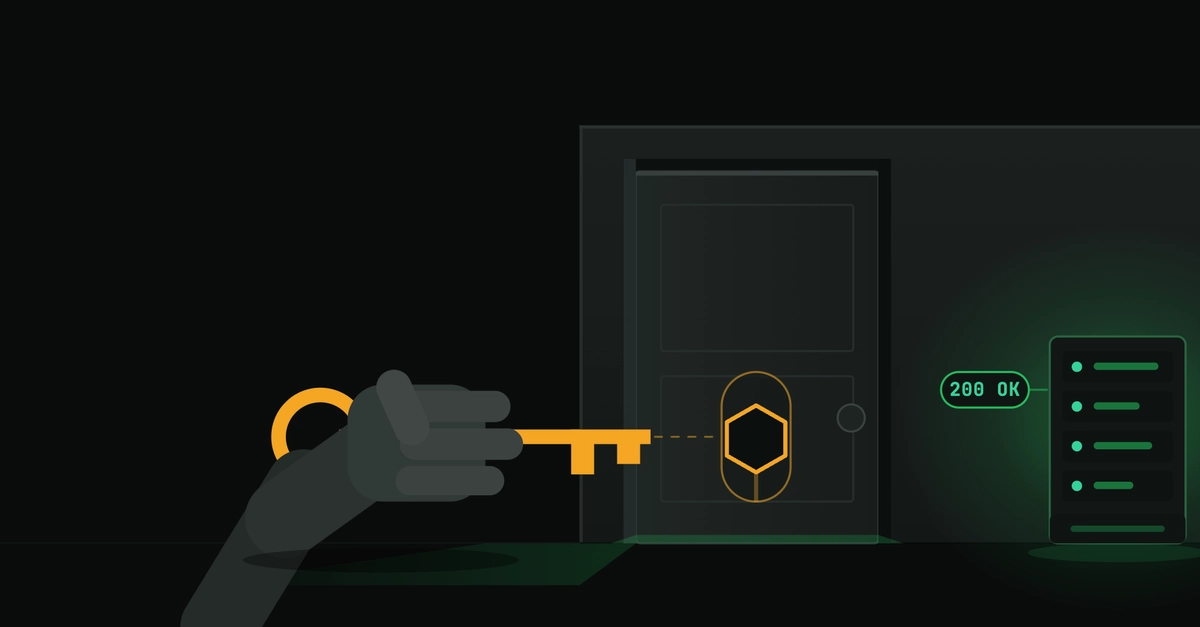
Integrating a server-side tool with platforms like ChatGPT can feel like a straightforward process, especially when the underlying functionality is already proven. In July, a developer set out to add their MCP server to the ChatGPT app directory. The server was already live and operational, powering integrations with Claude and Cursor, complete with working OAuth. Submission seemed like a mere formality: describe the existing functionality, fill out the application, and hit submit. However, a month later, the integration was rejected. Surprisingly, the server itself remained unchanged. The core issue wasn't its functionality but everything surrounding it – how ChatGPT discovers tools, what its scanner expects, the clarity of the descriptions, and critically, whether a reviewer could actually authenticate and test the tool.
This experience highlights a common pitfall: the technical implementation of a server might be complete, but the ecosystem integration—the layers that enable discovery, access, and verification—can be a separate, complex challenge. It’s akin to building a perfect car engine but forgetting to include the steering wheel or the ignition key.
Tool Discovery Failures: The "No Actions Available" Conundrum
The first hurdle appeared before the formal submission. Upon connecting the MCP server to ChatGPT, the connector registered, but it reported "no actions available." This was perplexing because the same tools loaded without issue in Claude and Cursor. Initial investigations into Server-Sent Events (SSE) and caching proved fruitless; neither was the root cause. ChatGPT, it turns out, reads the tool list at the moment the app is created. If this initial handshake fails to identify available actions, the connector will remain effectively empty, regardless of the server's actual capabilities.
The problem stemmed from how ChatGPT's tool discovery mechanism parsed the OpenAPI specification provided by the MCP server. While the specification itself was valid for other platforms, ChatGPT expected a specific structure or format for defining 'actions' that was not being met. This meant that even though the server exposed a comprehensive set of functions, ChatGPT's discovery agent couldn't 'see' them. The fix involved adjusting the OpenAPI specification to align with ChatGPT's specific requirements for tool definitions, ensuring that each callable function was correctly interpreted as an available 'action' by the platform's scanner.
Reviewer Access and Authentication Snafus
Beyond the technical discovery problem, a significant barrier was reviewer access. Submitting an integration requires reviewers to test it thoroughly. In this case, the reviewers could not log in. The MCP server utilized OAuth for authentication, a standard and secure method. However, the setup for the ChatGPT reviewer environment did not correctly handle the OAuth flow. This could be due to several factors: incorrect redirect URIs configured in the OAuth provider, issues with the client secret or ID, or problems with the reviewer's specific test account credentials.
The process of enabling reviewer access often involves creating specific test accounts or configuring temporary credentials that mimic a user's interaction. If this setup is not precise, reviewers may face authentication loops or outright login failures, leading to an inability to verify the tool's functionality. The solution involved meticulously re-configuring the OAuth application settings within the MCP server's authentication provider and ensuring that the redirect URIs matched exactly what ChatGPT expected for its testing environment. It also required verifying the test credentials provided to the reviewers.
Description Clarity and Scanner Expectations
The rejection also pointed to issues with the submitted descriptions and the scanner's expectations. Developers often focus on the technical implementation and assume the descriptive text will be straightforward. However, platforms like ChatGPT use these descriptions not only for user-facing information but also as part of their internal understanding of what a tool does. The scanner might be parsing these descriptions for keywords, intent, or functional categories. If the descriptions were too generic, ambiguous, or did not accurately reflect the tool's capabilities in a way the scanner could interpret, it could lead to misclassification or rejection.
This suggests that descriptions need to be written with both human users and AI scanners in mind. They should be clear, concise, and explicitly state the tool's purpose and key functions. For integration purposes, it may be beneficial to include technical details or examples within the description that align with the platform's expected format for tool metadata. The fix involved rewriting the descriptions to be more explicit about the tool's capabilities and aligning the language with common patterns expected by AI assistant platforms.
Lessons Learned: Beyond the Server Code
The experience underscores that successful integration with AI platforms like ChatGPT involves more than just a functional backend. It requires a deep understanding of the platform's ecosystem: how it discovers tools, how it handles authentication for reviewers, and how it interprets descriptive metadata. The server code may have been robust, but the integration failed because the surrounding infrastructure and documentation were not optimized for ChatGPT's specific requirements.
This situation is not unique to ChatGPT. Similar challenges can arise when integrating with other AI assistants or app marketplaces. Developers must treat the integration process as a holistic task, encompassing not only API design and server logic but also the critical elements of discoverability, security (via authentication), and clear, platform-aware communication. The core of the MCP server remained untouched, a testament to its underlying stability, but the path to integration required significant adjustments to its external interfaces and presentation. The lesson is clear: a server that works perfectly in isolation might still fail to integrate if its environmental context isn't meticulously managed.