The Challenge of Verifying WebSocket Endpoints
Checking if a WebSocket endpoint is functioning correctly often involves significant setup overhead. Developers frequently encounter scenarios where a simple message contract verification requires spinning up a full application, writing custom client code, or installing specialized local tools. This is particularly frustrating when the goal is merely to confirm a single message exchange or a basic protocol handshake. The problem is amplified when dealing with services that use non-standard authentication or complex protocol negotiations, making quick, ad-hoc testing a cumbersome process.
Consider the common scenario: a developer needs to verify that a specific message sent to a WebSocket server elicits the expected response. Traditionally, this might involve:
- Writing a small, dedicated client script in Python, Node.js, or another language.
- Using a command-line tool that requires installation and configuration.
- Integrating a testing framework that adds layers of abstraction.
Each of these methods introduces friction. Writing code means debugging the client itself, not just the server. Installing tools can lead to dependency conflicts or require administrative privileges. Frameworks can obscure the underlying WebSocket behavior. For a one-off check, this is akin to using a sledgehammer to crack a nut.
The core issue is the impedance mismatch between the simplicity of the task (sending one message, checking one reply) and the complexity of the tools available. The browser's native WebSocket API offers a powerful, yet often underutilized, platform for simplifying these checks. Tools that leverage this API can abstract away the boilerplate, allowing developers to focus on the message contract and endpoint behavior.
The date of September 8, 2026, mentioned in early discussions, serves as a marker for when this problem became particularly acute for some developers. Attempts to use standard HTTP clients like fetch() for WebSocket endpoints result in protocol errors, such as HTTP 426 (Upgrade Required), indicating that the server is running but expects a different protocol handshake. This underscores the need for tools that understand and can initiate the WebSocket upgrade process correctly.
Leveraging Browser WebSocket Testers
Browser-based WebSocket testers offer a streamlined approach. These tools typically run directly within the browser, utilizing the browser's built-in WebSocket API. This eliminates the need for local installations or complex environment setup. A developer can navigate to a web-based tester, enter the WebSocket endpoint URL (e.g., ws://example.com/socket or wss://secure.example.com/socket), and initiate a connection.
Once connected, the tester allows for sending arbitrary messages. The developer can type a JSON payload, a plain text string, or any other message format expected by the server. Crucially, these testers also provide a view of the messages received from the server. This two-way visibility is essential for debugging and verification. The developer can send a message, observe the server's response in real-time, and compare it against the expected contract.
Think of it less like a full-fledged debugging suite and more like a highly responsive, interactive terminal for your WebSocket API. You type a command (a message), and you see the immediate output (the reply), without needing to configure an entire development environment.
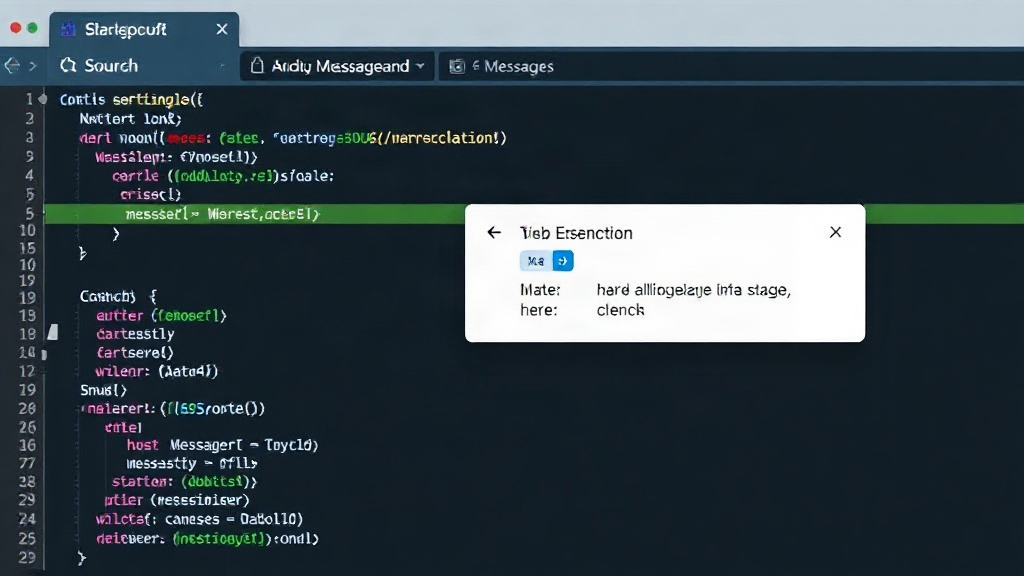
The browser handles the initial HTTP handshake required to upgrade the connection to WebSocket. This includes managing headers and the upgrade request itself. For simple cases, this is sufficient. The ease of use is a significant advantage, especially for frontend developers who are already working within a browser context and may not have immediate access to or familiarity with backend testing tools.
Limitations and Alternatives
While browser-based testers are excellent for quick checks, they have limitations. The browser's control over the initial handshake means that custom authorization headers or complex protocol-level negotiation might not be fully supported or easily configurable within the UI. If your WebSocket connection requires a Bearer token passed in a header, or a custom handshake sequence, a browser tester might fall short.
In such cases, developers may need to resort to more powerful clients. This could include:
- Postman or Insomnia: These API development and testing platforms have increasingly robust WebSocket support, allowing for custom headers, authentication schemes, and more complex connection logic.
- Custom Scripts: Writing a dedicated client script in a language like Python (using libraries like
websockets) or Node.js (usingws) provides the ultimate flexibility. This allows for complete control over the connection process, including intricate authentication flows, message serialization, and error handling. - Dedicated WebSocket Clients: Tools like
wscat(a command-line client) offer a balance between simplicity and power, often supporting custom headers and various authentication methods.
The choice of tool depends on the complexity of the WebSocket endpoint and the specific testing requirements. For straightforward message contract verification, a browser-based tester is often the fastest and most efficient option. For intricate authentication or protocol-level debugging, more specialized tools are necessary.
The Future of WebSocket Testing
As real-time communication becomes more prevalent across web applications, the need for efficient and accessible testing tools will only grow. The trend towards browser-native solutions reflects a broader movement to reduce friction in the development workflow. What remains an open question is how effectively these browser-based tools will evolve to handle increasingly sophisticated authentication mechanisms and custom protocol extensions commonly found in modern real-time systems. If these tools can bridge the gap, they could become the go-to solution for a much wider range of WebSocket testing scenarios, further democratizing real-time API development and verification.