The Five Services of Azure DevOps
Azure DevOps is Microsoft's comprehensive platform designed to streamline the entire software development lifecycle. It integrates source control, continuous integration and continuous delivery (CI/CD) pipelines, work item tracking, package management, and test planning into a unified experience. This platform is built to support agile methodologies and enable teams to deliver software faster and more reliably.
At its core, Azure DevOps comprises five primary services, each addressing a critical aspect of the development workflow:
- Azure Repos: Provides Git repositories or Team Foundation Version Control (TFVC) for source code management.
- Azure Pipelines: Automates building, testing, and deploying code to any platform or cloud.
- Azure Boards: Offers agile planning tools for work item tracking, Kanban boards, and backlogs.
- Azure Artifacts: Enables sharing of code packages (like NuGet, npm, Maven) within and across organizations.
- Azure Test Plans: Facilitates manual and exploratory testing, providing tools for test case management and execution.
Azure Repos: Source Control Reimagined
Azure Repos offers robust support for both Git and TFVC. Git is the distributed version control system favored by most modern development teams for its flexibility, branching strategies, and collaboration features. Azure Repos provides unlimited private Git repositories, supporting standard Git workflows like branching, merging, and pull requests. Pull requests are central to collaborative development, allowing team members to review code changes before they are merged into the main codebase. This process often includes automated checks and policy enforcement to maintain code quality and stability.
TFVC, on the other hand, is a centralized version control system that some legacy projects still rely on. Azure Repos continues to support TFVC for these scenarios, providing check-in/check-out functionality, branching, and merging capabilities within a centralized model.
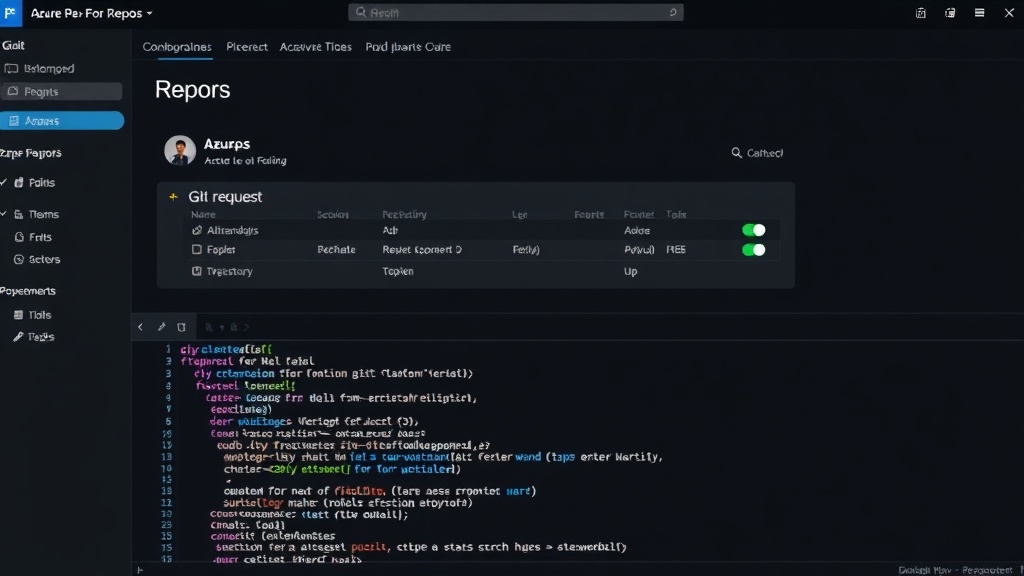
Azure Pipelines: Automating Your CI/CD Workflow
Azure Pipelines is the engine for CI/CD automation within Azure DevOps. It allows developers to automatically build, test, and deploy their applications whenever code changes are committed. The platform supports authoring pipelines using both a visual YAML editor and a classic graphical interface. However, the industry trend strongly favors YAML for pipeline definition due to its benefits in version control, reusability, and infrastructure-as-code principles.
YAML pipelines are defined in a file (typically azure-pipelines.yml) stored within the code repository. This approach means pipeline configurations are versioned alongside the code they build, providing transparency and auditability. A typical CI pipeline involves triggers (e.g., on code push), a series of jobs, and steps that execute commands or scripts. These steps can include compiling code, running unit tests, performing static code analysis, and publishing build artifacts.
Variables, Variable Groups, and Secrets
Managing configuration and sensitive information is crucial for CI/CD. Azure Pipelines offers variables to parameterize pipeline runs. These can be defined at the pipeline level, job level, or step level. Variable groups allow for the centralization of common variables, making them reusable across multiple pipelines. For sensitive information such as API keys, database connection strings, or passwords, Azure Pipelines provides a secure way to manage secrets. These secrets are encrypted and can be linked to variable groups, ensuring that sensitive data is not exposed in pipeline logs or configuration files.
Multi-Stage Pipelines and Environments
Modern applications often require deployment across multiple stages, such as development, staging, and production. Azure Pipelines supports multi-stage pipelines, where a single YAML file can define the entire deployment workflow. Each stage can represent a different environment and can include its own set of jobs and approvals. This allows for complex deployment strategies, including phased rollouts, canary deployments, and blue-green deployments.
Environments in Azure Pipelines are a deployment target that can be linked to Azure resources. They provide a mechanism for managing deployments, tracking deployment history, and implementing approval gates. Approvals can be configured at the environment level, requiring manual sign-off before a deployment proceeds to a critical stage, adding a layer of control and governance to the release process.
Templates and Reusability
To promote consistency and reduce duplication, Azure Pipelines heavily emphasizes reusability through templates. YAML templates allow common pipeline logic, such as build steps or deployment configurations, to be extracted into separate files. These templates can then be included in multiple pipelines, ensuring that standard practices are followed and reducing maintenance overhead. This is particularly useful for large organizations with many teams and projects that need to adhere to similar CI/CD standards.
Azure Boards: Agile Planning and Tracking
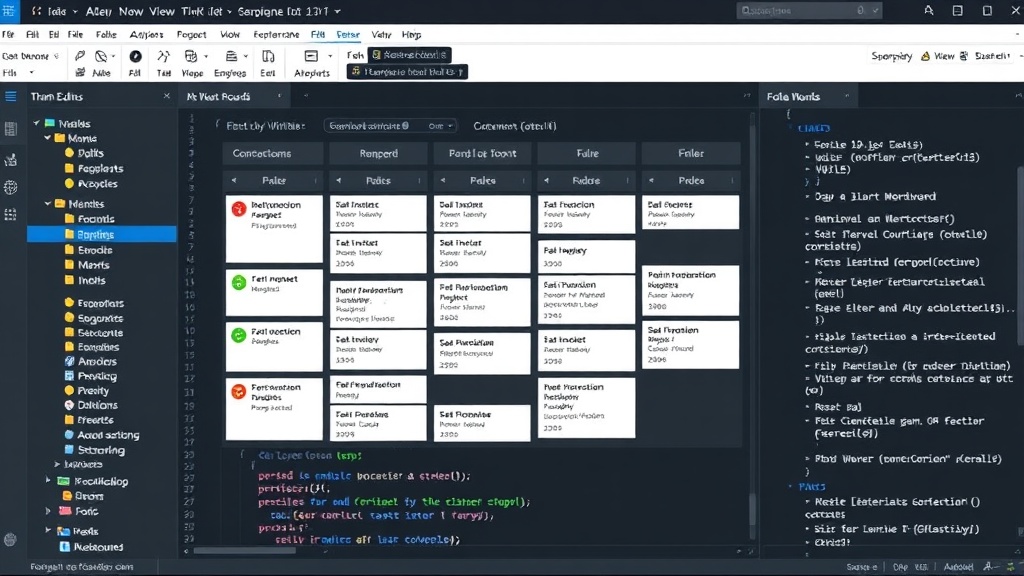
Azure Boards provides a suite of tools for managing work items and tracking project progress using agile methodologies like Scrum or Kanban. Teams can define their work items (e.g., Epics, Features, User Stories, Tasks, Bugs) and organize them into backlogs. Customizable Kanban boards visualize the workflow, allowing teams to see the status of work items as they move through different stages (e.g., To Do, In Progress, Done). Sprints can be planned and managed, with capacity planning tools to help teams estimate their workload. Dashboards and charts offer insights into team velocity, burndown rates, and other key agile metrics, providing transparency into project health and progress.
Azure Artifacts: Package Management
Azure Artifacts simplifies the management and sharing of software packages. It supports various package management formats, including NuGet for .NET, npm for JavaScript, Maven for Java, and Python packages. Teams can create private feeds to host their own internal libraries and dependencies, ensuring that these packages are readily available to all developers and build agents. Azure Artifacts can also integrate with public registries, allowing teams to proxy and cache external packages, which can improve build performance and reliability by reducing external dependencies.
Azure Test Plans: Comprehensive Testing
Azure Test Plans extends the platform's capabilities to encompass manual and exploratory testing. It provides tools for creating and organizing test cases, designing test suites, and executing tests. Testers can perform manual tests directly from the browser, logging results and capturing rich diagnostic data, including screenshots and screen recordings. Exploratory testing sessions can be managed, allowing testers to freely explore an application and log bugs or issues as they are discovered. The platform integrates with Azure Boards, enabling test results and bugs to be linked to work items, maintaining traceability throughout the development process.
Self-Hosted Agents
While Azure DevOps offers Microsoft-hosted agents for running pipelines in the cloud, organizations can also opt for self-hosted agents. Self-hosted agents provide greater control over the build and deployment environment. This is particularly useful for scenarios requiring specific software, hardware configurations, or network access that may not be available on Microsoft-hosted agents. Self-hosted agents can be installed on on-premises servers or virtual machines, allowing teams to tailor their agent infrastructure to their exact needs.
Azure DevOps vs. GitHub Actions
Azure DevOps and GitHub Actions are both powerful platforms for CI/CD and developer workflows, but they have different origins and integration points. Azure DevOps is a more mature, integrated suite covering the full ALM (Application Lifecycle Management) spectrum, including boards and test plans. Its strength lies in its comprehensive nature and deep integration with other Microsoft services. YAML pipeline authoring in Azure Pipelines is robust and supports advanced features like templates and environments.
GitHub Actions, on the other hand, is natively integrated into GitHub repositories. It excels in leveraging the GitHub ecosystem, with a vast marketplace of community-contributed actions. Actions are also defined in YAML, and the focus is primarily on CI/CD and workflow automation triggered by GitHub events. While GitHub Actions is rapidly evolving, Azure DevOps currently offers a more complete set of integrated tools for work item tracking and test management out-of-the-box. For teams already heavily invested in the GitHub ecosystem, Actions might offer a more seamless experience. For organizations seeking a single, integrated platform for all aspects of the development lifecycle, Azure DevOps remains a strong contender.
The choice between them often depends on existing infrastructure, team preferences, and the specific breadth of ALM features required. Many organizations use both, integrating Azure DevOps with GitHub repositories or leveraging specific Azure DevOps services alongside GitHub Actions.