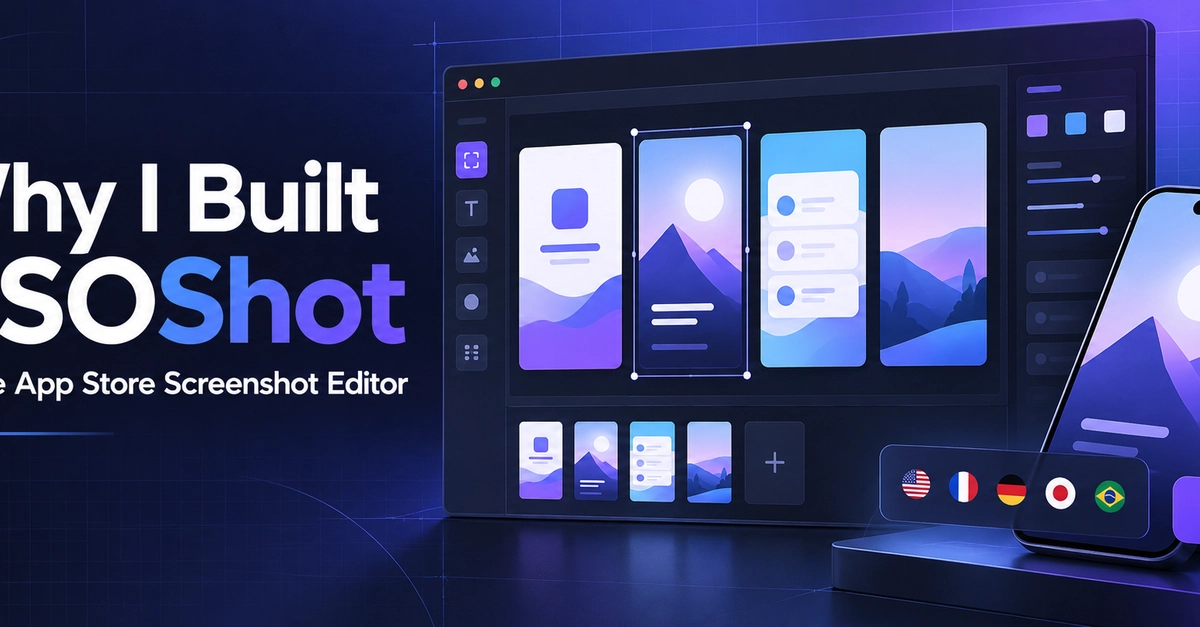
The Pain of App Store Screenshots
Creating compelling app store screenshots is a necessary but often tedious part of the app release cycle. Developers and product managers grapple with a workflow that frequently devolves into a mini design project. The core issues involve ensuring consistency across multiple locales, adhering to precise export dimensions for both the App Store and Google Play, and making text legible on various device frames. This process is prone to errors, with dimension mistakes often discovered only after uploading, necessitating costly rework and delaying releases.
The problem isn't a lack of powerful design software like Photoshop or Figma. These tools can produce stunning visuals. The challenge lies in the repetitive nature of the task and the need to maintain a consistent matrix of screens. Each new feature, update, or localization requires reformatting and re-exporting assets, increasing the potential for errors and consuming valuable development time. This is precisely the friction point that ASOShot aims to eliminate.
ASOShot is a free, browser-based editor designed to tackle these specific pain points. It allows users to create app store graphics without needing to download any software or create an account. The tool provides templates to ensure correct sizing and framing, integrates real app captures, and allows for easy editing of captions and device frames. It supports both flat and perspective device mockups, and crucially, it exports full-resolution images ready for submission.
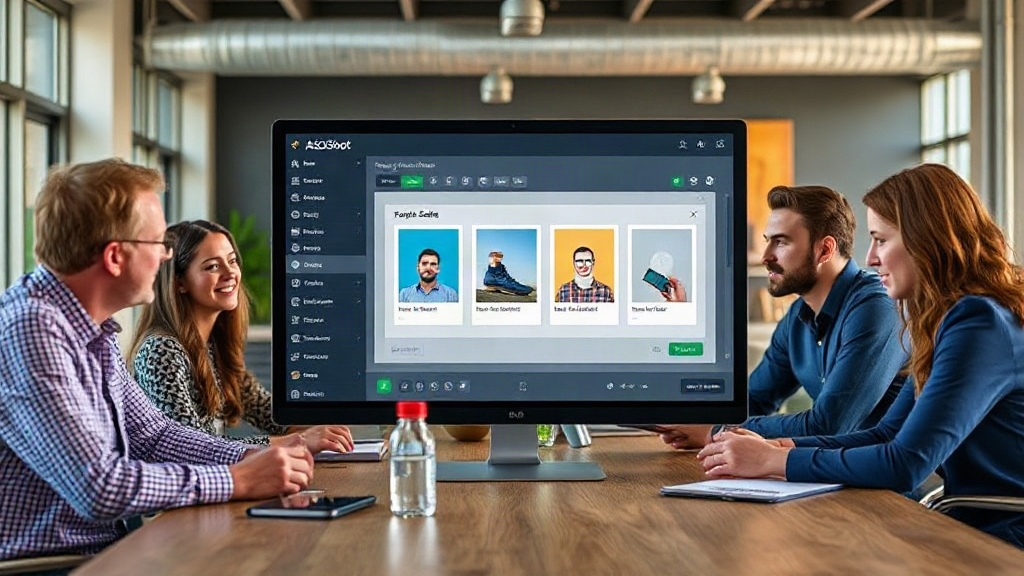
ASOShot's Workflow Solution
The fundamental design philosophy behind ASOShot is to abstract away the repetitive, error-prone aspects of screenshot creation. Instead of manually resizing images, placing them in mockups, and checking dimensions for each locale and platform, users can leverage ASOShot's structured approach. The editor guides users through the process, starting with pre-defined templates that adhere to the latest App Store and Google Play specifications.
Users upload their actual app screenshots, which are then automatically placed within selected device frames. ASOShot offers a choice between clean, flat device frames and more dynamic, perspective mockups. This flexibility allows developers to choose a style that best represents their app's aesthetic. Captions and text overlays can be added and edited directly within the tool, with real-time previews ensuring readability and visual appeal.
A significant advantage is ASOShot's handling of multiple locales. Instead of duplicating and translating individual assets, users can manage their screenshot sets in a centralized manner. The tool is built to accommodate the variations required for different languages and regions, simplifying the localization process. This is particularly valuable for apps targeting a global audience, where maintaining consistent branding across diverse markets is essential.
The export functionality is designed for efficiency. Once the screenshots are finalized, ASOShot generates high-resolution images tailored for submission to the respective app stores. This eliminates the need for manual resizing or format conversion, further reducing the risk of errors and saving time. The fact that it operates entirely in the browser and requires no account creation lowers the barrier to entry, making it accessible to solo developers, small teams, and even larger organizations looking for a quick and reliable solution.
Beyond Simple Mockups: Addressing ASO Needs
While many tools can place app screenshots into device frames, ASOShot aims to address the broader needs of App Store Optimization (ASO). The clarity and visual appeal of screenshots are critical factors in a user's decision to download an app. Poorly designed or inconsistent screenshots can deter potential users, regardless of the app's quality.
ASOShot's focus on templates and consistent framing helps ensure that the final assets are professional and align with best practices for app store presentation. By simplifying the creation process, it allows developers to focus more on the content of their screenshots—highlighting key features, demonstrating user benefits, and conveying the app's value proposition—rather than getting bogged down in the technicalities of image formatting.
The tool's emphasis on real app captures and editable captions means that developers can easily iterate on their messaging and visual storytelling. This iterative capability is crucial for ASO, as testing different screenshot sequences and text elements can significantly impact conversion rates. The ease with which ASOShot allows for these adjustments makes it a practical tool for ongoing ASO efforts, not just a one-off solution for initial launches.
The Motivation: A Developer's Perspective
The impetus for building ASOShot comes directly from the creator's own experiences as a developer. The excerpt highlights a common frustration: the disproportionate amount of time and effort required to prepare store screenshots. This is often perceived as a necessary evil, a task that detracts from core development work.
The problem was identified not as a lack of design tools, but as a lack of specialized tools that address the specific, repetitive workflow of app store asset creation. General design software, while powerful, can be overkill and introduce unnecessary complexity for this particular task. ASOShot was conceived as a focused solution, a tool built by a developer for developers, to streamline this process and make it less fragile and time-consuming. The decision to make it free and browser-based further underscores the goal of accessibility and ease of use for the developer community.
This project exemplifies a common pattern in software development: identifying a personal pain point and building a solution that others in a similar situation can also benefit from. The transparency in sharing the