Understanding the Two Version Numbers
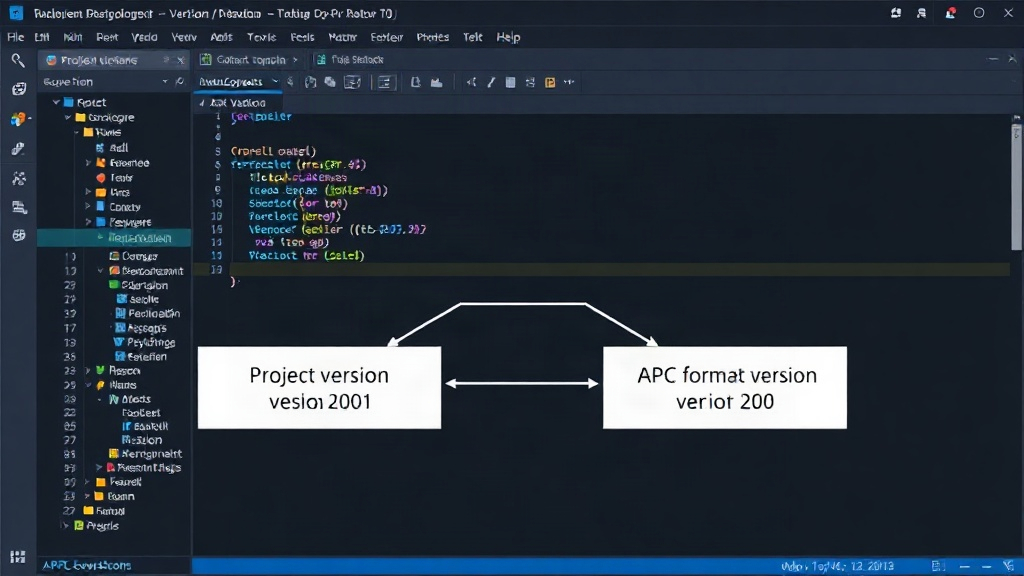
Developers often face confusion when versioning their projects, especially when introducing new features or making compatibility changes. The Agent Project Context (APC) specification introduces a crucial distinction: separating the project's intrinsic version from the version of the APC format it adheres to. This separation is managed within the .apc/project.json file, which contains two distinct version fields: version for the project itself and apc for the expected APC format version. Treating these as a single number can lead to misinterpretations. A simple project release might appear as a significant context migration, or worse, a critical compatibility change could be masked by an ordinary project version bump.
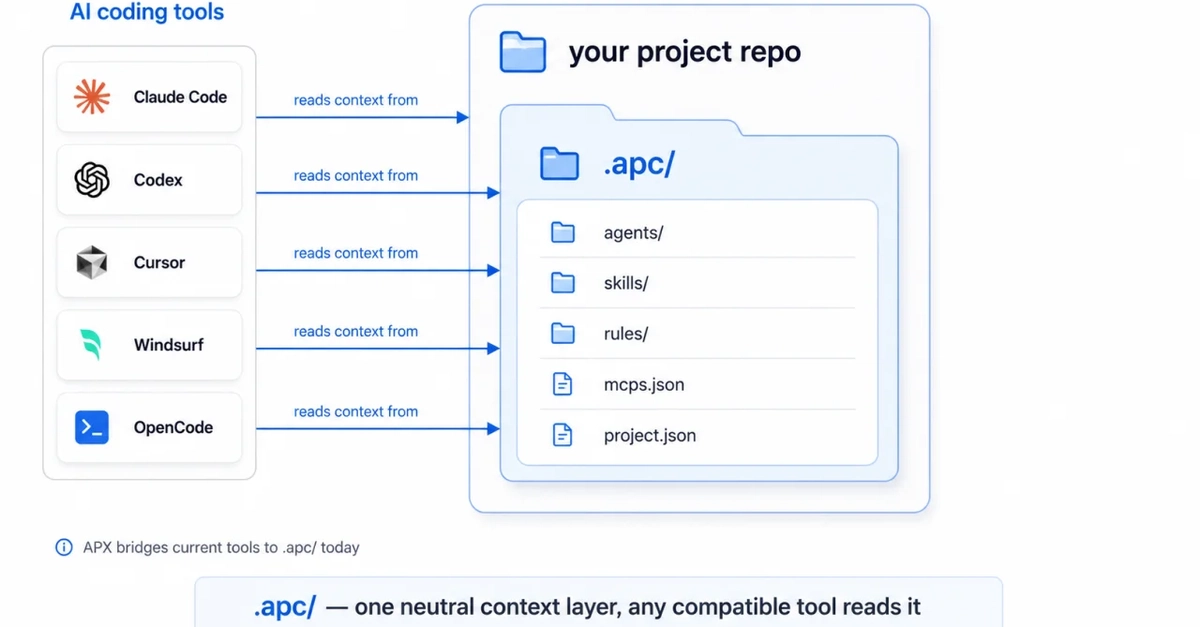
APC represents the portable, repository-owned context layer. This includes files like AGENTS.md and the entire .apc/ directory, which travel with the project's source code. APX, on the other hand, is the daily-use runtime and tooling layer responsible for reading this context and executing agents. A machine-readable project file, like project.json, is essential for ensuring these two layers can interact seamlessly without making the repository dependent on a specific individual's runtime setup or tooling version.
The APC Metadata Specification
The APC metadata specification outlines a minimal structure for project context files. The key takeaway is the explicit presence of both a project version and an apc version. The project version (e.g., 1.2.0) reflects changes within the project's logic, features, or internal structure. The apc version (e.g., 0.5.1) indicates the specific version of the APC format the project is compatible with. This allows a project to evolve its internal workings independently of the APC specification it relies on, and vice-versa.
Consider a scenario where a project introduces a new agent or refactors an existing one. This would warrant an increment of the project version. However, if these changes do not alter how the project interacts with or defines its context according to the APC specification, the apc version can remain unchanged. Conversely, if a project adopts a new feature or change introduced in a newer APC specification, its apc version would need to be updated, even if the project's own internal version number hasn't changed significantly.
Why Decoupling Matters for Compatibility
This clear separation is vital for maintaining compatibility and managing releases effectively. When the version and apc fields are treated as one, a routine project update that doesn't touch the context layer might inadvertently signal a breaking change in the APC format to downstream tools or other agents. This can lead to unnecessary updates, confusion, and potential integration issues. Conversely, if a project truly requires an updated APC format version—perhaps to leverage new context features or conform to a stricter specification—but only updates a single version number, it might appear as a minor project change, hiding a critical dependency requirement.
For developers building agents or tools that consume project context, understanding this distinction is paramount. They can rely on the apc version to determine the compatibility of the context layer. If an agent is designed to work with APC format version 0.5.1, it can safely assume that any project declaring apc: "0.5.1" (or a compatible later version, depending on the specification's backward compatibility rules) will provide context in a predictable structure. The project's own version number then becomes secondary for context compatibility, relevant only for understanding the project's specific implementation details.
Implications for Tooling and Runtime
The APX runtime and associated tooling benefit directly from this clear versioning. When APX encounters a project, it first checks the apc version in .apc/project.json. This allows APX to load the appropriate context parsing logic and validation rules. If the apc version is incompatible with the version of APX being used, APX can provide a specific error message indicating a format mismatch, rather than attempting to parse context that might be malformed or use deprecated features.
This approach also simplifies dependency management. Projects can declare their minimum required APC format version. Tools can then ensure they meet this requirement. This is akin to how software often specifies its dependency on a particular language runtime version or API level. By decoupling the project's functional version from its context format version, the APC specification provides a more robust and less ambiguous mechanism for managing project context across different development and runtime environments.
The specification itself, available at agentprojectcontext.com, details how these versions interact and how backward compatibility is handled. Developers are encouraged to consult the official documentation for precise guidelines on versioning strategies and compatibility matrices. Adhering to this dual-versioning system ensures that projects using APC can evolve more predictably, reducing integration friction and improving the overall reliability of agent-based systems.