Introduction
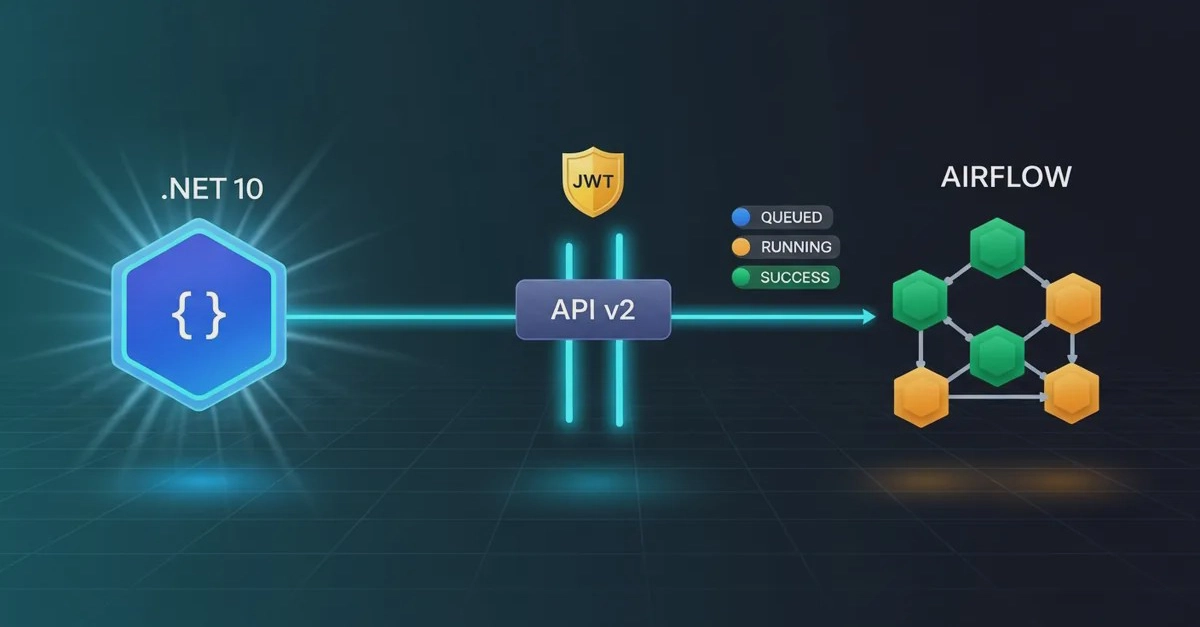
Integrating Apache Airflow with .NET 10 does not mean porting the orchestrator, rewriting DAGs in C#, or executing the Python runtime within your application. The correct approach is to keep Airflow responsible for creating, scheduling, and monitoring workflows, while your .NET service consumes its public REST API. The service authenticates, triggers a DAG Run with parameters, stores the returned identifier, and polls the status until it receives success, failed, or canceled. This separation preserves the role of each technology and establishes a clear contract between the transactional application and the data platform.
This guide implements this end-to-end flow using .NET 10, HttpClient, JWT authentication, and the /api/v2 endpoint of Apache Airflow 3.3. The example goes beyond a simple POST request; it generates a traceable dag_run_id, serializes configuration parameters, and retrieves the DAG Run status.
Setting Up Airflow for API Access
Before your .NET application can interact with Airflow, you need to ensure Airflow is configured to accept API requests and that you have a way to authenticate. For this example, we'll use JWT (JSON Web Tokens) authentication, which is a common and secure method.
First, ensure your Airflow instance is running and accessible. You'll need the base URL of the Airflow API, typically http://localhost:8080/api/v2 if running locally. If you haven't already, you'll need to set up JWT authentication in your Airflow configuration. This typically involves setting auth_backend to airflow.providers.fab.auth_manager.fab_auth_manager.FabAuthManager and configuring the [webserver] section with JWT-related settings, including generating a secret key.
You will also need to create an Airflow user with appropriate roles to access the API. The user's credentials (username and password) will be used to obtain a JWT token.
Authentication Flow: Obtaining a JWT Token
The .NET application must first obtain a JWT token from Airflow to authenticate subsequent API requests. This is done by making a POST request to the Airflow authentication endpoint, usually /api/v1/security/login (note the version difference for the login endpoint compared to DAG operations).
The request body should contain the user's credentials. Upon successful authentication, Airflow will return a JSON response containing the JWT token. This token should be stored securely and included in the Authorization header of all subsequent API calls to Airflow, typically as Authorization: Bearer [your_jwt_token].
Triggering a DAG Run from .NET
Once authenticated, your .NET application can trigger a DAG Run. This involves making a POST request to the /api/v2/dags/{dag_id}/dagRuns endpoint. The dag_id in the URL specifies which DAG you want to execute.
The request body is a JSON object that can include several fields, most importantly conf, which allows you to pass parameters to your DAG. These parameters are accessible within your Airflow DAG using Jinja templating or Python code. You can also specify a dag_run_id manually, or let Airflow generate one. For traceability, it's best practice to generate a unique, descriptive dag_run_id in your .NET application, perhaps incorporating a timestamp or a unique transaction ID.
The response from this endpoint includes details about the initiated DAG Run, crucially the dag_run_id and its initial state. This identifier is essential for monitoring the DAG Run's progress.
Example .NET Code for Triggering
Here's a simplified C# code snippet demonstrating how to trigger a DAG:
using System;
using System.Net.Http;
using System.Net.Http.Headers;
using System.Text;
using System.Text.Json;
using System.Threading.Tasks;

public class AirflowService
{
    private readonly HttpClient _httpClient;
    private string _jwtToken;

    public AirflowService(string airflowBaseUrl)
    {
        _httpClient = new HttpClient { BaseAddress = new Uri(airflowBaseUrl) };
    }

    public async Task AuthenticateAsync(string username, string password)
    {
        var loginPayload = new { username, password };
        var response = await _httpClient.PostAsJsonAsync("/api/v1/security/login", loginPayload);
        response.EnsureSuccessStatusCode();
        var loginResult = await response.Content.ReadFromJsonAsync<LoginResult>();
        _jwtToken = loginResult.Token;
        _httpClient.DefaultRequestHeaders.Authorization = new AuthenticationHeaderValue("Bearer", _jwtToken);
    }

    public async Task<string> TriggerDagRunAsync(string dagId, object conf = null)
    {
        if (string.IsNullOrEmpty(_jwtToken))
        {
            throw new InvalidOperationException("Not authenticated. Call AuthenticateAsync first.");
        }

        var dagRunId = $"{dagId}-{DateTime.UtcNow:yyyyMMddHHmmssfff}"; // Generate a traceable ID
        var requestBody = new {
            dag_run_id = dagRunId,
            conf = conf ?? new { } // Pass configuration if provided
        };

        var response = await _httpClient.PostAsJsonAsync($"/api/v2/dags/{dagId}/dagRuns", requestBody);
        response.EnsureSuccessStatusCode();

        var dagRunResponse = await response.Content.ReadFromJsonAsync<DagRunResponse>();
        return dagRunResponse.DagRunId;
    }

    // Helper classes for JSON deserialization
    private class LoginResult { public string Token { get; set; } }
    private class DagRunResponse { public string DagRunId { get; set; } }
}