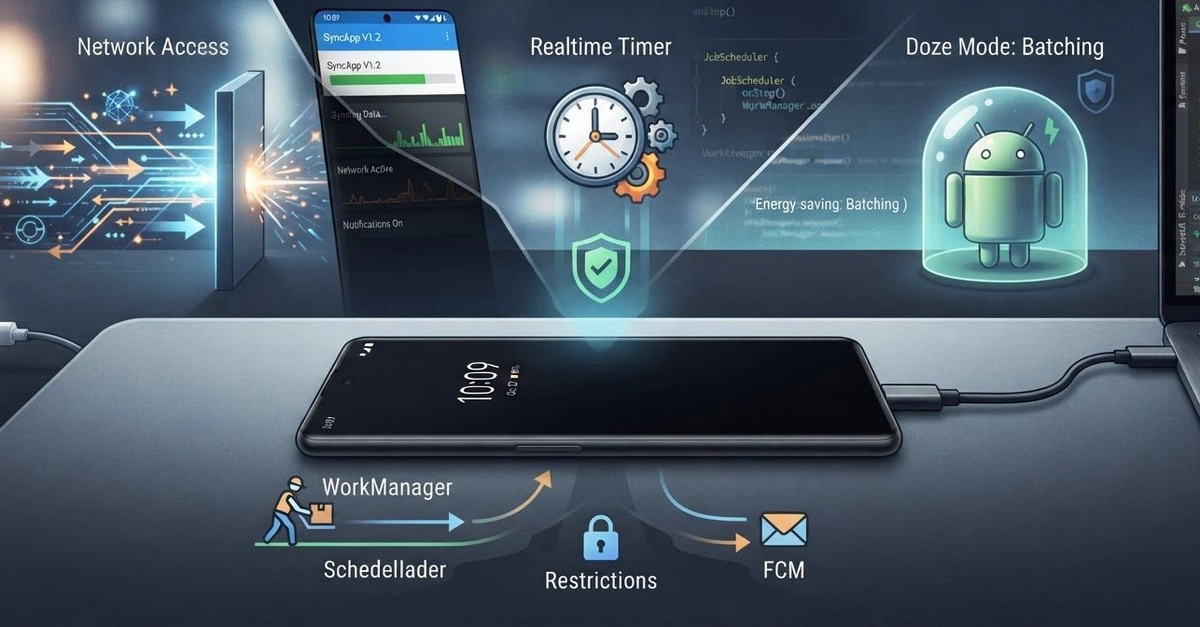
Your Android app performs flawlessly when the screen is on. Data syncs, background tasks run, and notifications arrive promptly. Then you lock the phone. Minutes later, syncs fail, background processes halt, and expected notifications vanish. When you unlock the device, everything snaps back to life.
This common frustration isn't a single bug. Instead, it's a symptom of Android's aggressive power-saving and resource management features. Understanding these limitations is crucial for building reliable background functionality. The issue could stem from Doze mode, background execution limits, stopped services, unreliable timers, OEM battery optimizations, or simply developers underestimating how long an app process is allowed to live.
Doze Mode and App Standby
Android employs Doze mode to conserve battery when the device is stationary and the screen is off for an extended period. During Doze, network access is restricted, and apps are prevented from accessing CPU and battery. A more granular version, App Standby, restricts apps that the user hasn't interacted with recently. These modes are designed to prevent apps from draining the battery in the background. For developers, this means that network requests, background services, and even scheduled jobs might be deferred or outright blocked until the device exits Doze or the app is brought to the foreground.
The system attempts to provide maintenance windows during Doze where apps can perform deferred tasks. However, relying on these windows for time-sensitive operations is risky. The duration and frequency of these windows can vary based on device state and Android version. If your app needs to perform critical background operations, you must explicitly request exemptions or use specific APIs designed for such scenarios, like Foreground Services, though these come with user-facing implications.
Background Execution Limits
Starting with Android 8.0 (Oreo), Google introduced stricter background execution limits to improve battery life and system performance. Apps can no longer run services indefinitely in the background. When an app is not in the foreground, it has a limited window of time to perform background operations. Once this window closes, the system may stop any running services. This fundamentally changed how background tasks must be architected.
Instead of relying on long-running `Service` instances, developers are encouraged to use newer APIs like `WorkManager`. WorkManager is a backward-compatible library that enables deferrable, guaranteed background execution. It intelligently handles constraints such as network availability, battery status, and device charging state, and it respects system optimizations like Doze and App Standby. WorkManager ensures that your tasks are executed reliably, even if the app process is killed or the device restarts. It abstracts away the complexities of choosing between `JobScheduler`, `Firebase JobDispatcher`, or `AlarmManager`, providing a single, unified API.
For immediate, time-sensitive background operations that require user awareness, Foreground Services are the recommended approach. These services are explicitly made visible to the user via a persistent notification, signaling that the app is actively performing a task. This makes them less likely to be killed by the system but also requires careful management to avoid annoying users.
Stopped Services and Unreliable Timers
A common pitfall is assuming a background service, once started, will continue to run. The system can stop services for various reasons, including resource constraints or the aforementioned background execution limits. If your service relies on `startService()`, it's susceptible to being killed. Services started with `startForegroundService()` are more resilient but still require proper handling.
In-process timers, such as those implemented with `Handler.postDelayed()` or `ScheduledExecutorService`, are also fragile. If the app process is killed due to memory pressure or system restrictions, these timers cease to function. They are tied to the lifecycle of the application's main thread or its associated threads. When the process dies, so do the timers. For reliable, time-based operations, `AlarmManager` or `WorkManager` are superior choices. `AlarmManager` allows you to schedule tasks to run at specific times, even if your app is not running, and can be configured to wake the device. `WorkManager` provides a more robust and flexible way to schedule tasks based on various constraints and intervals.
OEM Battery Optimizations
Beyond the standard Android features, individual hardware manufacturers (OEMs) often implement their own aggressive battery-saving mechanisms. These can include killing background apps more aggressively than the AOSP (Android Open Source Project) standard, restricting background network access, or disabling background services after a period of inactivity. Samsung's "App power saving," Xiaomi's "Auto-start manager," and Huawei's "Power saving mode" are examples of such vendor-specific optimizations.
These OEM optimizations can be particularly frustrating because they are not always well-documented and can vary significantly between device models and even software versions. They often override standard Android behavior. Developers may find that their apps work perfectly on a Pixel device but fail mysteriously on a Samsung or Xiaomi phone. Addressing these requires testing on a wide range of devices and sometimes providing users with specific instructions on how to whitelist the app within the OEM's power management settings. This is a significant challenge for cross-device compatibility and reliability.
Correcting Assumptions About Process Lifecycles
The root cause for many of these background task failures lies in an incorrect assumption by developers: that their app's process will remain alive and its components will continue to function as long as needed. Android is designed to manage processes dynamically to optimize resource usage. App processes can be killed at any time by the system, especially when the device is under memory pressure or in Doze mode. Developers must design their applications with the understanding that background components are not guaranteed to be persistent.
This means using persistent storage for critical data, employing robust scheduling mechanisms like `WorkManager` or `AlarmManager` for background tasks, and leveraging `Foreground Services` for user-aware background operations. State should be saved frequently, and apps should be able to resume their work gracefully from a saved state rather than assuming continuous execution. The app should be resilient enough to handle being killed and restarted without losing data or failing to complete its intended background functions.
What This Means for Developers
Building reliable background functionality on Android requires a deep understanding of the operating system's resource management strategies. Developers cannot simply launch a service and expect it to run indefinitely. They must proactively adapt to system limitations by using the appropriate APIs. `WorkManager` is the recommended solution for most deferrable background tasks. For immediate, user-visible tasks, `Foreground Services` are necessary. For alarms and time-based triggers, `AlarmManager` remains essential. Ignoring these system-level constraints leads to apps that appear broken to users, especially when the device is idle.